
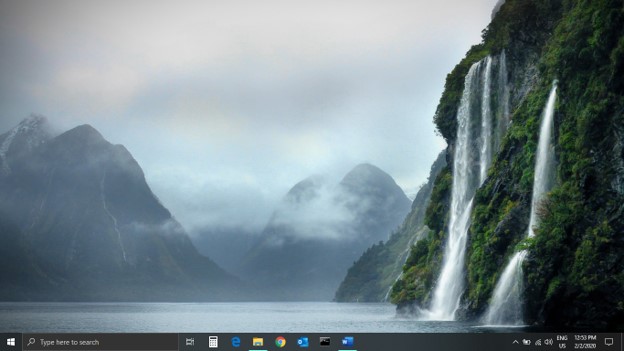
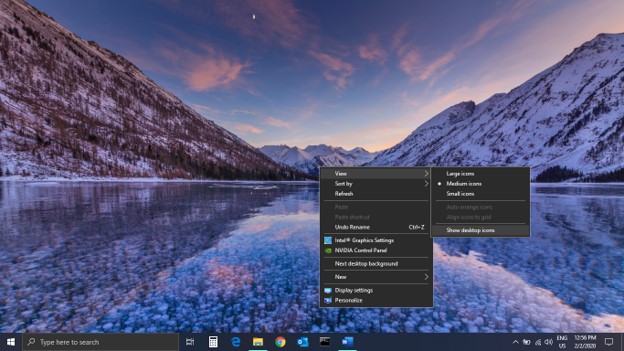
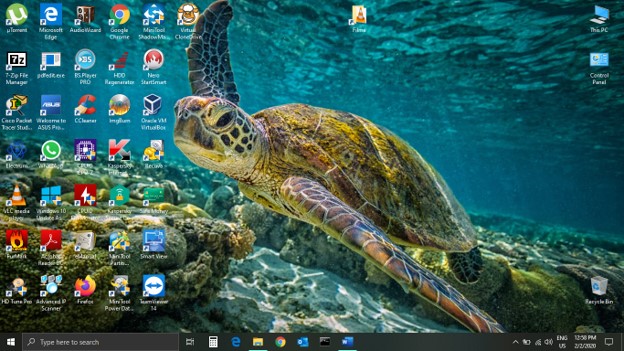
Cum readucem scurtaturile de pe desktop in Windows 10 Data 02/02/2020 Autor mihai niculescu Categorie OS - Windows 1 608 Configurare noua (How To) SituatieIn cazul in care nu se mai vad scurtaturile de pe desktop, se va face urmatoarea setare in Windows 10. Solutie Pasi de urmat Dai clic dreapta pe desktop, “View” si apoi in partea de jos bifezi “Show desktop icons” Acum toate icoanele ce disparusera vor reaparea pe desktop-ul tau. Tip solutiePermanent Voteaza Up Down (27 din 53 persoane apreciaza acest articol) ShareTweetShare Despre Autor mihai niculescu Solutii Asemanatoare Activarea multi-sesiunilor pentru Remote Desktop pe Windows Server 1 Sistemul de operare optimizat pentru Edge Computing și Self-Healing -1 Bara de instrumente Microsoft Word a fost gri sau nu răspunde 3 Nu s-a putut actualiza reagent.xml pe computerul Windows 1 File Explorer se blochează la montarea ISO în Windows 11 2 Cum scapam de ferestrele enervante cand aprindem calculatorul 3 Leave A Comment? × Cancel Reply Save my name, email, and website in this browser for the next time I comment. nine − two =
Leave A Comment?