
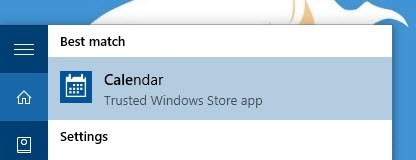
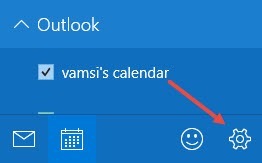
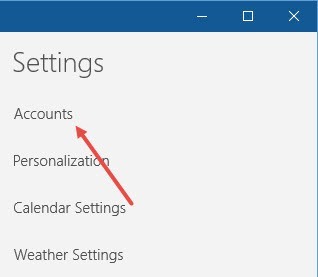
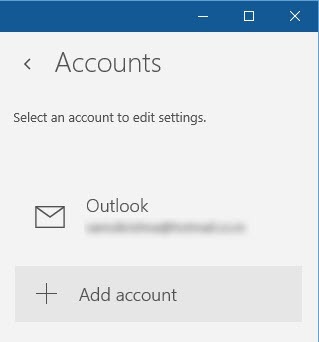
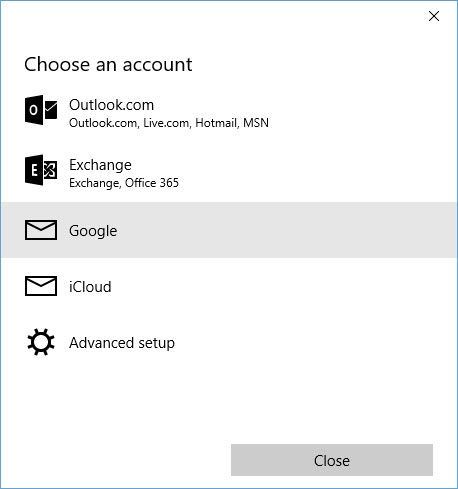
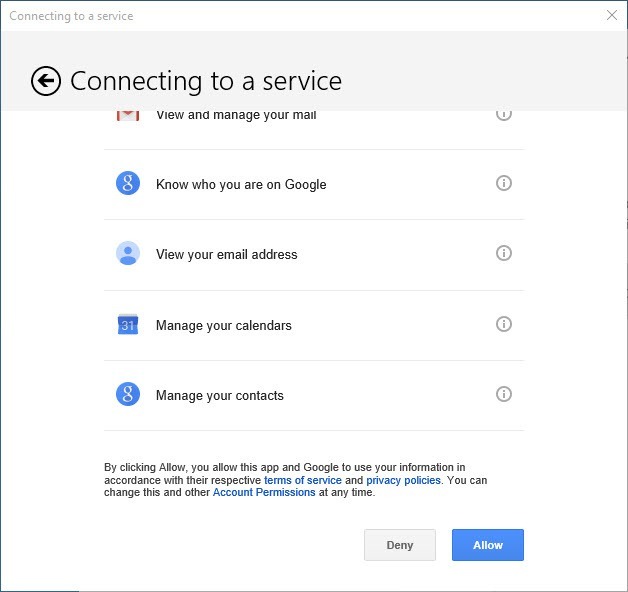
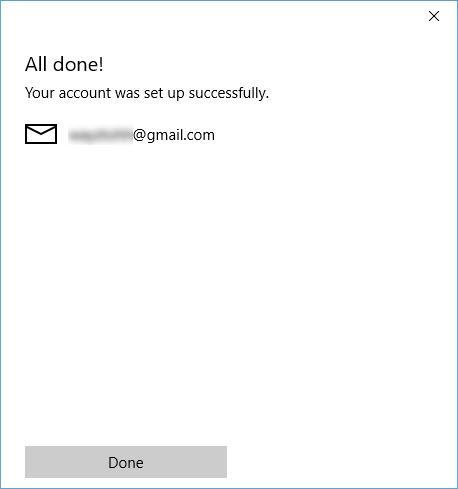
Cum sa sincronizezi calendarul Google cu cel preinstalat in windows 10. Data 12/11/2015 Autor Valentin M Categorie OS - Windows, Stații de lucru -8 1667 Configurare noua (How To) SituatieAfla cum poti sincroniza calendarul Google cu cel preinstalat in sistemul de operare Microsoft Windows 10 . Backup Nu necesita plan de backup. Solutie Pasi de urmat Primul pas este sa cautam calendarul preinstalat in windows 10 . Dupa ce am deschis calendarul , cautam butonul settings din coltul din dreapta jos. Selectam Accounts . Acum apasm butonul Add Account. Selectam Google. Introducem adresa de email si parola contului de google. Dupa introducerea datelor , aplicatia va cere permisiunea sa va acceseze calendarul . Iar la final ne va anunta ca , calendarul a fost sincronizat. Tip solutiePermanent Voteaza Up Down (25 din 59 persoane apreciaza acest articol) ShareTweetShare Despre Autor Valentin M Solutii Asemanatoare Windows 11’s predictive text is the hidden typing tool 6 How to quickly fix CSV files in Excel using Power Query -1 3 Excel functions, 1 cell: how to build a “pro” dashboard engine 7 PowerShell ca client MCP – automatizare browser și task-uri externe apelate direct din scripturi 2 Analiza și remedierea Erorii 0x8024200B în Windows Server 2022 4 Analiza și remedierea erorii:„CONFIG INITIALIZATION FAILED” în Windows Server 2 Leave A Comment? × Cancel Reply Save my name, email, and website in this browser for the next time I comment. five − = zero
Leave A Comment?