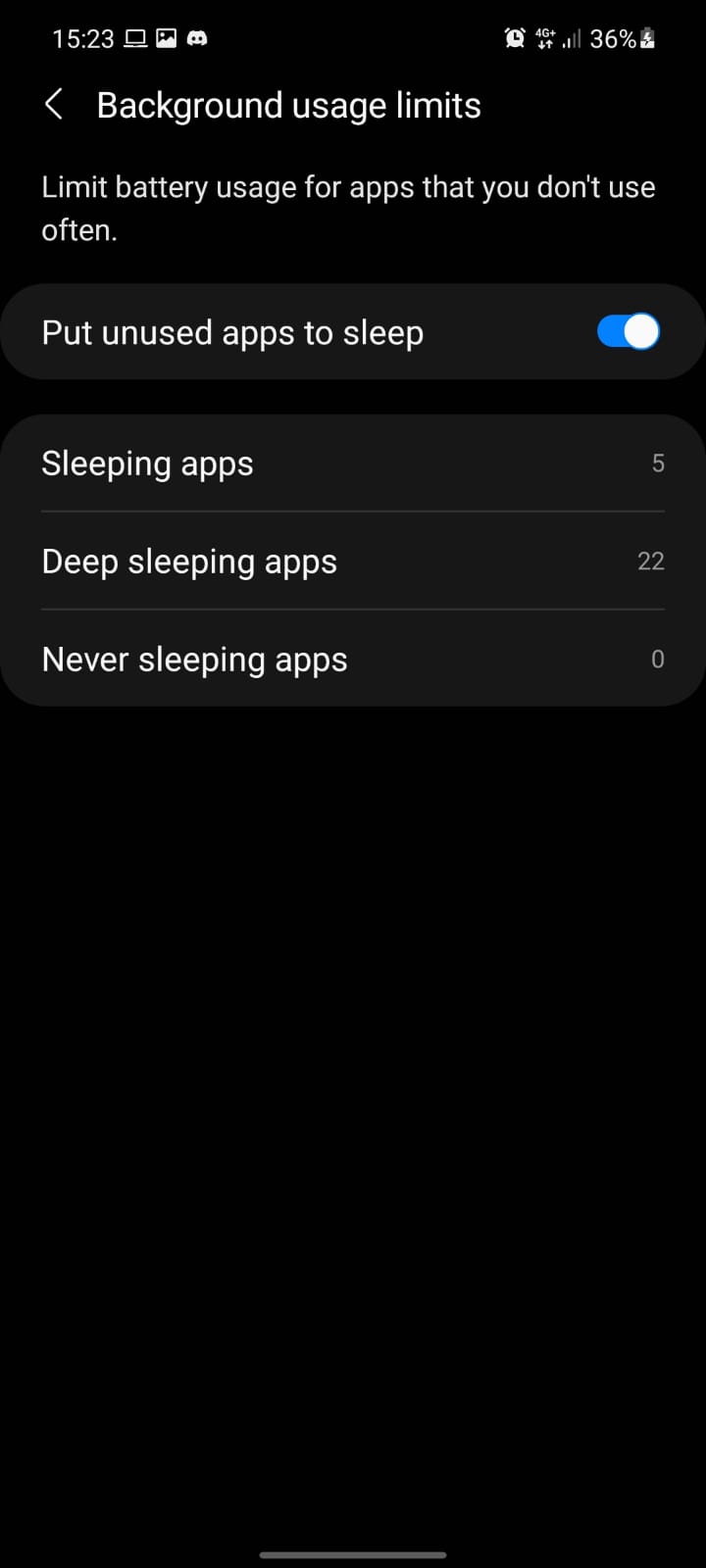
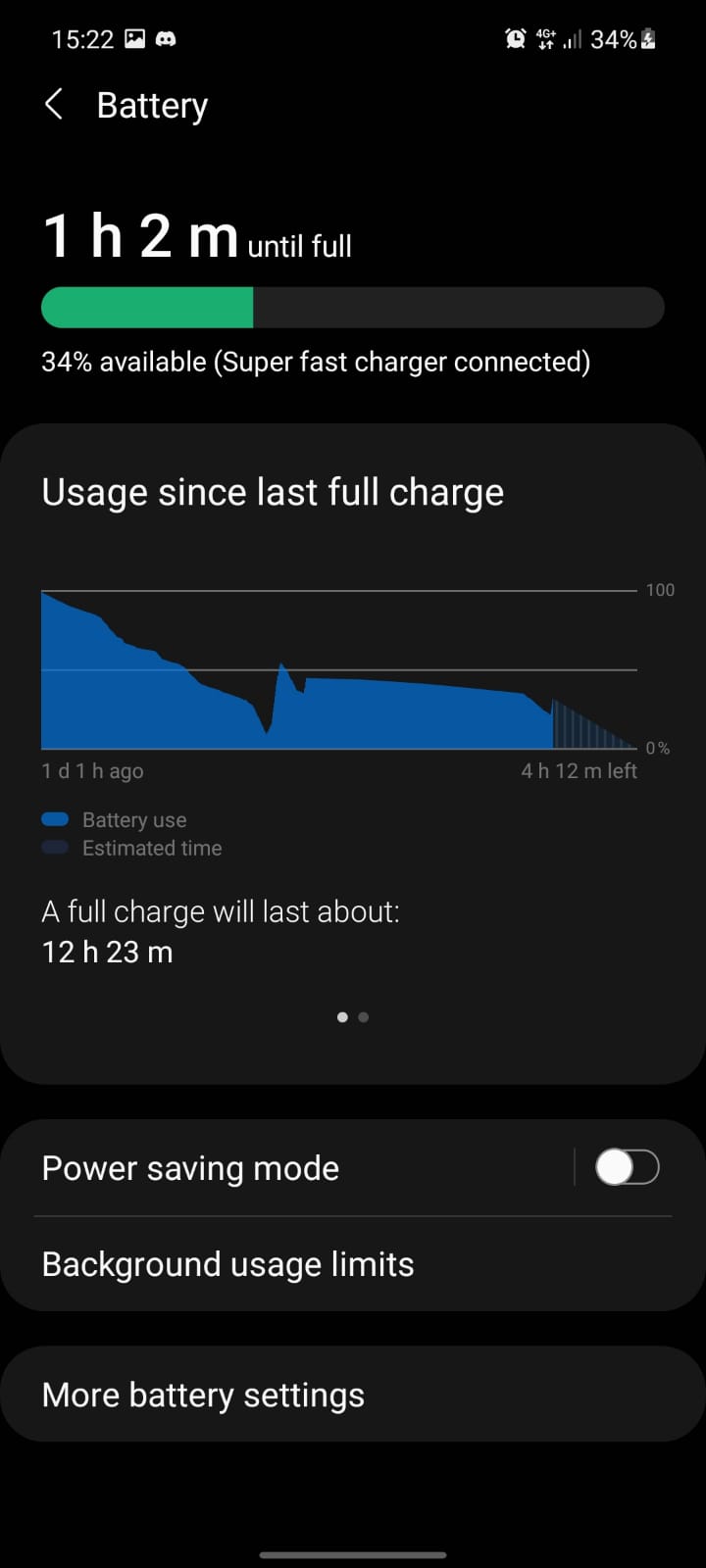
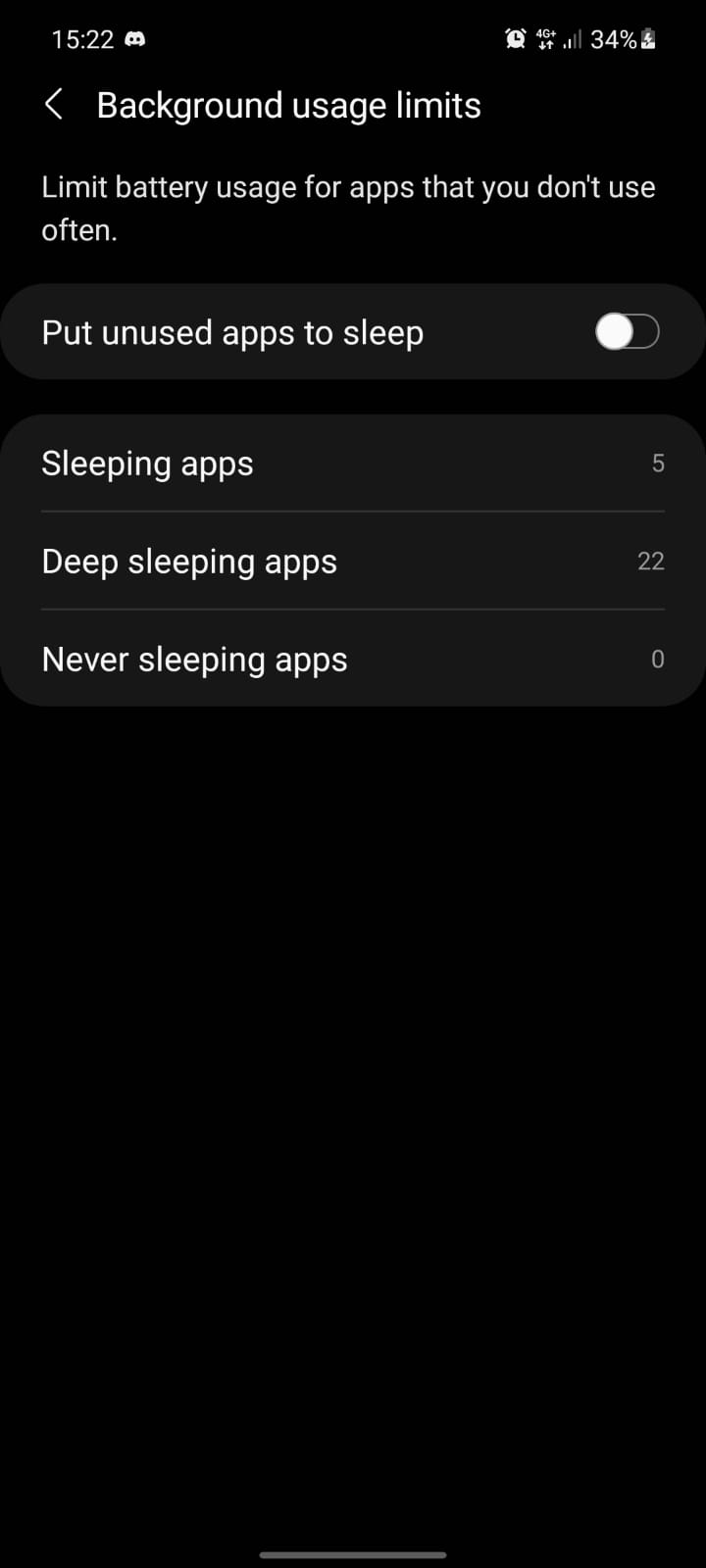
How to auto put unused apps to sleep Android Data 09/10/2021 Autor digulescu gabriel ionut Categorie Soluții -4 394 Configurare noua (How To) Situatie Solutie 1.Open Settings 2.Go to Battery and device care 3.Select Battery 4.Select Background usage limits 5.Swipe to enable “Put unused apps to sleep“. Tip solutiePermanent Voteaza Up Down (14 din 32 persoane apreciaza acest articol) ShareTweetShare Despre Autor digulescu gabriel ionut Solutii Asemanatoare How to use System Restore on Windows 10 and Windows 11 6 Cum se instalează Fail2ban pe Rocky Linux 10, 9 și 8? 2 Cum se dezactiveaza SELinux pe Rocky Linux 10, 9 si 8? 4 Cum se instaleaza Remi RPM pe Rocky Linux 10, 9 si 8? 2 Cum rezolvi problema în care calculatorul pornește direct în BIOS 1 Cum rezolvi problema în care Windows nu mai reține poziția iconițelor de pe Desktop 3 Leave A Comment? × Cancel Reply Save my name, email, and website in this browser for the next time I comment. − one = eight
Leave A Comment?