Situatie
Solutie
- Open the Start menu, find Windows Memory Diagnostic, and launch the tool
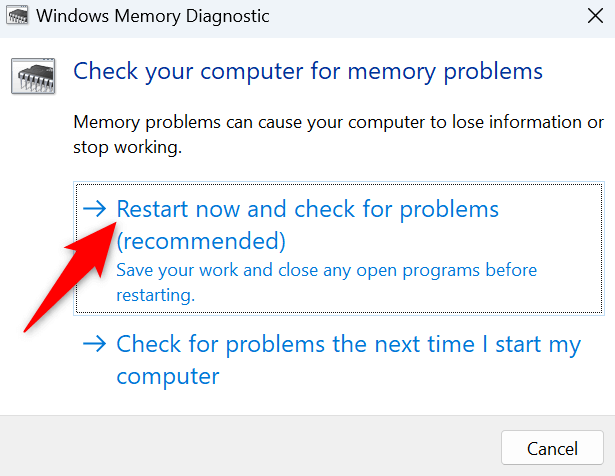
- Select Restart now and check for problems (recommended) in the tool
Wait for your PC to reboot. The tool will then start checking and fixing RAM issues.

Soluții pentru problemele tale IT
Wait for your PC to reboot. The tool will then start checking and fixing RAM issues.
Leave A Comment?