
Situatie
To reinstall Windows 11 to fix system problems without losing files, apps, and settings, follow these steps:
Solutie
1. Open Settings on Windows 11
2. Click on System
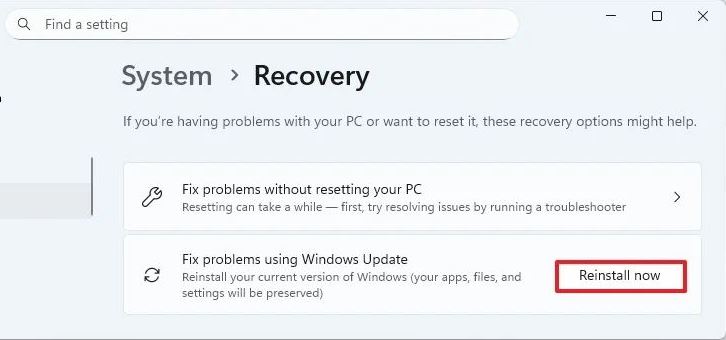
3. Click the Recovery page
4. Click the Reinstall now button for the “Fix problems using Windows Update” setting.
5. Check the “Automatically restart my PC 15 minutes after installation” option.

6. Click the OK button.
Once you complete the steps, Windows Update will download the installation files for the same version of the operating system installed on your computer, and it’ll perform a reinstallation to repair components and system files, while preserving your files, apps, and settings.
Leave A Comment?