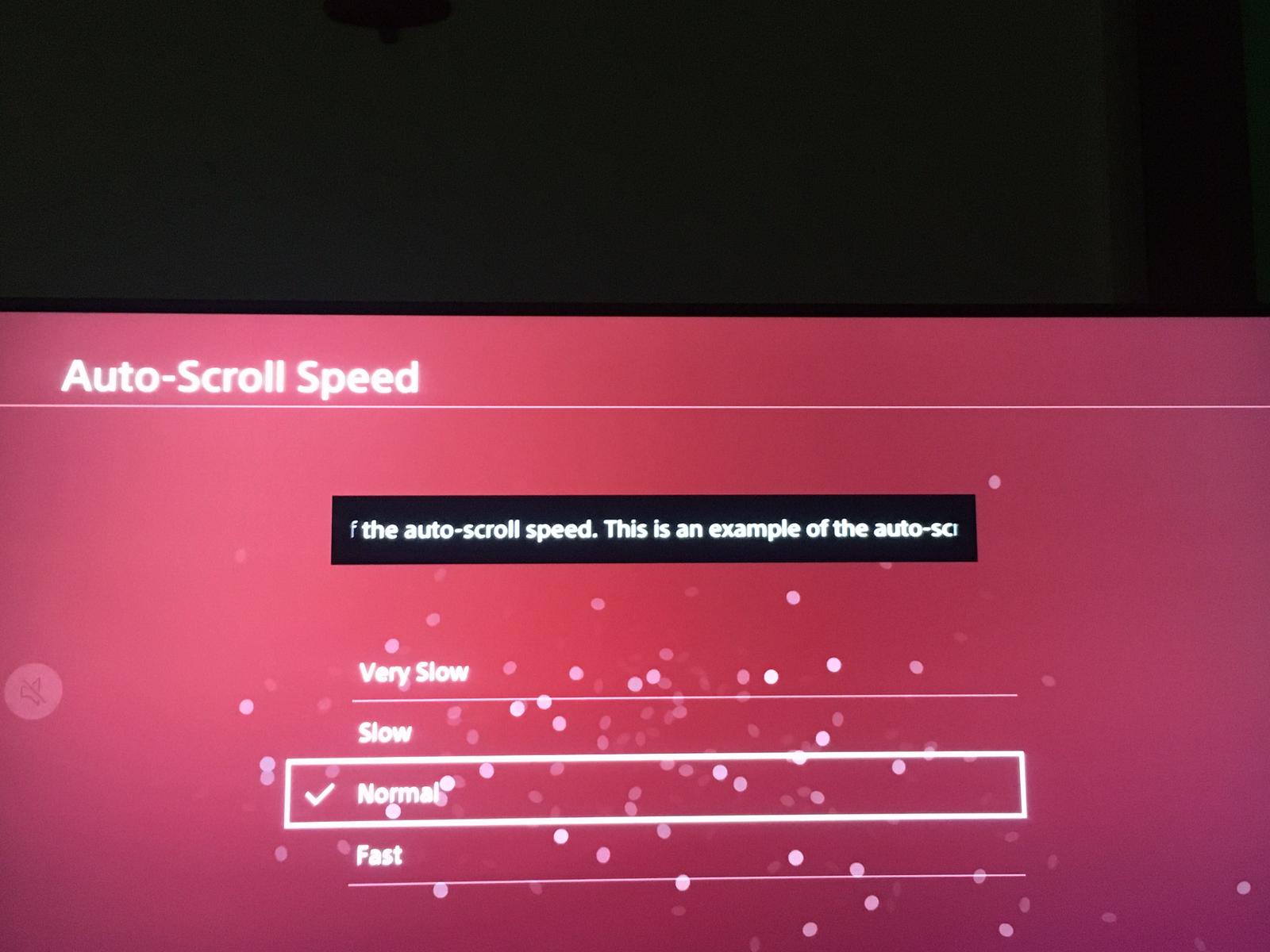
How to set AutoScroll Speed in PS4 Data 09/05/2020 Autor Dragos Popescu Categorie Soluții -10 544 Configurare noua (How To) SituatieHow to set AutoScroll Speed in PS4 Solutie 1.Enter Settings. 2.Go to AutoScroll Speed. 3. Here you need to set the speed. Tip solutiePermanent Voteaza Up Down (18 din 46 persoane apreciaza acest articol) ShareTweetShare Despre Autor Dragos Popescu Solutii Asemanatoare 3 annoying Windows apps you can replace with an Excel spreadsheet 2 3 Linux commands you’ve overlooked for too long 1 Cum schimbam automat fundalul in Windows in funcție de zi și noapte 0 Cum redimensionam si convertim imagini instant direct din Windows File Explorer 0 How to turn your Raspberry Pi into an Android TV box 5 How to restore the Missing NVIDIA Tray Icon 2 Leave A Comment? × Cancel Reply Save my name, email, and website in this browser for the next time I comment. eight − 1 =



Leave A Comment?