
Situatie
Solutie
Often when you run into network problems, resetting your computer’s IP address and flushing the DNS cache helps fix issues. You can use the following code in a batch file to perform these tasks.
This batch file requires running as an administrator to function.
@echo off
echo Resetting network...
ipconfig /release
ipconfig /renew
ipconfig /flushdns
echo Network reset completed.
pause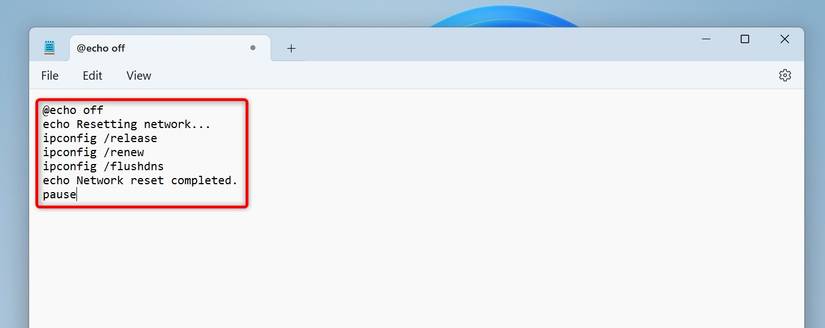
This file releases your computer’s current IP address, requests a new IP address from your router’s DHCP server, and flushes your DNS cache.
Leave A Comment?