
Situatie
Solutie
Wherever possible, I’ve included tools that are available on Windows, so you can run them directly within the Windows Powershell terminal or Command Prompt. However, Linux has much wider support for command-line tools, which is why I recommend following along on a Linux desktop or setting up a WSL box on your Windows machine.
Generate secure passwords
No password manager needed
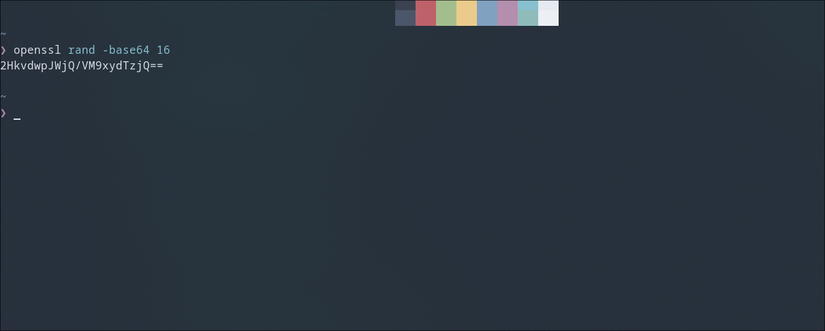
On Linux, you can generate secure passwords of any length with one command. You can replace the ‘16’ with a number of your choice to dictate the length of the password.
openssl rand -base64 16
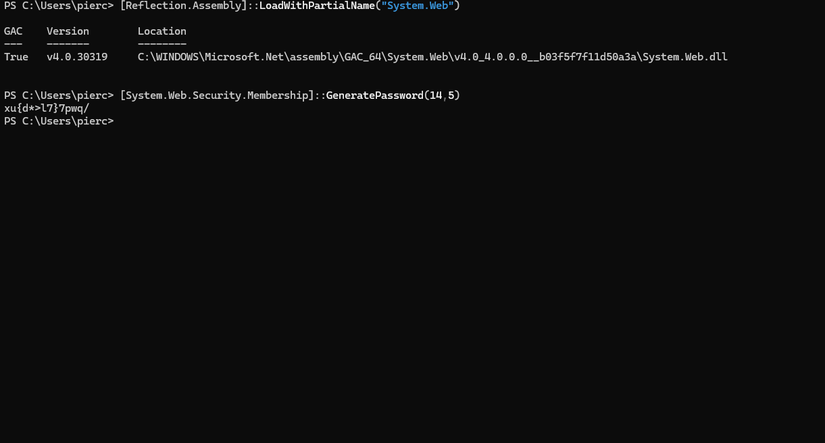
[Reflection.Assembly]::LoadWithPartialName("System.Web")
[System.Web.Security.Membership]::GeneratePassword(16, 3)
To make this process easier and faster, we can install a dedicated password generation tool. Run this command once to install the app using winget.
winget install strongpasswordcli
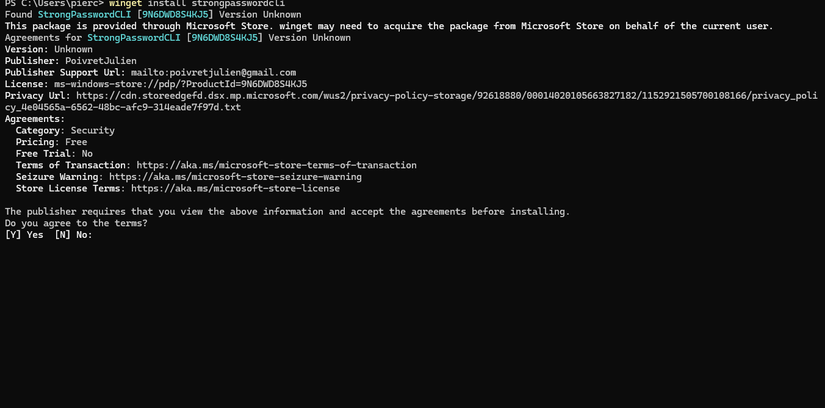
Once it’s installed, you don’t need to re-run the installation command. Just open a terminal and type ‘passcli.exe’ followed by the desired password length.
passcli.exe 20
The password will be automatically copied to your clipboard, and you can paste it right away.
Check the weather
This command is universal and works on macOS, Linux, and Windows the same way. Enter this command to get the weather for your current location.
curl wttr.in
You can get weather reports for a particular location using this command:
curl wttr.in/newyork
Look up your IP address
It’s more useful than most people would assume
You can find the local IP addresses of all connected network interfaces with a single command. On Windows, enter this command.
ipconfig
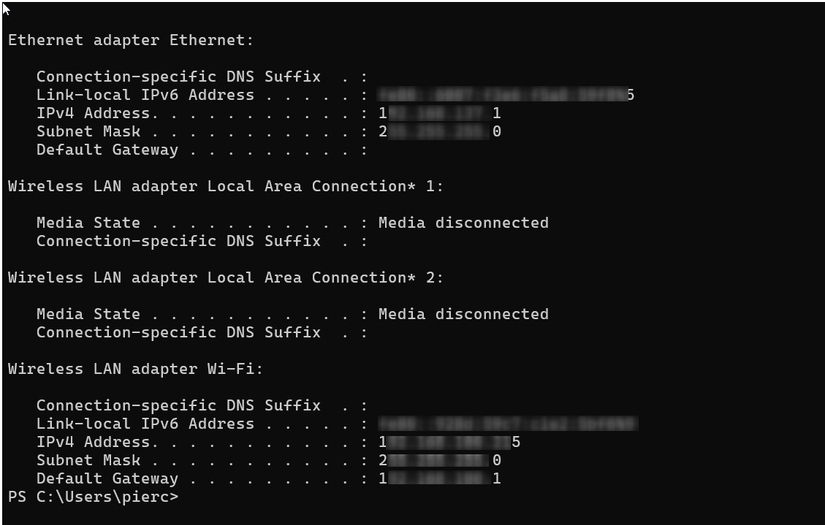
On Linux, use the following command.
ip a
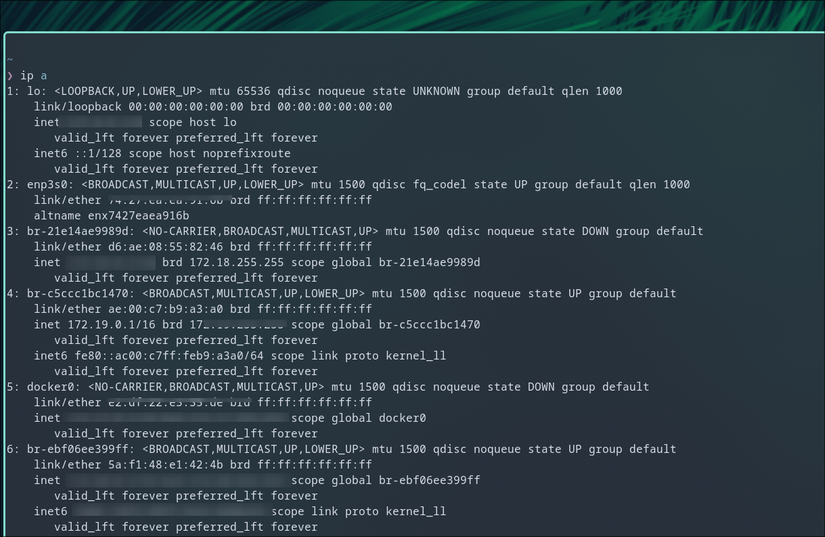
You can also find your public IP address on either desktop platform using a curl command.
curl -4 icanhazip.com

Run a speed test
Skip the Ookla website
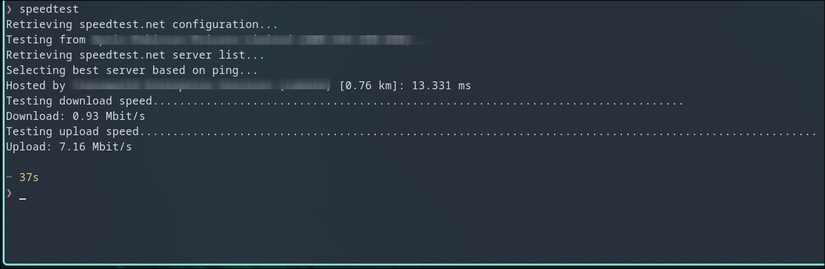
Running an internet speed test within the terminal is faster and just as functional. All you need to do is install the command-line app and run a simple command.
On Windows, you can install the app using winget.
winget install speedtest-cli
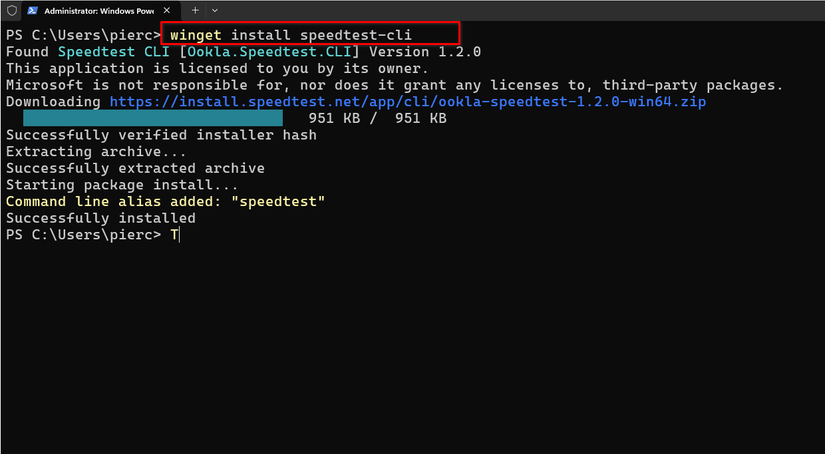
The installation is a one-time process and after that you just need to enter the following command to test your internet speed.
speedtest
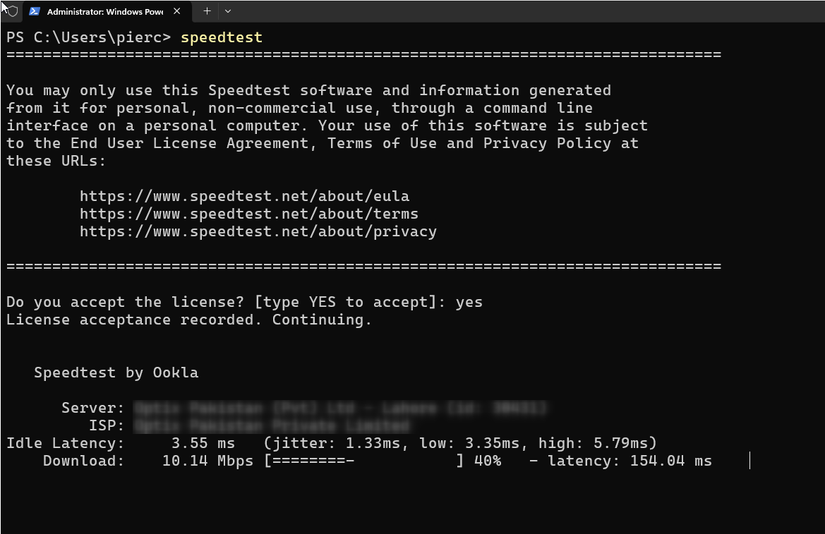
On Linux, you can use the native package manager to install the same app. I’m using Arch for this demo, so I can install the app using the pacman package manager.
sudo pacman -S speedtest-cli
The following command triggers the speed test.
speedtest
Convert files
No need for shady apps or websites
FFmpeg is an incredibly sophisticated and powerful tool for handling audio and video files. You can install it on Windows by opening a terminal and running the following command.
winget install ffmpeg
On Linux, you can install it using whatever package manager comes with your distribution.
sudo pacman -S ffmpeg
You only need to run the installation command once. FFmpeg can convert between virtually any video and audio format as long as you enter the file names and extensions correctly. The first file name will be your input file and its extension, and the second one is the output you want to get.
ffmpeg -i input.wav converted.mp3
Do calculations and unit conversions
Math the cool way
winget install qalculate.qalculate
On Arch Linux, try this:
sudo pacman -S qalc
Then just type ‘qalc’ and hit Enter to get started. Simply type a mathematical expression to solve it instantly. To convert between currencies and units, type the numeral along with its unit or currency sign, followed by a ‘to’ and the target unit or currency.
Get dictionary definitions and translations
Never get lost in conversation
You can pull the dictionary definition for any word using the TranslateShell tool. The tool is only available on Linux, but you can always run it within a WSL box on Windows.
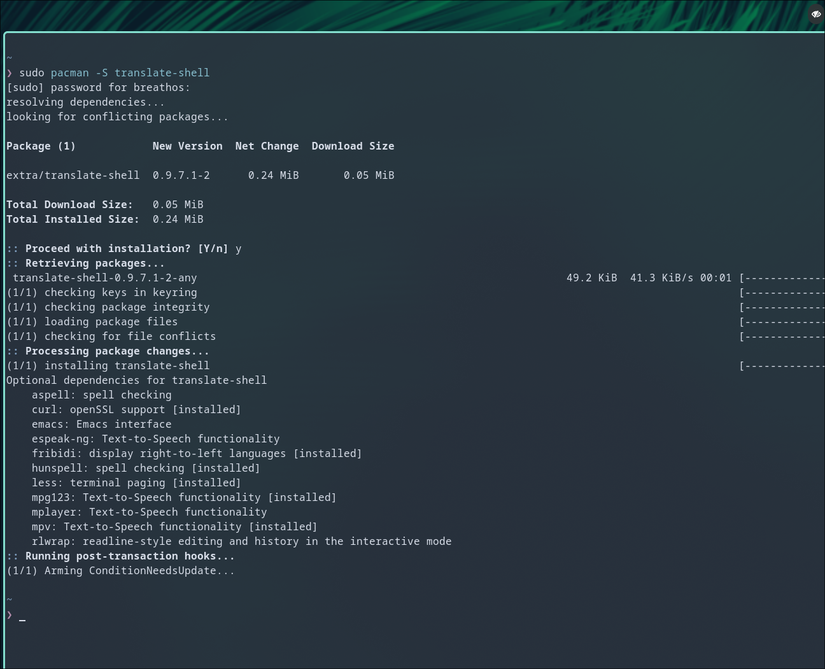
On Arch, you can use the following command, but the target package name is the same for all popular package managers.
sudo pacman -S translate-shell
To look up a dictionary definition, use this command, followed by the word you’re trying to search for.
trans -d repertoire
For translations, type ‘trans’ followed by the specific languages you’re translating between and your target phrase or word.
trans -d en:fr “hello”
Download media
The terminal trick everyone should know
I saved the best for last. A lot of websites designed for downloading or converting media files from platforms like YouTube or Twitter are riddled with ads. Even if you pay for some of these services, they can be slow or rate limit your downloads. The best way to download media files from the internet is arguably through the terminal using a tool called Yt-dlp.
You can install it on Windows using winget.
winget install yt-dlp
You might have to close the Terminal and reopen it for the changes to take effect.
Leave A Comment?