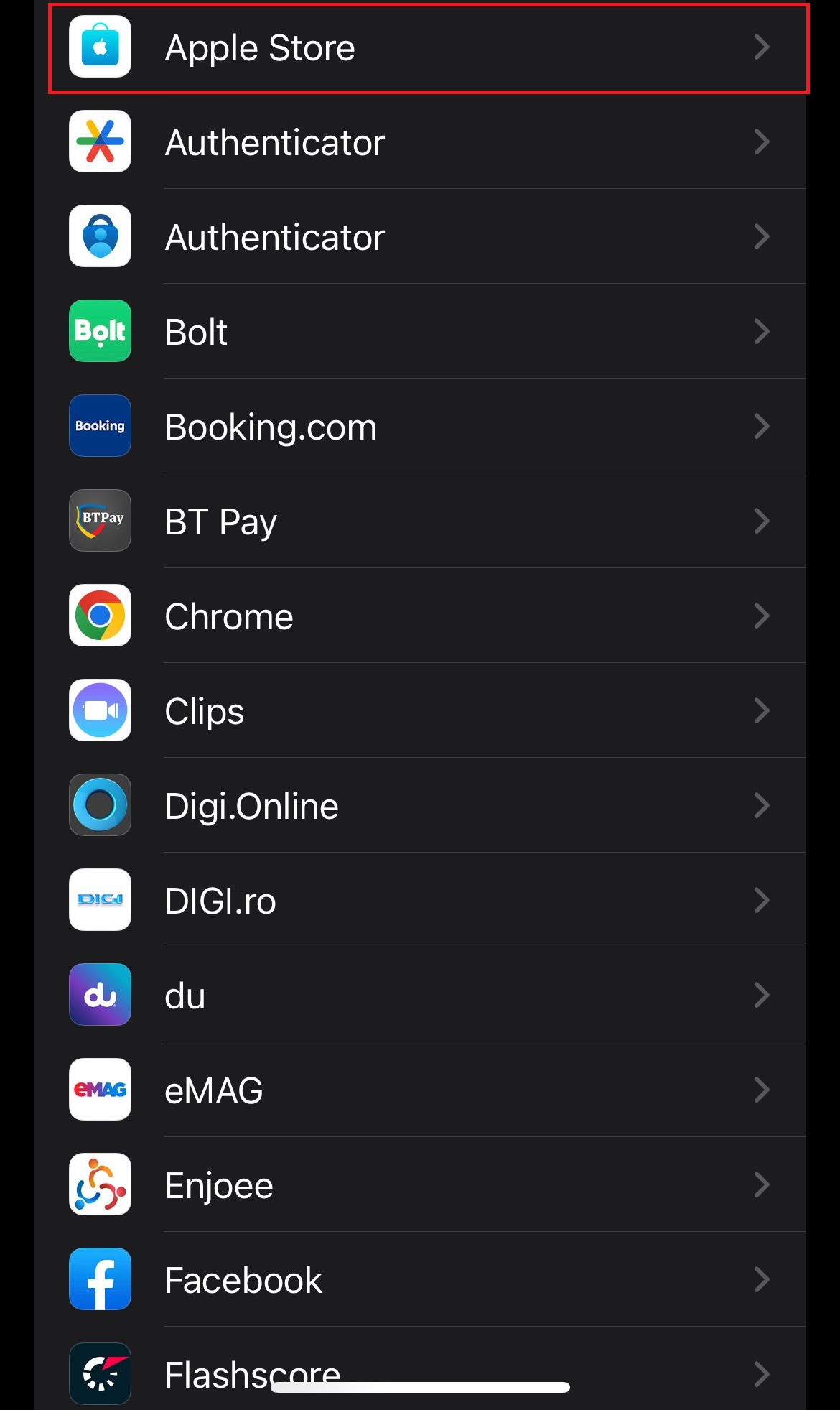
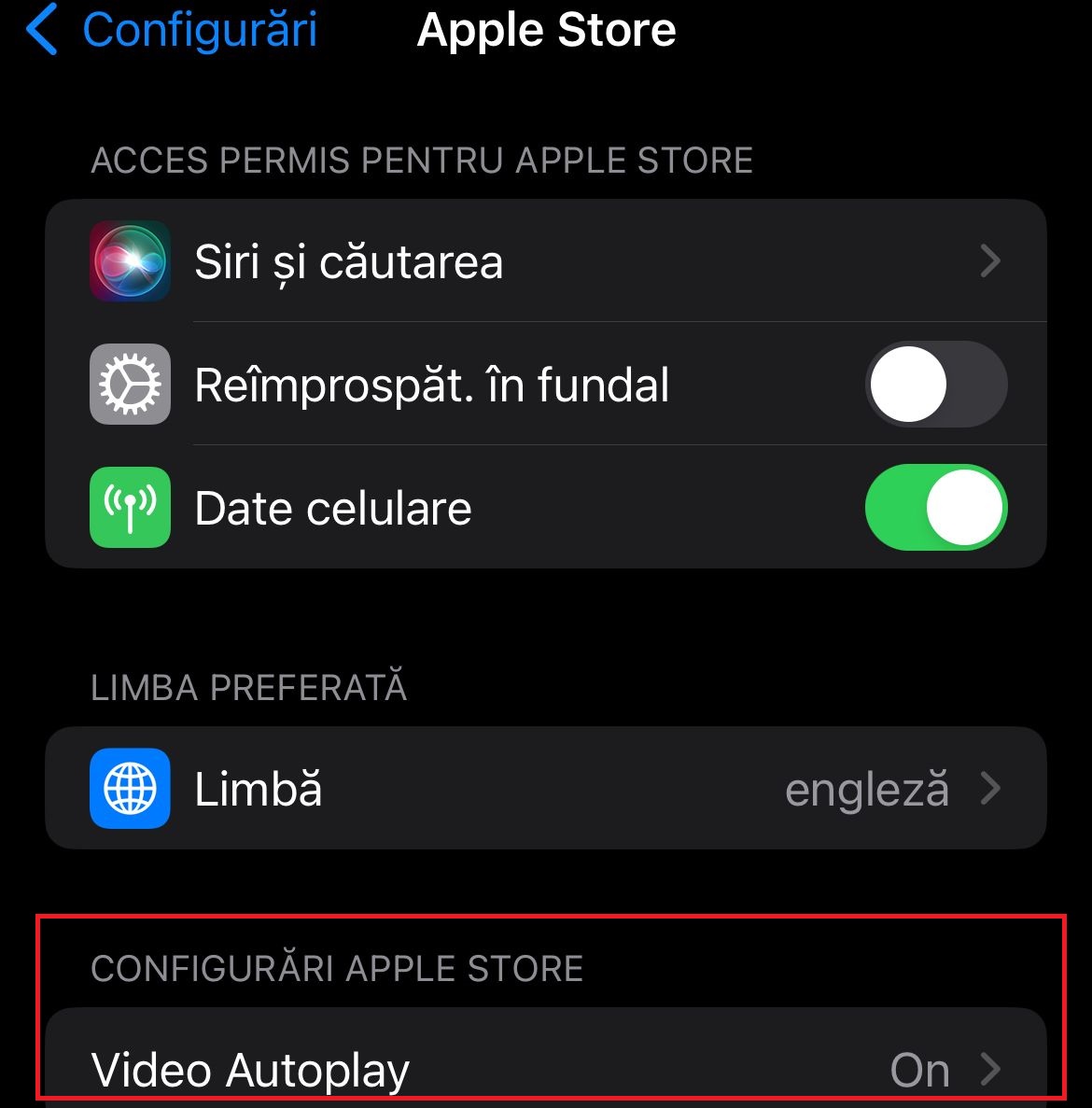
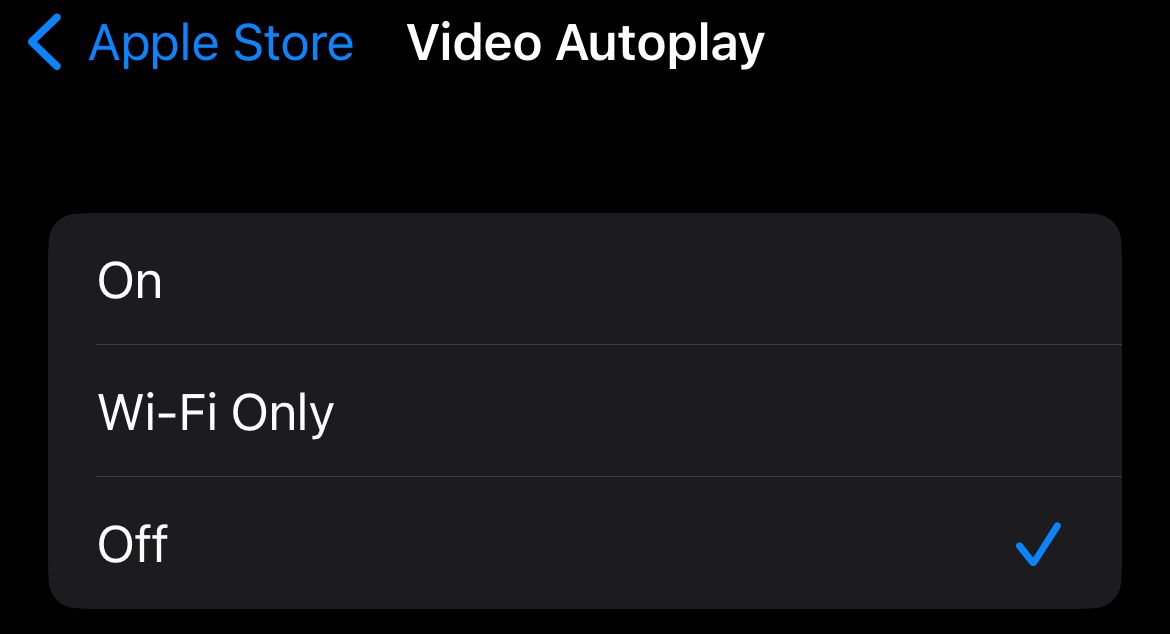
Dezactivare video Autoplay in Apple Store pe iOS 16.6 Data 25/08/2023 Autor catalin nechita Categorie Mobile 2 462 Configurare noua (How To) SituatieDezactivare Video Autoplay in Apple Store pe iOS 16.6. Solutie 1.Accesam Configurari 2.Accesam Apple Store 3.Accesam optiunea Video Autoplay 4.Setam pe Off. Tip solutiePermanent Plan de restaurare in caz de nefunctionareSe reiau pasii Voteaza Up Down (28 din 54 persoane apreciaza acest articol) ShareTweetShare Despre Autor catalin nechita Solutii Asemanatoare Cum testezi o aplicatie de React Native cu Expo 4 Interrupted file playback with Repeat All on Android TV media player – external storage 3 Unable to recharge mobile terminals that have a swappable power connector 4 Cum stergem istoricul Siri pe iOS 26.4 10 Partajarea fisierelor intre Samsung Galaxy si iPhone folosind Quick Share si AirDrop 7 How I built a one-tap “travel mode” that locks down my Android when I’m at the airport 0 Leave A Comment? × Cancel Reply Save my name, email, and website in this browser for the next time I comment. × 2 = six
Leave A Comment?
