
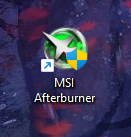
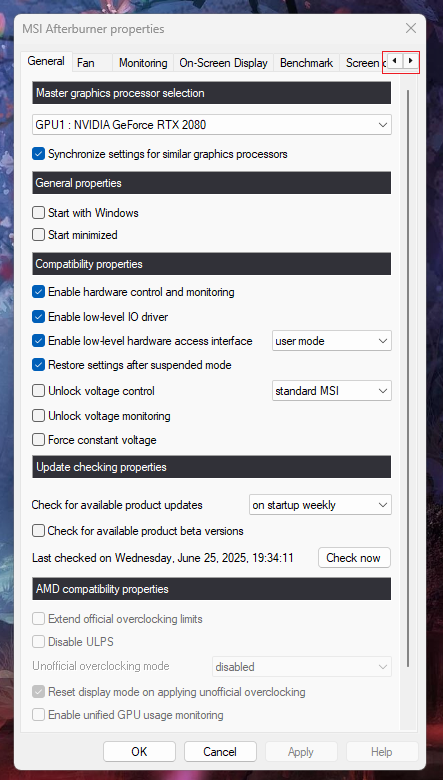
Cum schimbi interfata pentru MSI Afterburner Data 30/06/2025 Autor preda silviu Categorie Soluții 7 260 Configurare noua (How To) Situatie Solutie Pasi de urmat Prima data porniti aplicatia MSI Afterburner Click pe iconita pentru setari Folosind sagetile din dreapta sus derulati meniul de tab-uri La tab-ul “User Interface”, mai jos gasiti optiunea numita “User Interface skinning properties”. Deschideti meniul si alegeti interfata dorita. Tip solutiePermanent Voteaza Up Down (11 din 15 persoane apreciaza acest articol) ShareTweetShare Despre Autor preda silviu Solutii Asemanatoare Stop using Rufus to burn ISOs, these 2 tools for Windows and Linux are better 3 How to setup CodeGPT + WSL and Ollama 2 Tuxedo OS install guide 3 Bypass Siri AI waitlist on macOS 27 Golden Gate Beta 4 How to enable hidden CPU performance boost mode on Windows 11 3 Functia Accesibilitate pe Samsung -2 Leave A Comment? × Cancel Reply Save my name, email, and website in this browser for the next time I comment. nine + = sixteen
Leave A Comment?