
Situatie
Solutie
Now Playing is the Pixel-exclusive app that helps you identify songs. It’s a similar idea to apps like Shazam, but its best trick is that it’s always running in the background. It continually works to recognize and log all the music you hear, without you having to trigger it manually. It’s one of those Pixel features that the iPhone can’t match.
It collects together all the songs in a Now Playing playlist, which you can then listen to in your streaming app of choice.
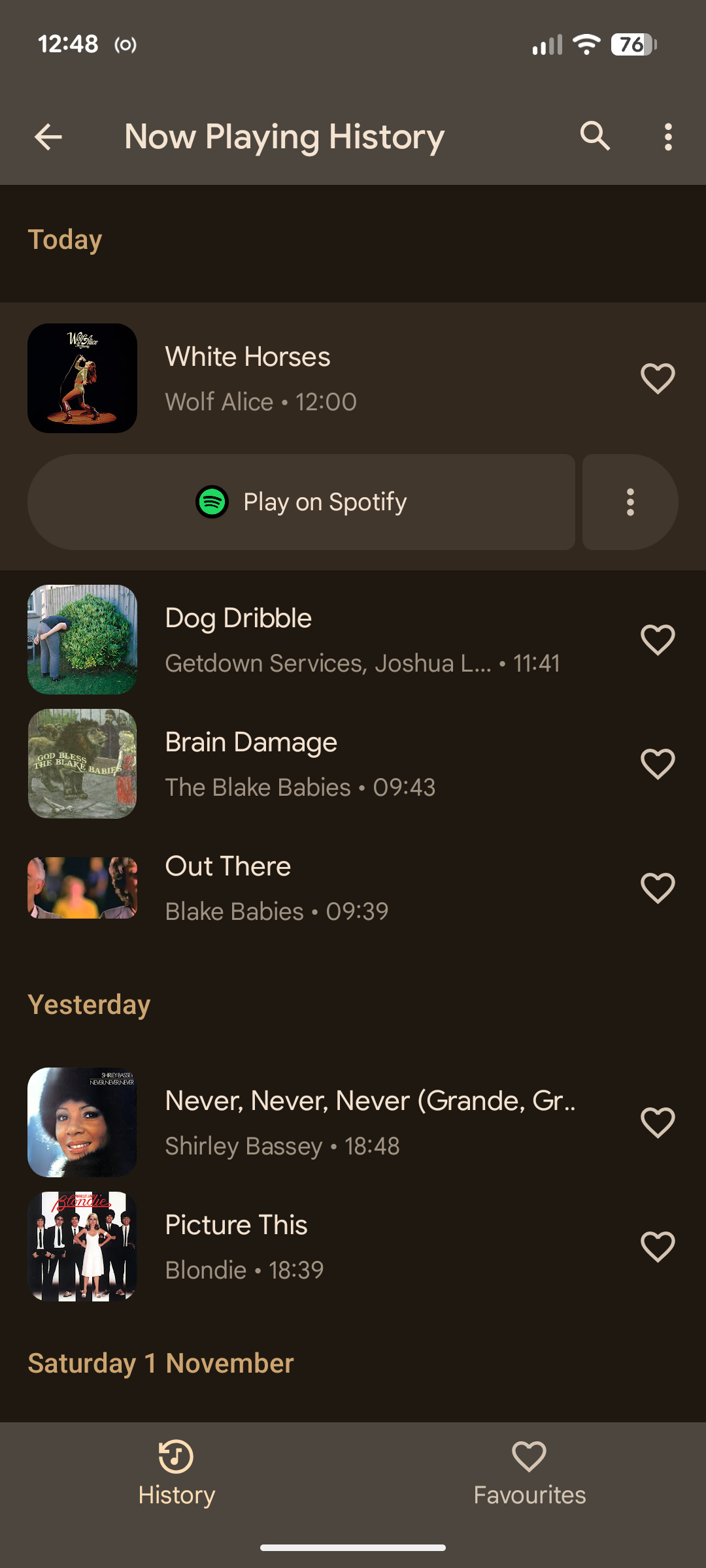
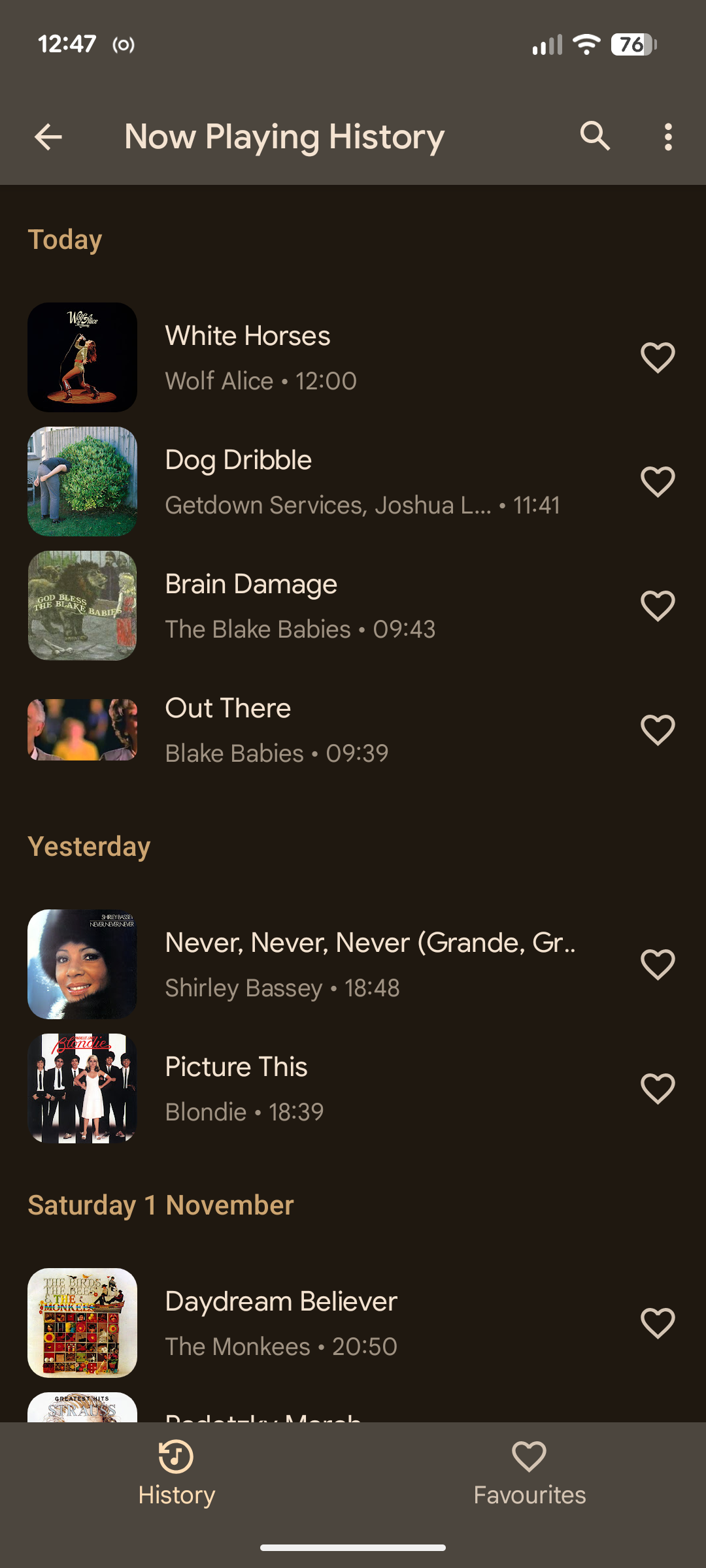
But despite that description, it’s a lot more private than you might think. By default, Now Playing works entirely offline. When you first enable it, it downloads a database that it uses to identify tracks. All the data remains on your phone, unlike with cloud-based music apps.
It doesn’t keep the microphone running constantly, but uses it in short bursts to check if there’s any music playing. If there is, it will grab a small piece to identify; if not, it won’t record anything.

Despite its qualities, there are reasons why you might want to disable Now Playing. Firstly, no matter how you spin it, it does involve a microphone running in the background on your phone without you knowing. Even though the app is designed for privacy, that will be an issue for some people.
Second, although it doesn’t appear to use much battery, if you like to optimize your phone for battery life, it’s an easy thing to turn off.
And while it works pretty well for me, and seems to identify most of the tracks I want it to, it occasionally fails with more obscure songs or gets things wrong. If you don’t find it useful, or it doesn’t work for you, then there’s little point in keeping it enabled.
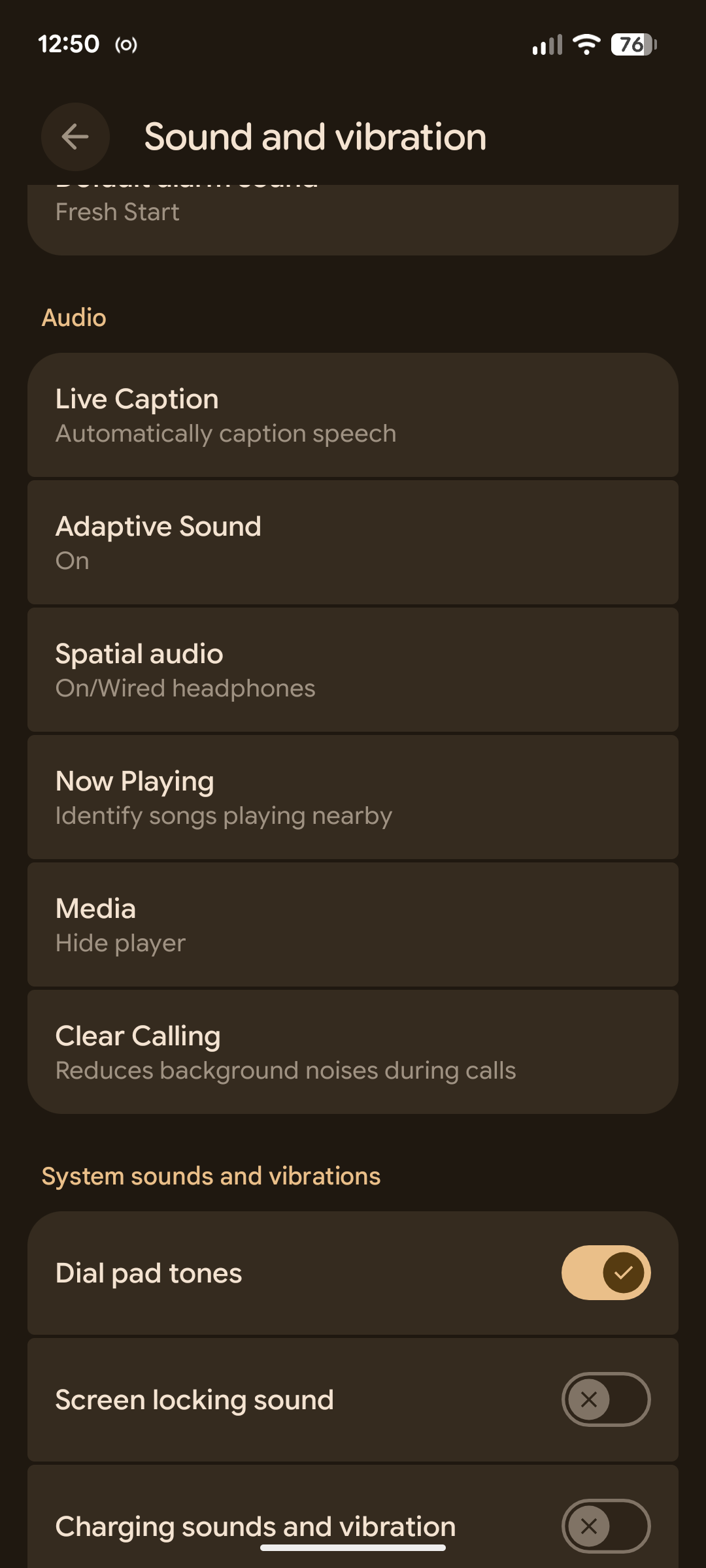
To disable Now Playing, go to Settings > Sound and Vibration > Now Playing, and toggle off the option labeled “Identify Songs Playing Nearby.”
The contents of your Now Playing history will remain in place. If you want to clear that out as well, select “Now Playing History” from the same screen, tap the three-dot menu button, and choose “Remove All.”
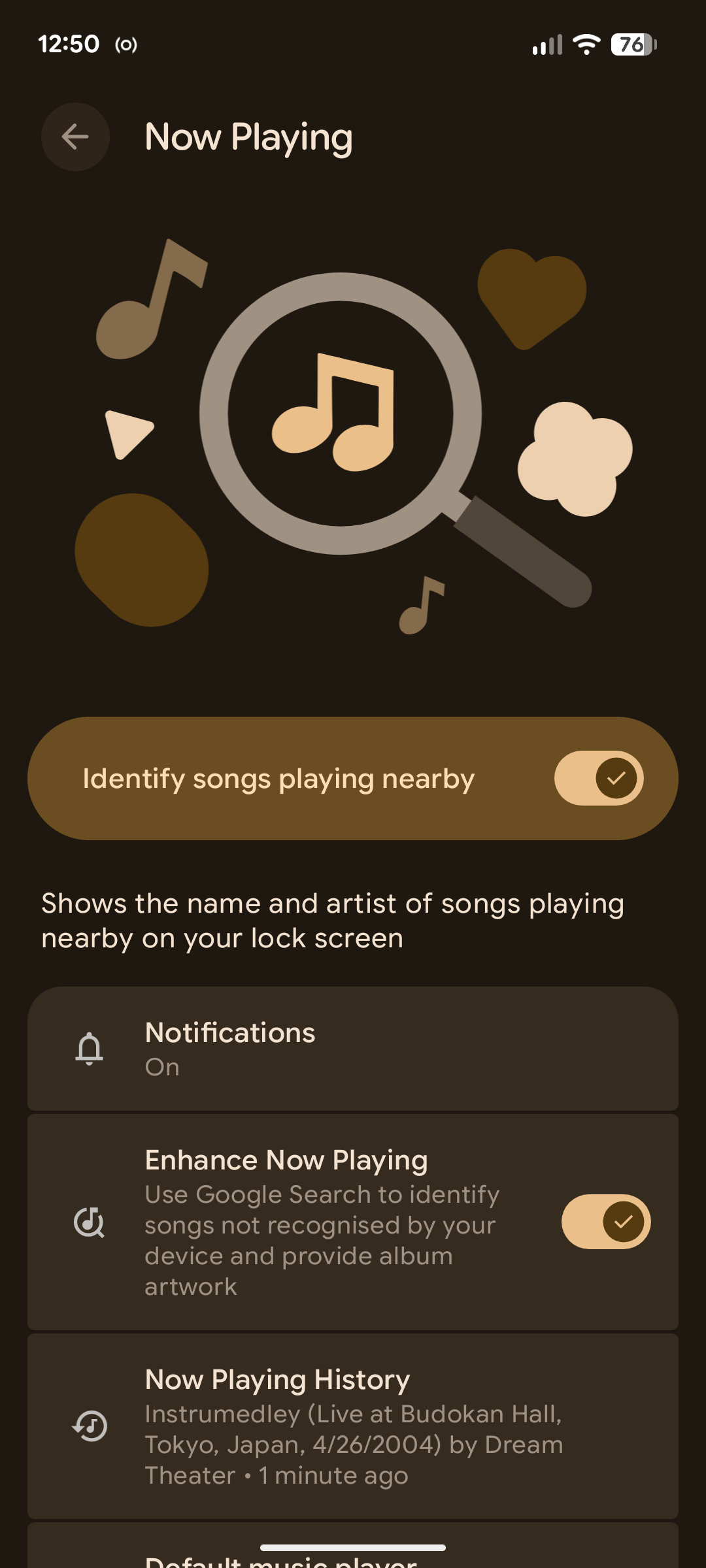
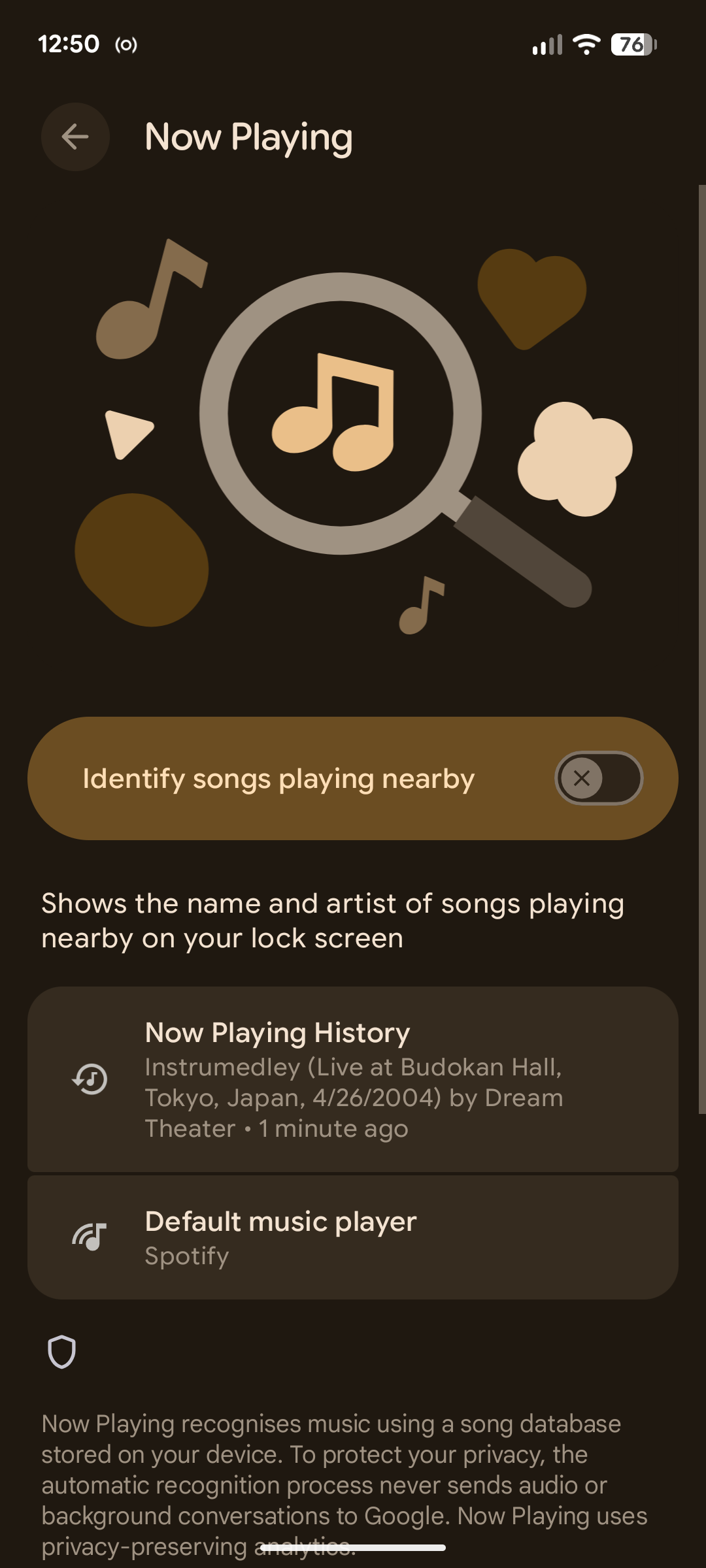
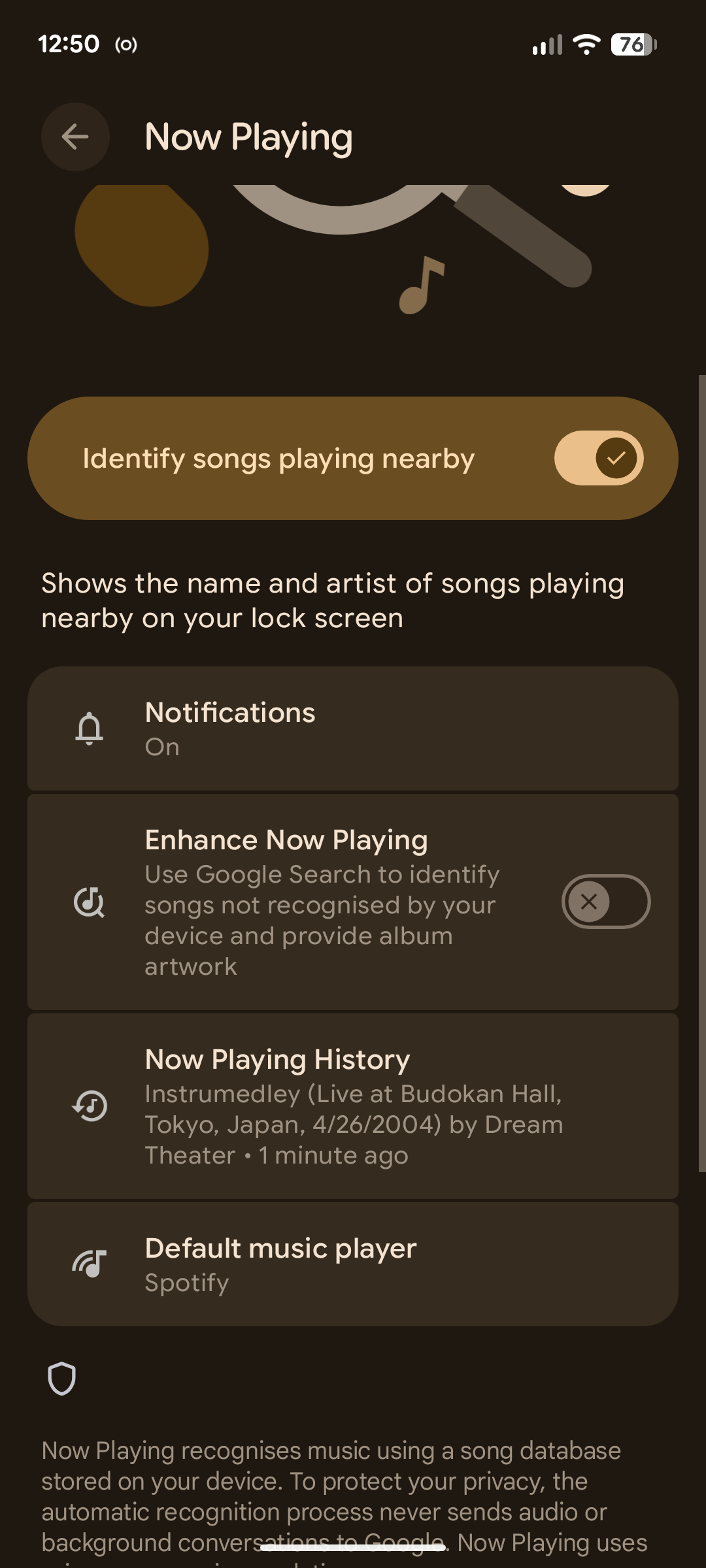
Doing this means you won’t see the “Now Playing” icon on your lock screen, so you won’t be able to use it manually. But it also means the service will never be able to send a snippet of audio to Google to try to identify it.
You can also make the app less intrusive by disabling notifications. From the same screen again, tap the “Notifications” option. Then, select “Other” and toggle off “Recognized Music Notifications.”
Even when you’ve got Now Playing switched off, you’ve still got ways of identifying songs on your Android phone.
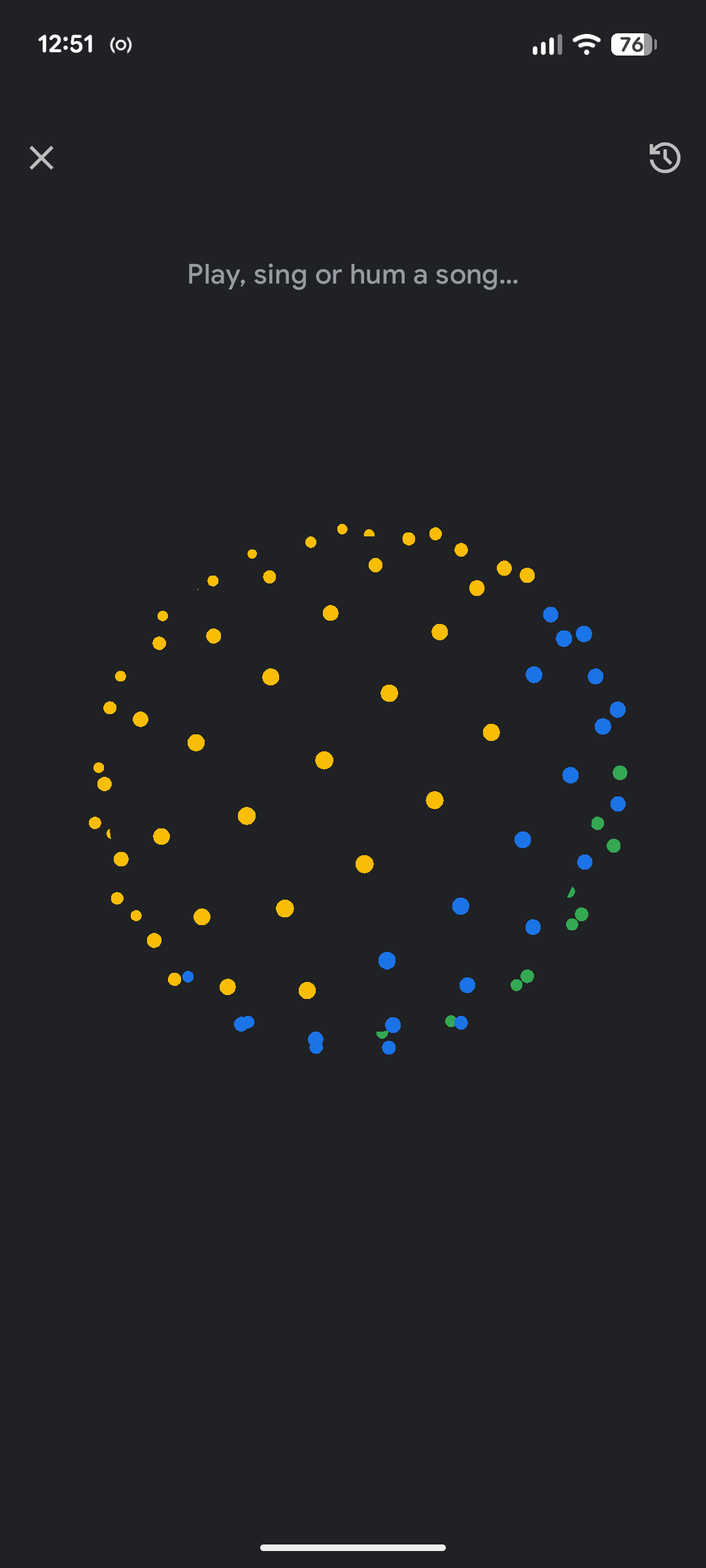
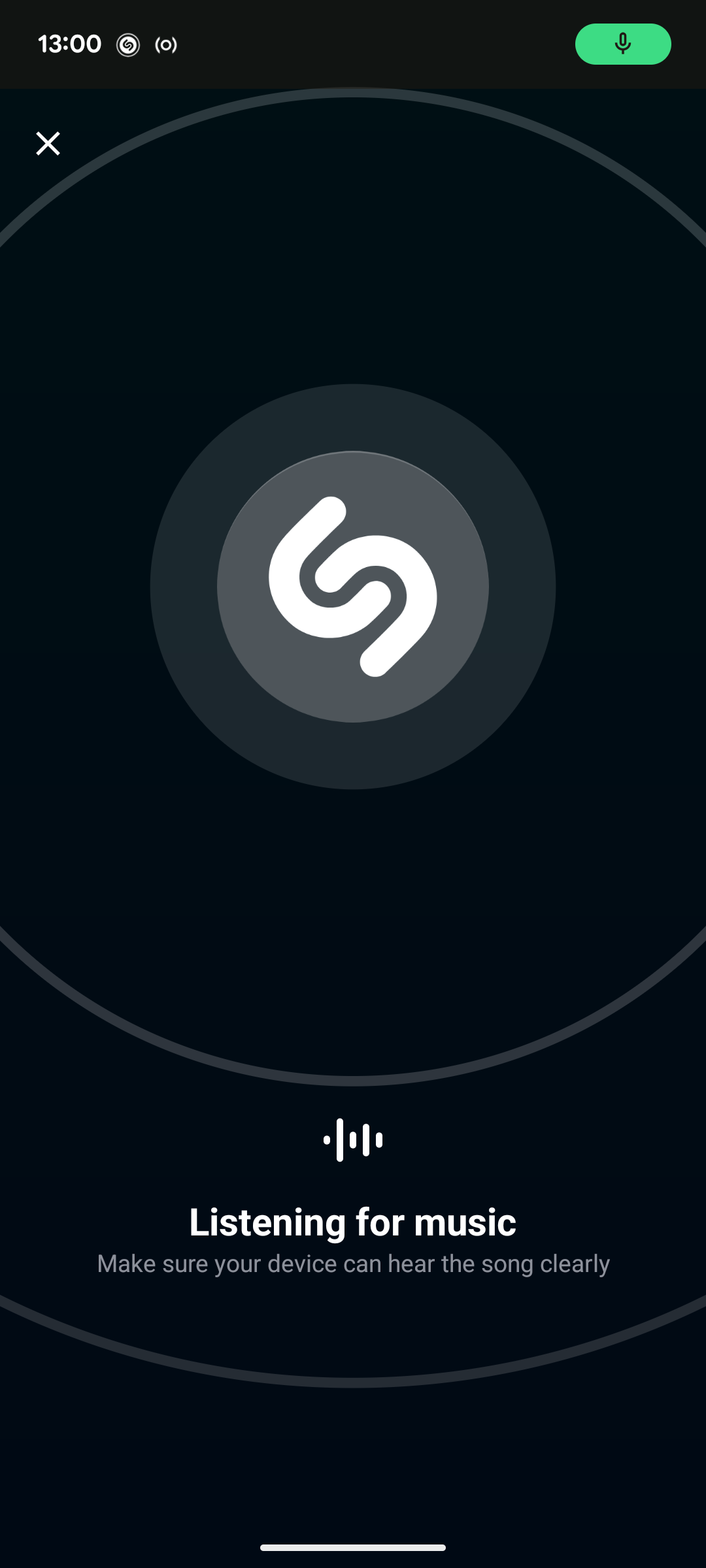
There are various ways to do it through Google. Either tap the music icon on the Google widget on your home screen, long-press on the navigation bar to trigger “Circle to Search”, or add the “Song Search” button to your Quick Settings panel or the widget to your home screen. You can use Google Gemini, too.
Leave A Comment?