
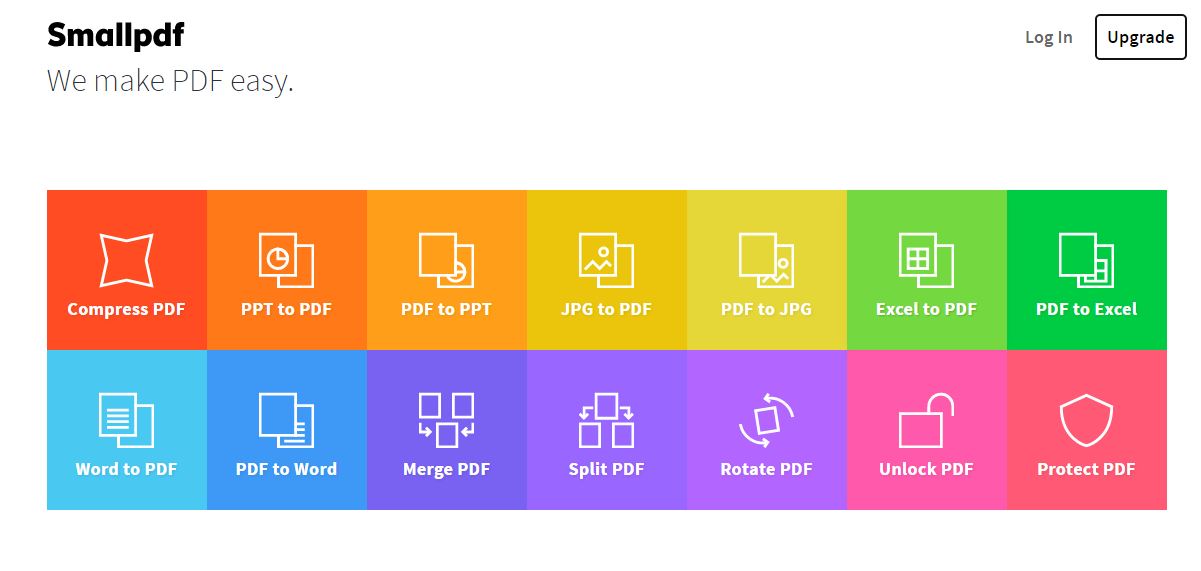
Converteste fisiere office in PDF cu SmallPDF Data 13/06/2016 Autor Radu A Categorie Instalare/reinstalare aplicatii default(Office, PDF reader), Configurare program, Aplicatii specifice, Stații de lucru -17 3685 Configurare noua (How To) SituatieSmallPDF este un serviciu gratuit cu care poti transforma majoritatea fisierelor tip Microsoft Office in PDF-uri. Iata cum procedam: Solutie Pasi de urmat Accesam site-ul: SmallPDF.com. In rubricile de pe pagina principala alegem ce tip de fisier vrem sa convertim in PDF. Selectam fisierul dorit. Il putem selecta din PC, de pe Dropbox sau de pe GoogleDrive. Asteptam transformarea… Descarcam fisierul transformat. Asta e tot! Tip solutiePermanent Etichetare: askitaskit.roConverteste fisiere office in PDF cu SmallPDFpdfSmallPDF Voteaza Up Down (44 din 105 persoane apreciaza acest articol) ShareTweetShare Despre Autor Radu A Solutii Asemanatoare Cum instalati Tiger pe Ubuntu 24.04? 4 Instalare și utilizare Lynis pentru audituri de securitate pe Linux 4 Instalare și utilizare Rootkit Hunter(rkhunter) pe Ubuntu 24.04 sau 22.04 4 How to boot Windows 11 in Safe Mode using Command Prompt 2 How to backup BitLocker recovery key on Windows 11 3 How to use Rufus to create a bootable media of Windows 11 that disables encryption 2 Leave A Comment? × Cancel Reply Save my name, email, and website in this browser for the next time I comment. five − one =

Leave A Comment?