
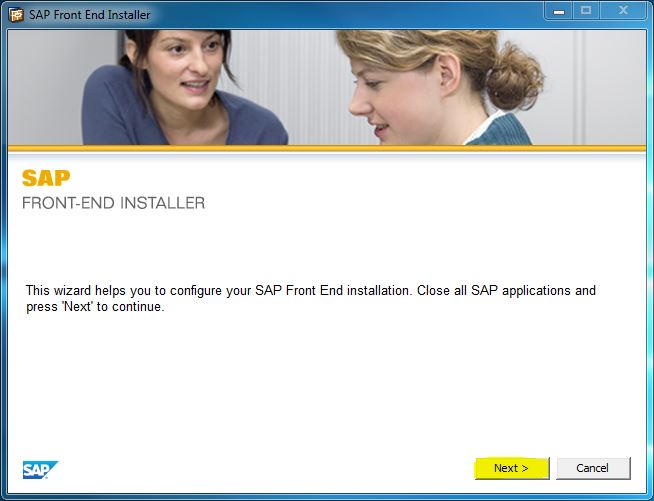
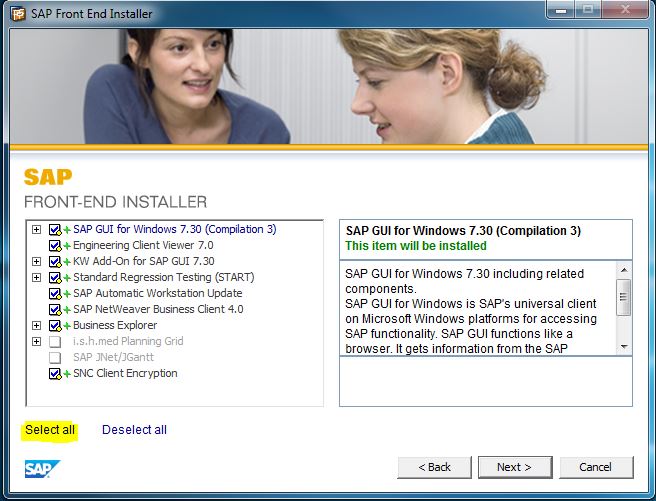
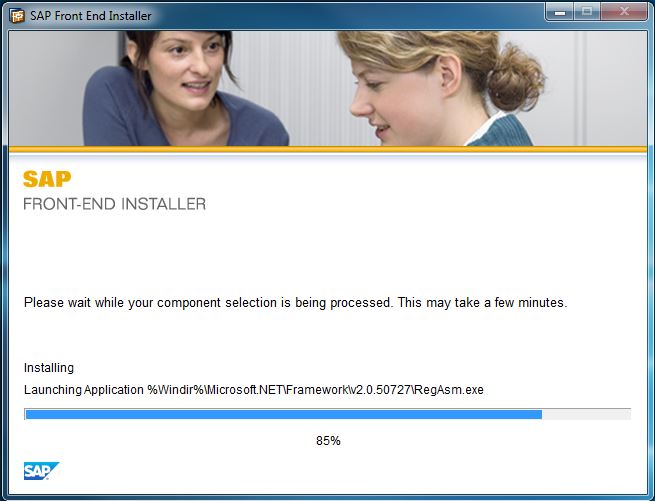
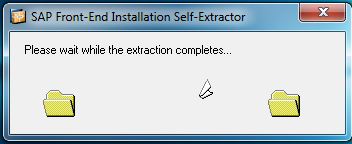
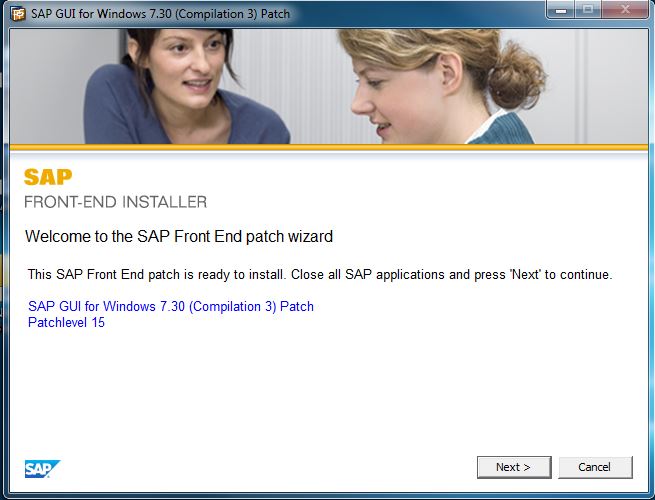
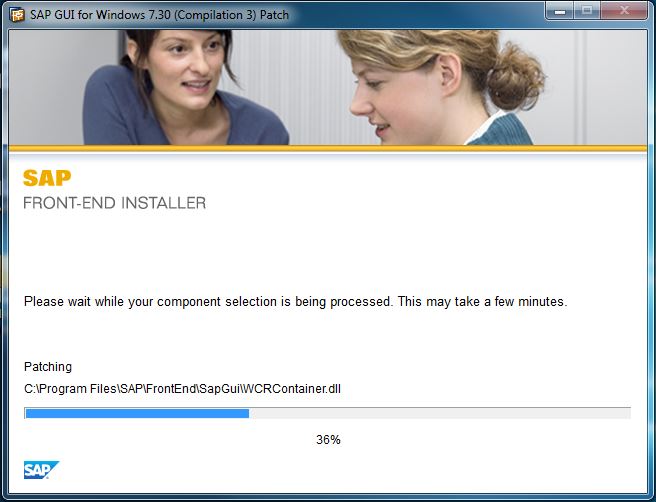
Instalare SAP GUI (Graphical User Interface) Data 11/10/2016 Autor Florin Mi. Categorie OS - Windows -1 2000 Configurare noua (How To) SituatieIn acest tutorial va arat cum se instaleaza SAP GUI (Graphical User Interface). Solutie Pasi de urmat Rulati SetupAll.exe: Continuati instalarea prin apasarea butonului Next Selectati toate optiunile apasand Select all si apoi din nou Next Asteptati ca instalarea sa fie finalizata. Rulati update-ul gui730_15-10010496.exe Continuati instalarea apasand Next Asteptati sa se incheie instalarea Tip solutiePermanent Etichetare: askitaskit.roGraphical User Interfacegui730_15-10010496.exeInstalare SAP GUI (Graphical User Interface)SAP GUISelect allSetupAll.exe Voteaza Up Down (43 din 86 persoane apreciaza acest articol) ShareTweetShare Despre Autor Florin Mi. Solutii Asemanatoare After installing Windows 11, the computer boots very slowly and some applications take a long time to open -1 Fișierele sunt șterse automat pe Windows 11 6 Fișierele de recuperare BIOS nu pot fi găsite sau fișierele sunt corupte 1 Remediere cod bitlocker blocat 3 How to add Custom Text in Excel Header and Footer in Excel on Windows 10/11 3 How to open Headers and Footers from the Insert Tab in Excel on Windows 10/11 0 Leave A Comment? × Cancel Reply Save my name, email, and website in this browser for the next time I comment. eight − one =
Leave A Comment?