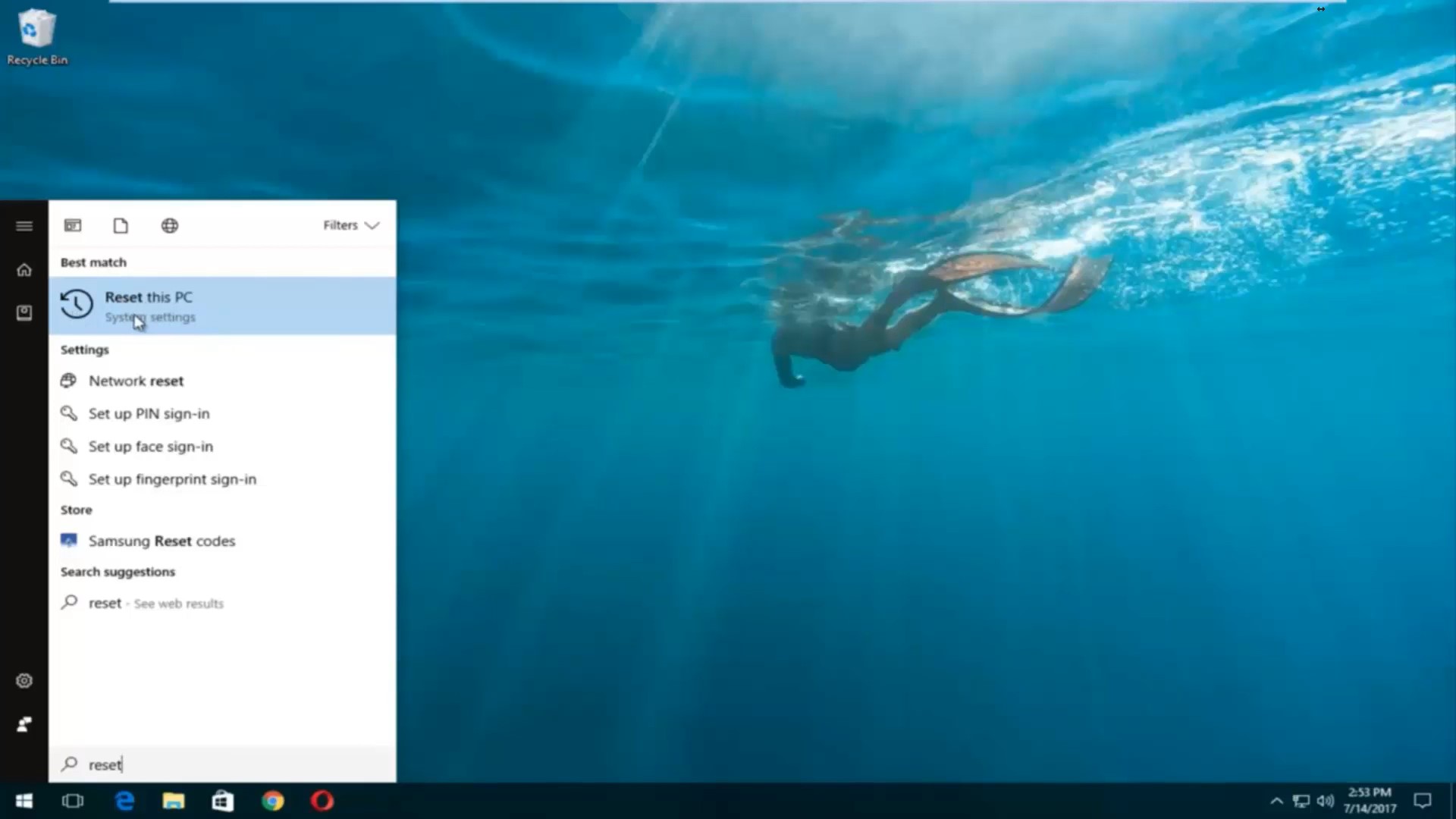
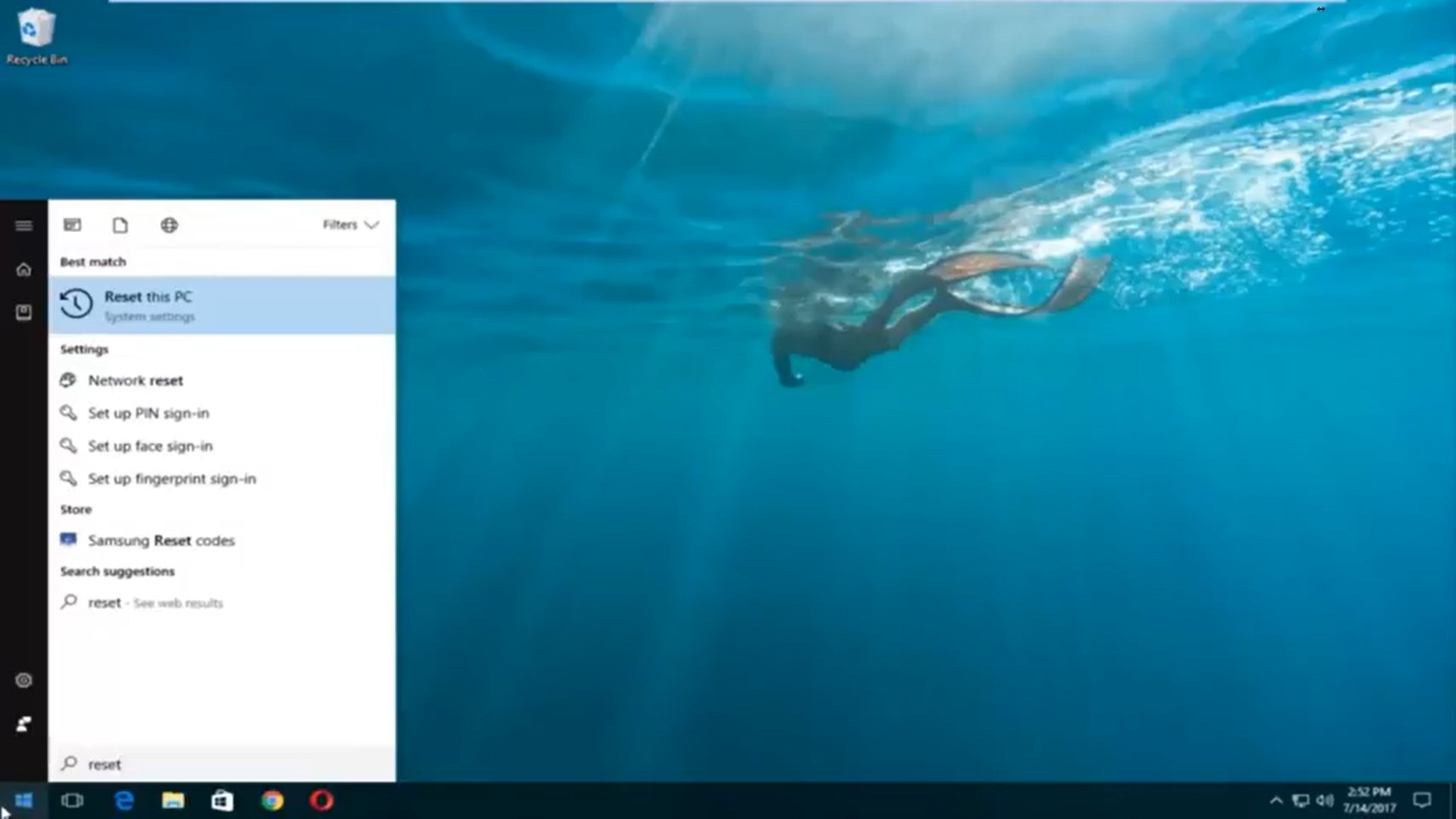
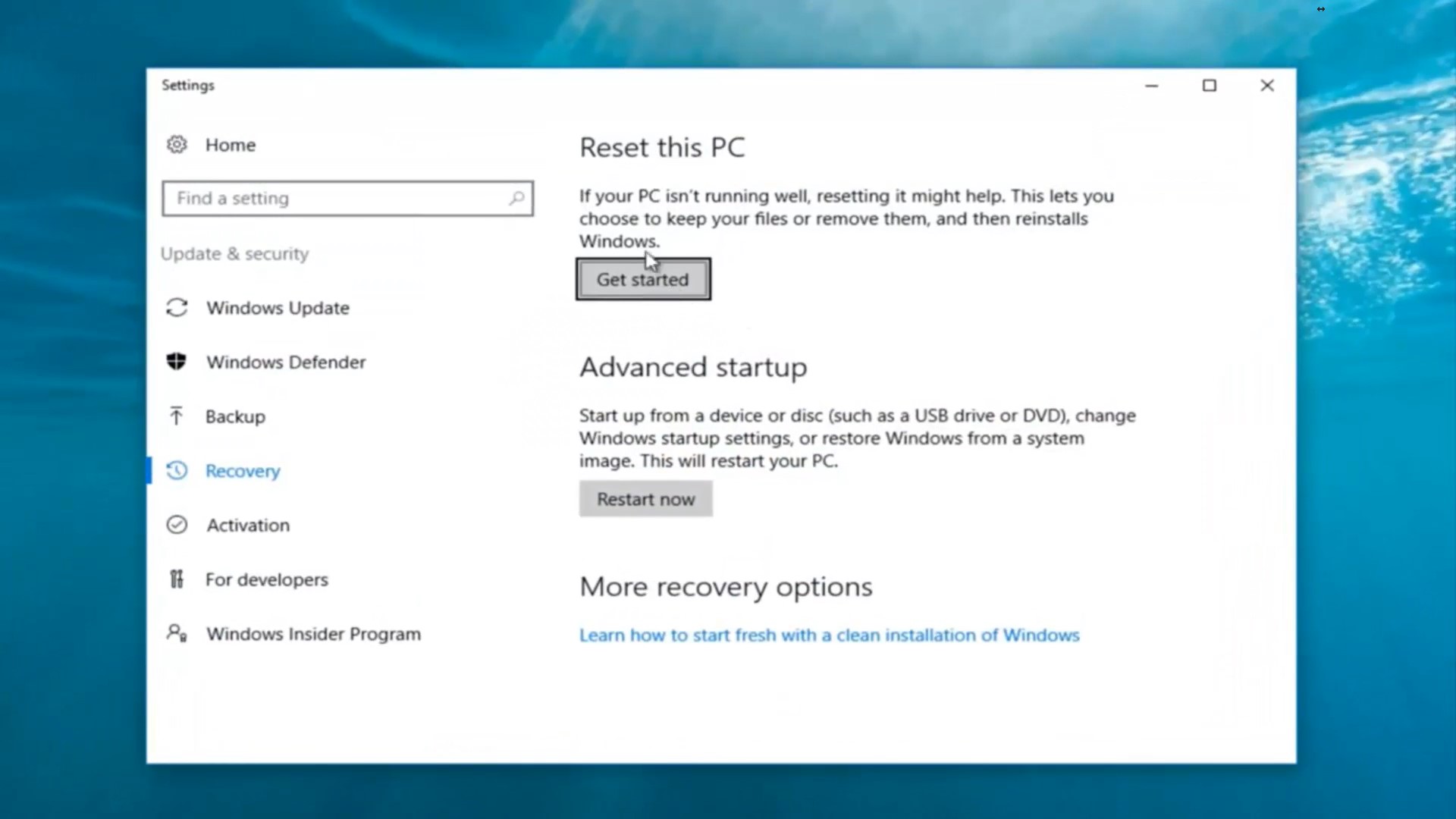
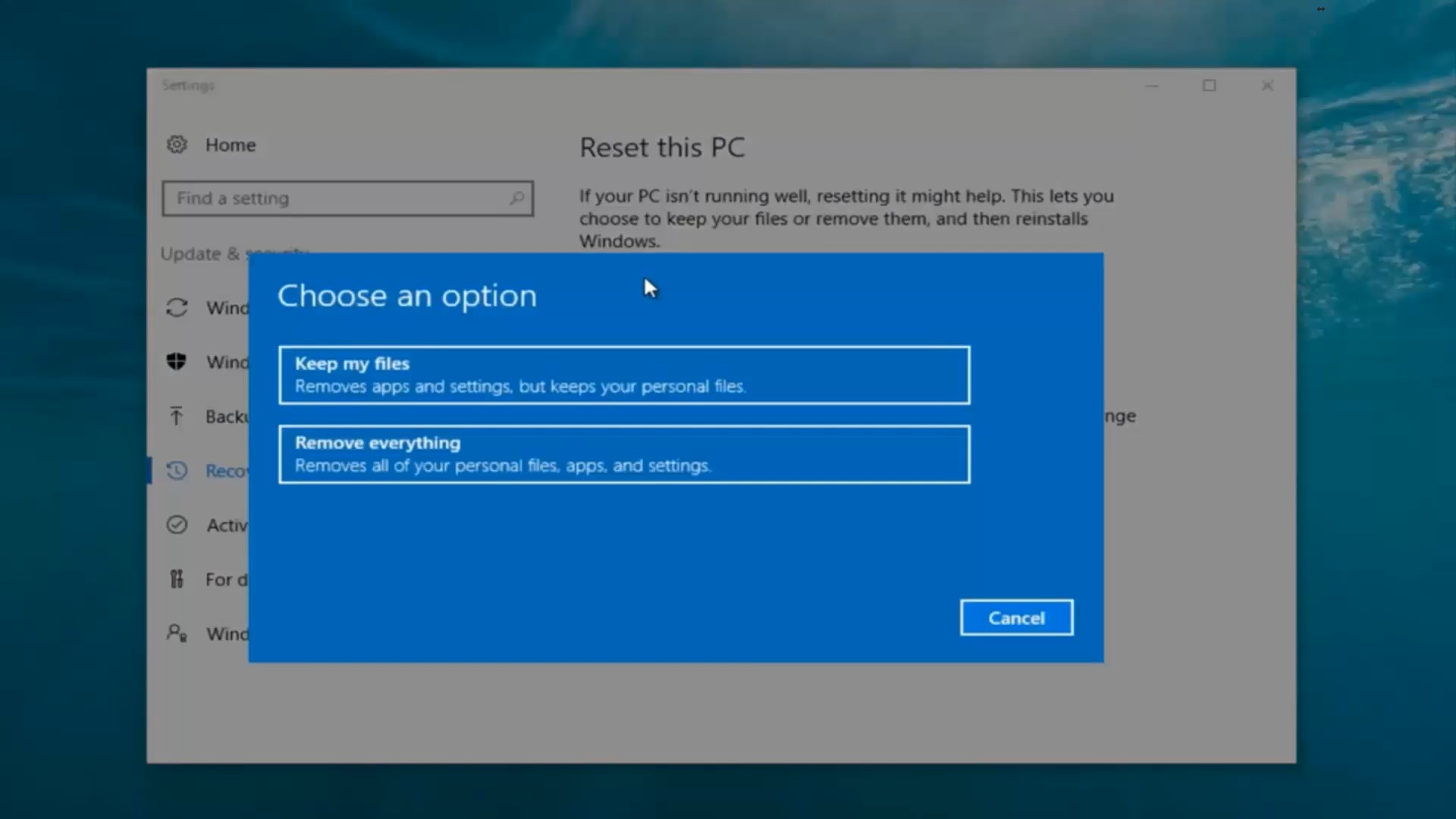
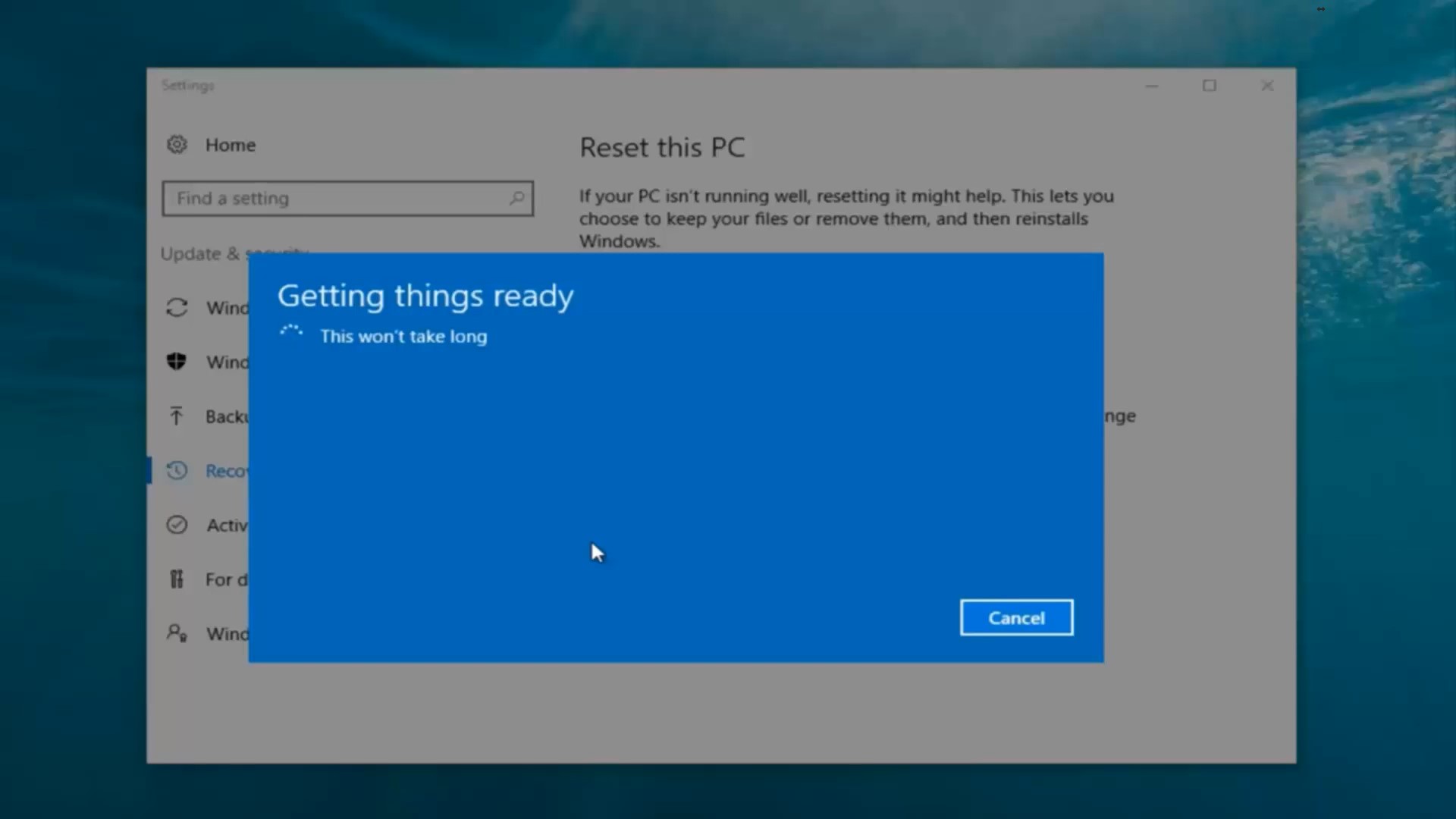
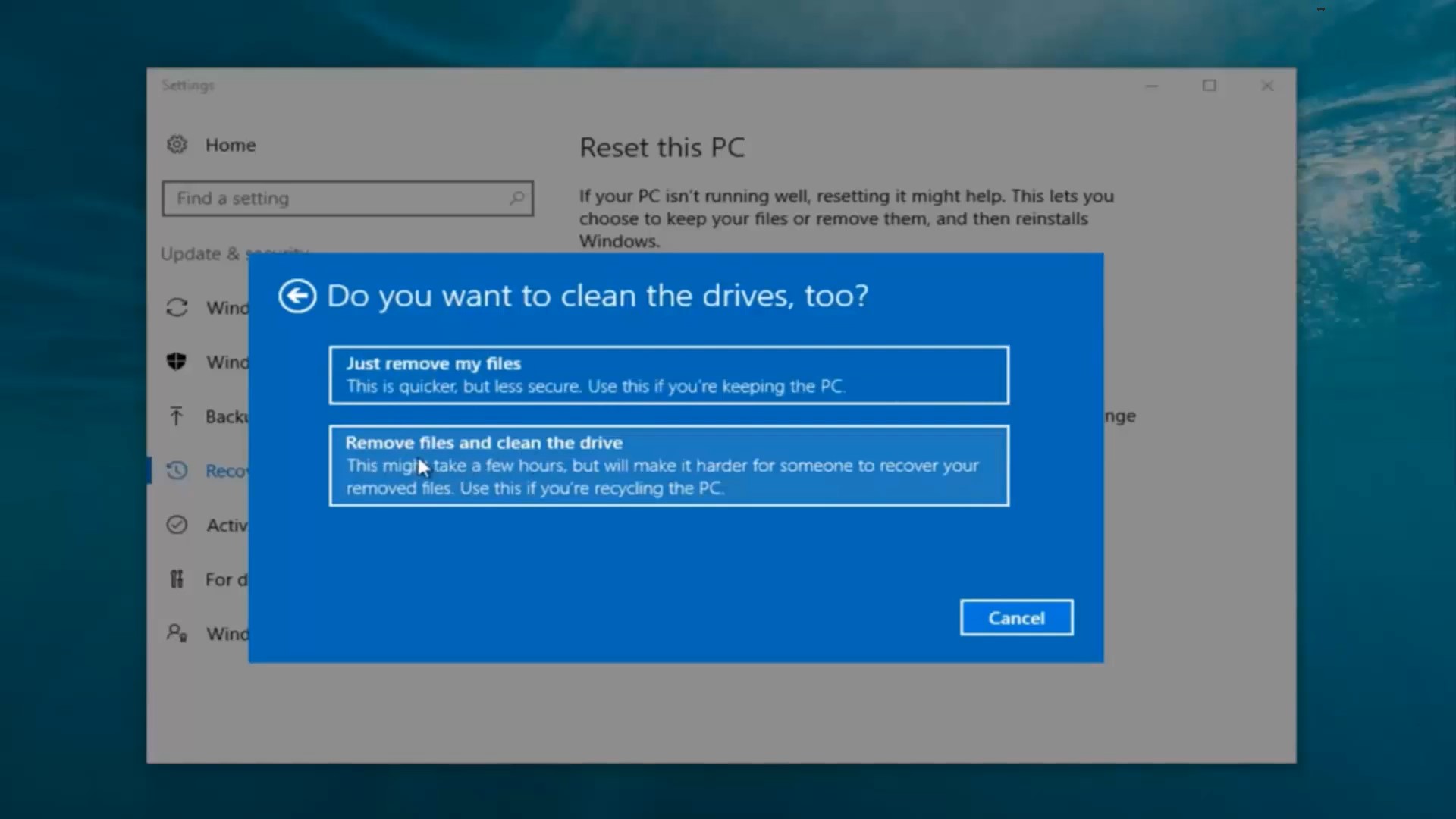
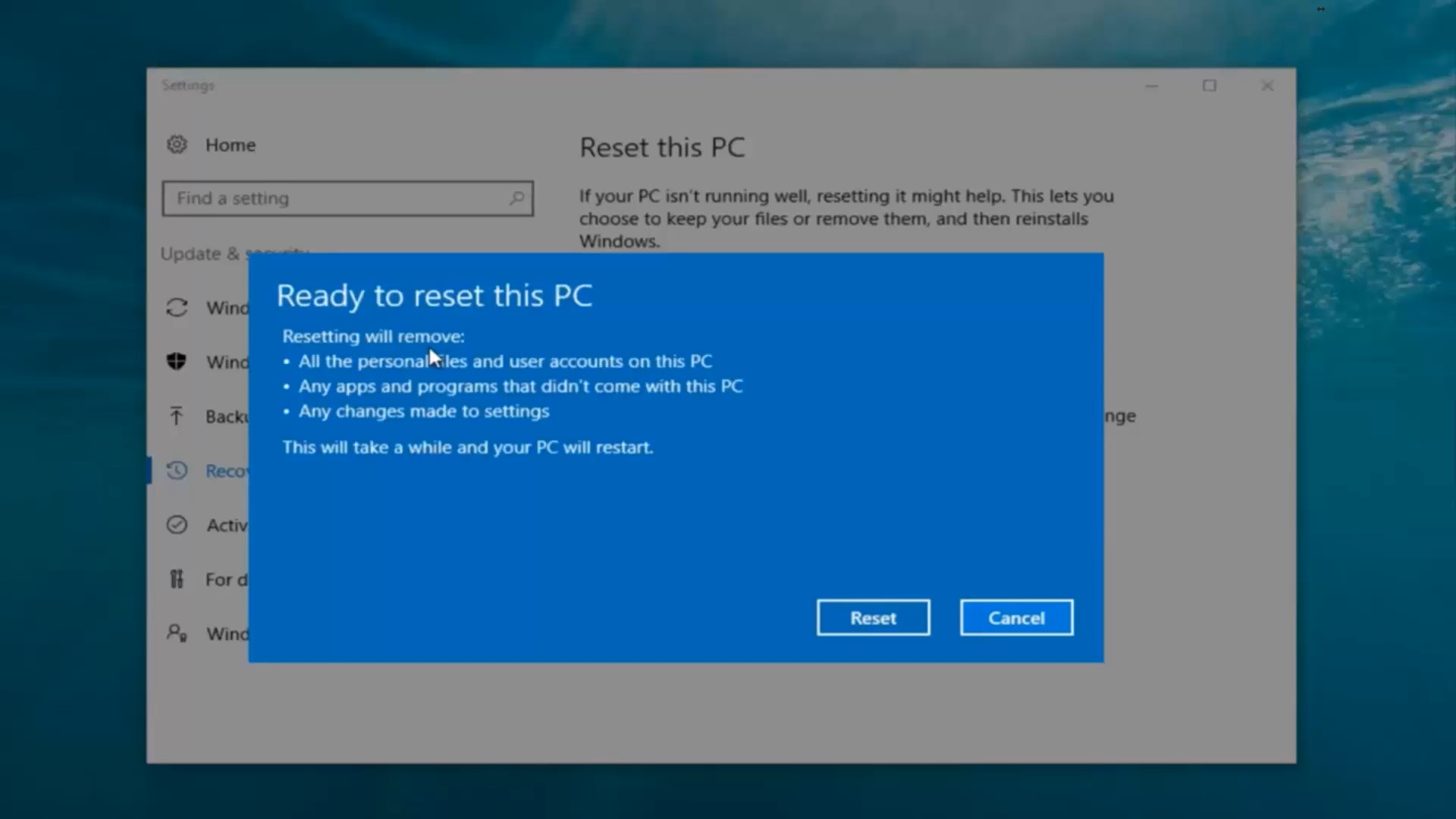
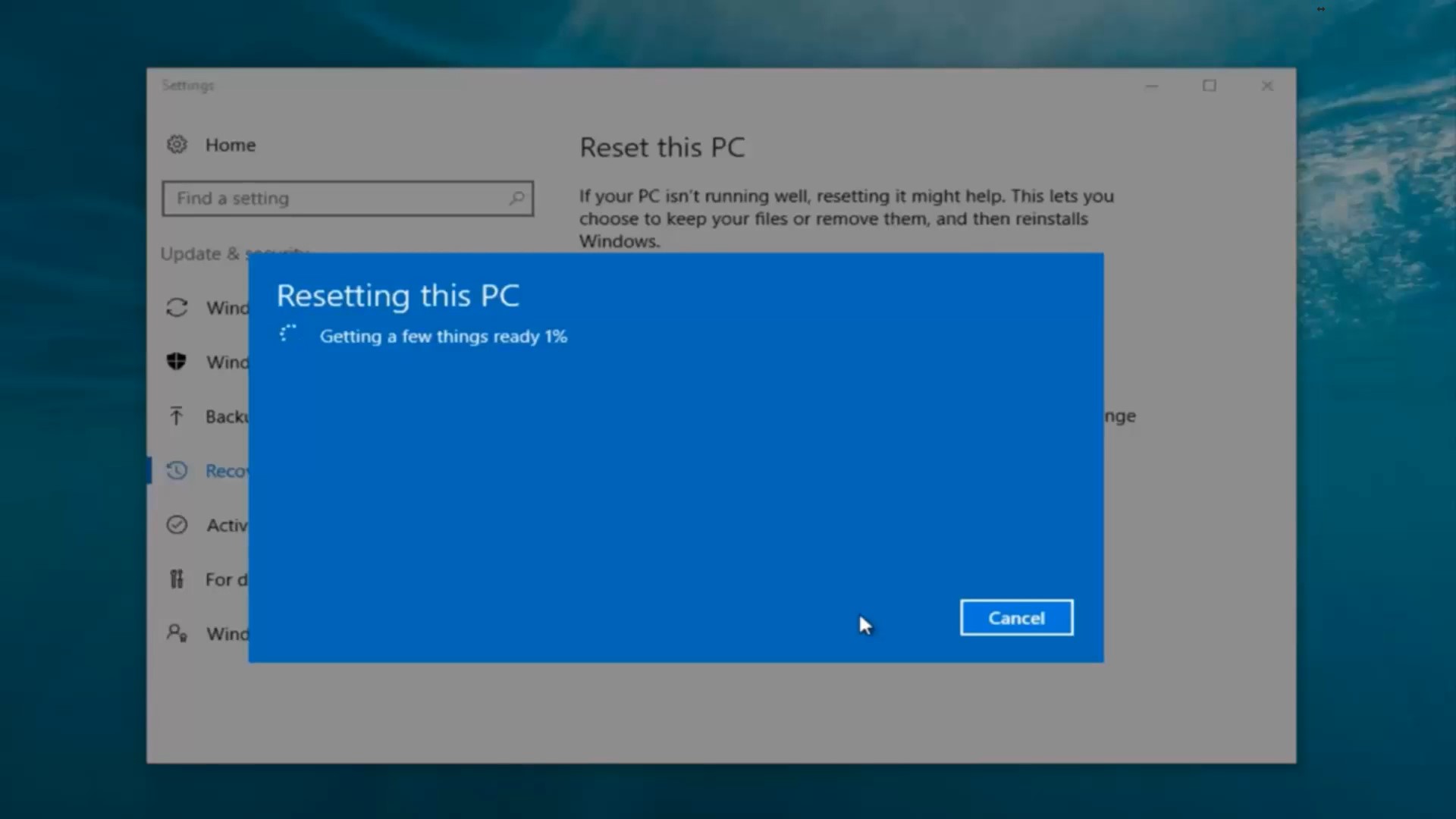
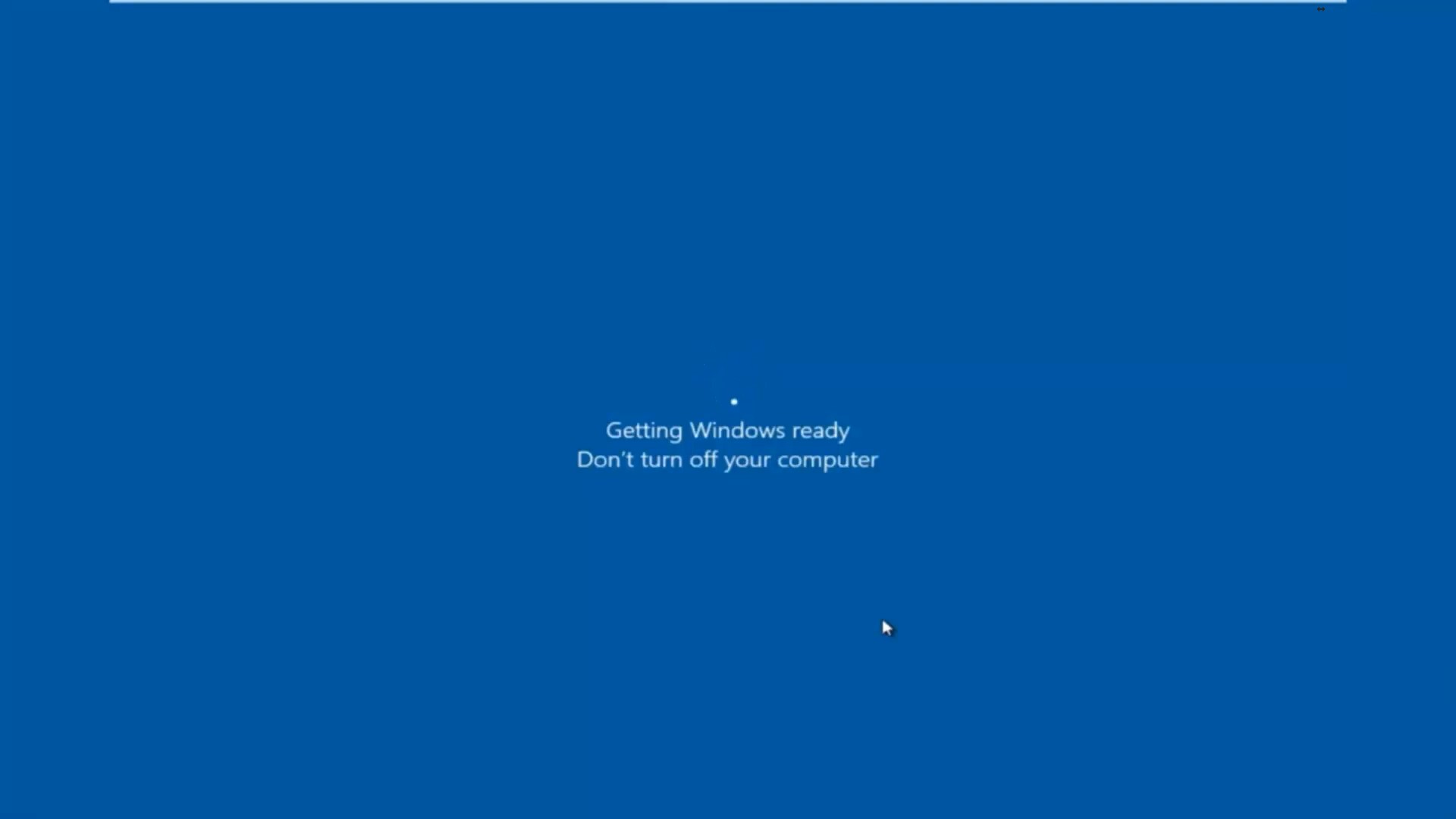
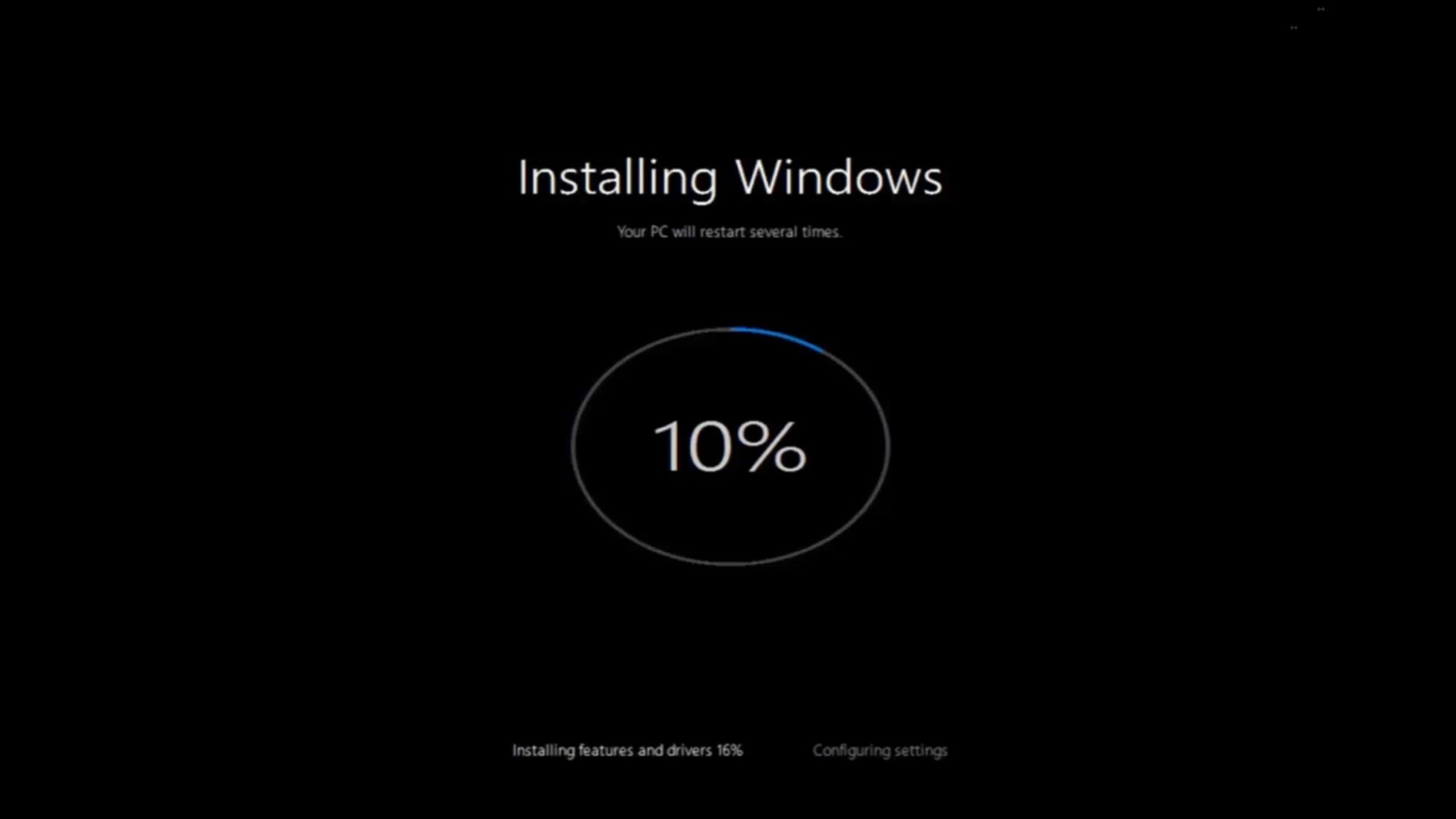
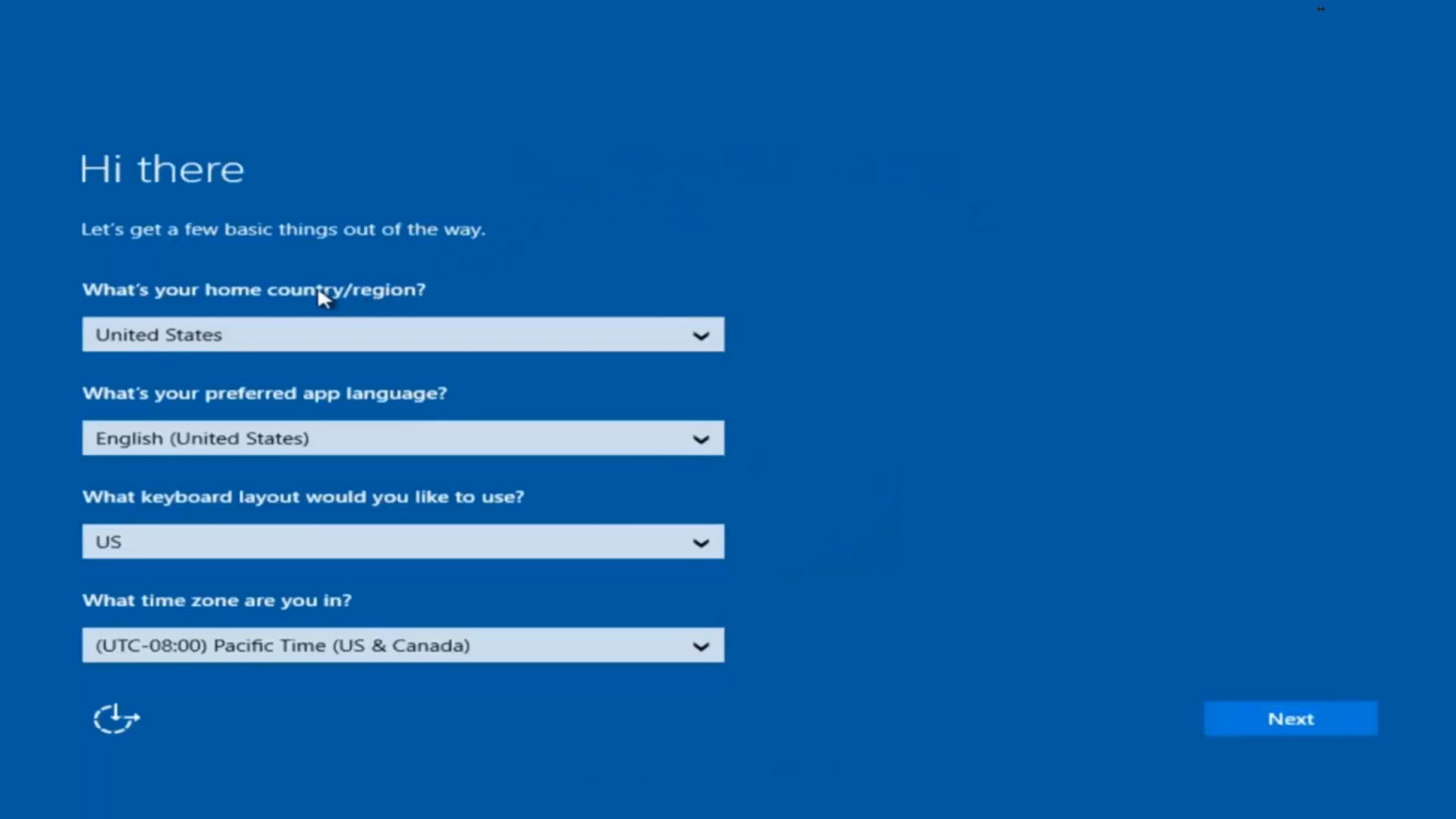
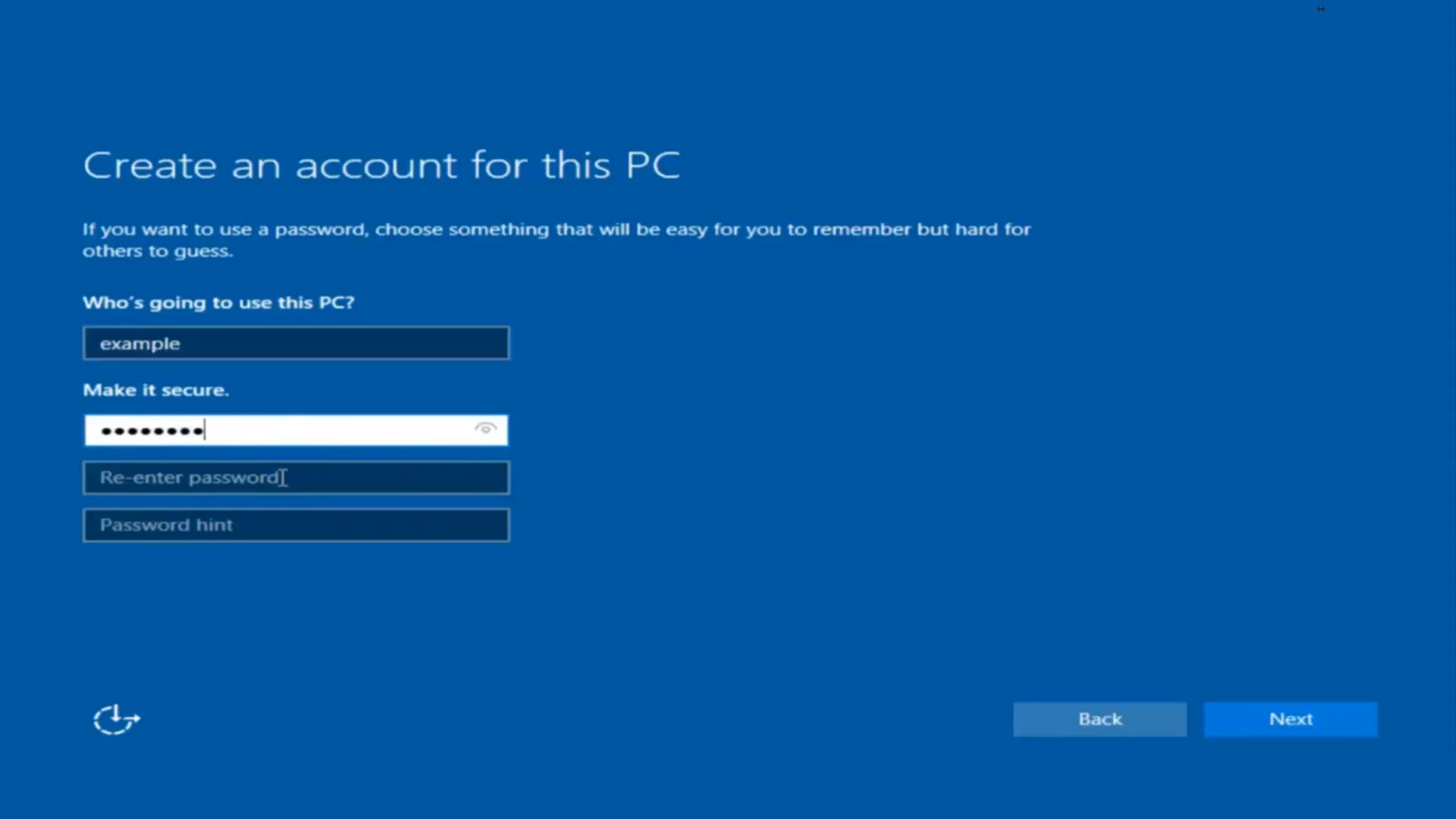
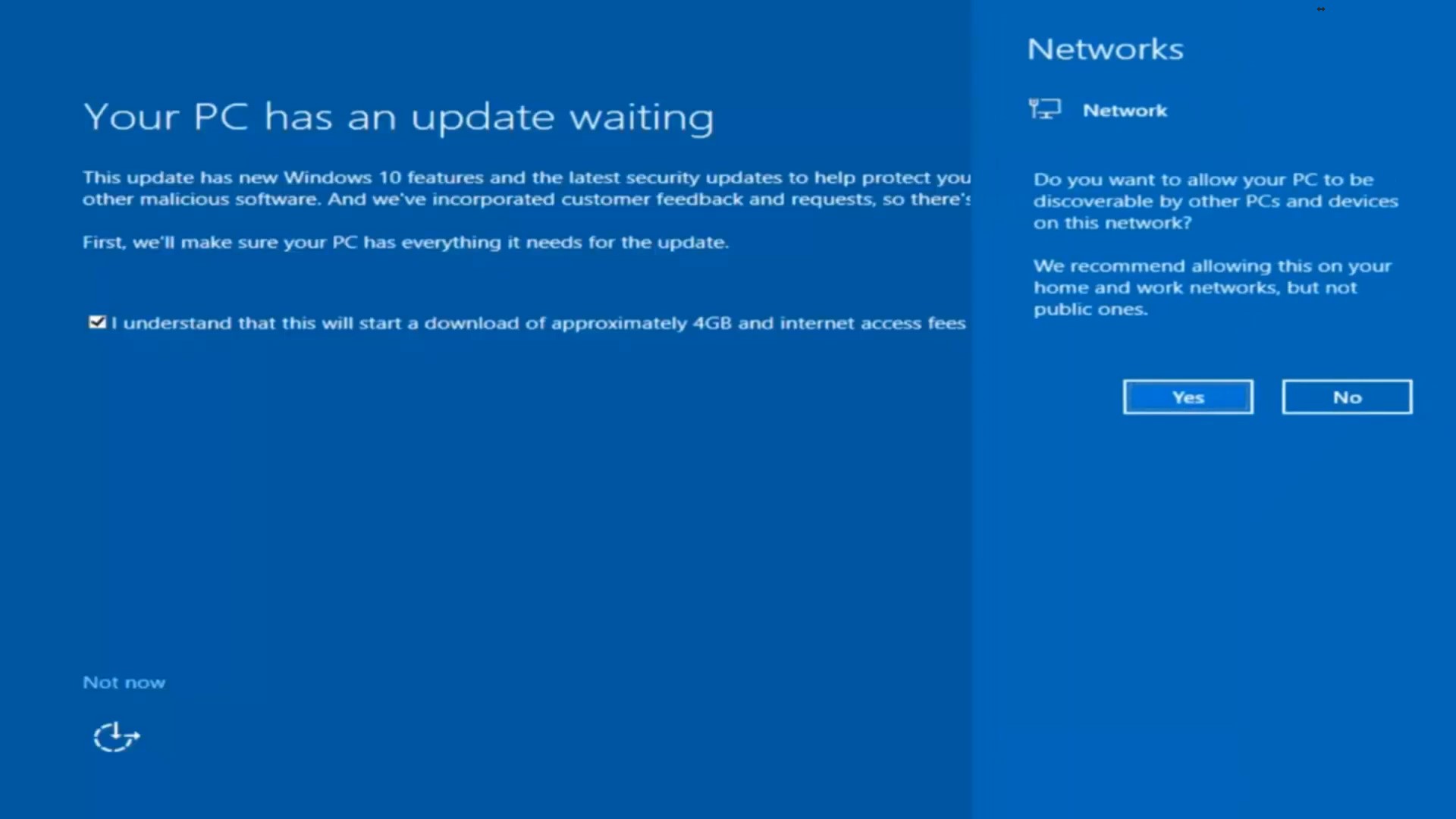
How To Restore Windows 10 To Factory Settings Data 21/03/2018 Autor Ionita Dorinel Categorie Soluții -7 1353 Configurare noua (How To) SituatieDaca se doreste resetarea Windows 10 la setarile de fabrica pe o statie Dell Solutie Pasi de urmat In search se cauta reset 2. Se da click pe Reset this PC 3. In fereastra aparuta se da click pe Get startded din optiunea Reset this PC 4. Se alege optiunea dorita Keep my files or Remove everything 5. Se asteapta inceputul configurarii 6. Se alege optiunea dorita. 7. Se alege optiunea Reset 8. Se asteapta configurarea 9. Se incepe resetarea 10. Installing … 11.Se completeaza informatiile necesare. 12. Se alege Customize sau Use express settings 13. Se creeaza user-ul. 14. Se alege optiunea dorita. 15. Resetarea s-a incheiat cu succes. Tip solutiePermanent Etichetare: askitaskit.roFactory SettingsHow To Restore Windows 10 To Factory SettingsKeep my filesRemove everythingresetReset this PCstatie DellUse express settingswindows 10 Voteaza Up Down (26 din 59 persoane apreciaza acest articol) ShareTweetShare Despre Autor Ionita Dorinel Solutii Asemanatoare How to resolve a Windows Update Install Error – 0x80070002 4 How to move Taskbar to top or side on Windows 11 0 Reparare eroare:”Trust Relationship Failed” fără scoatere din domeniu și fără restart (PowerShell) 3 You’ve been deleting files the wrong way in Windows 3 Arduino Soil Moisture Sensor 1 Instalare și rulare model AI local (Llama3) pe server Linux folosind Ollama 3 Leave A Comment? × Cancel Reply Save my name, email, and website in this browser for the next time I comment. two + 3 =
Leave A Comment?