
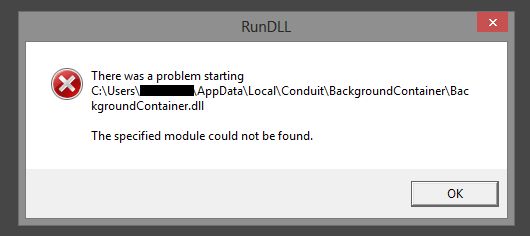
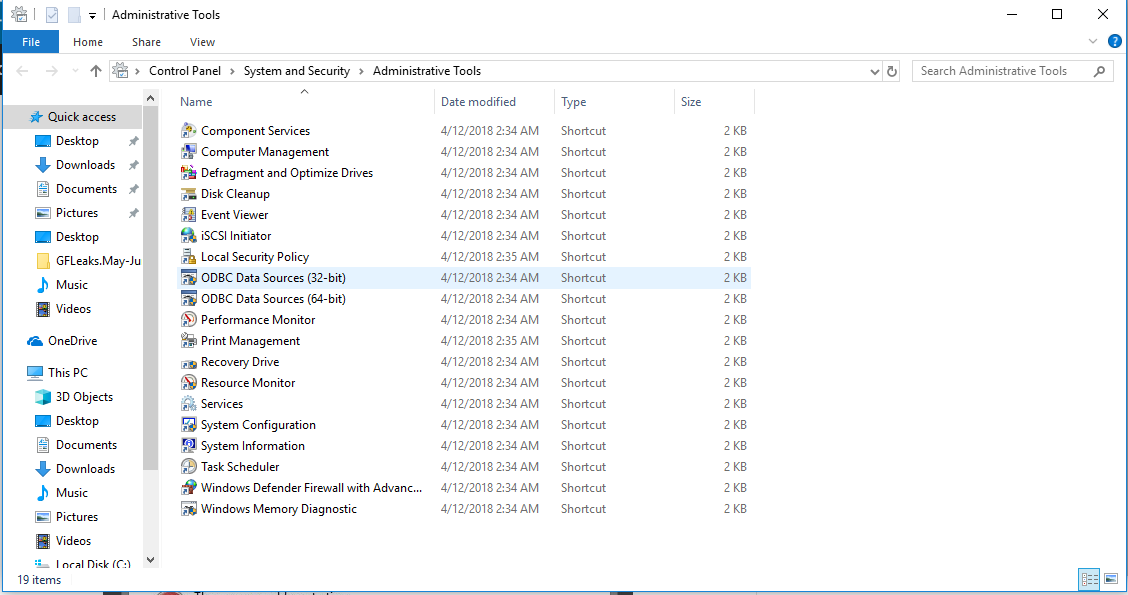
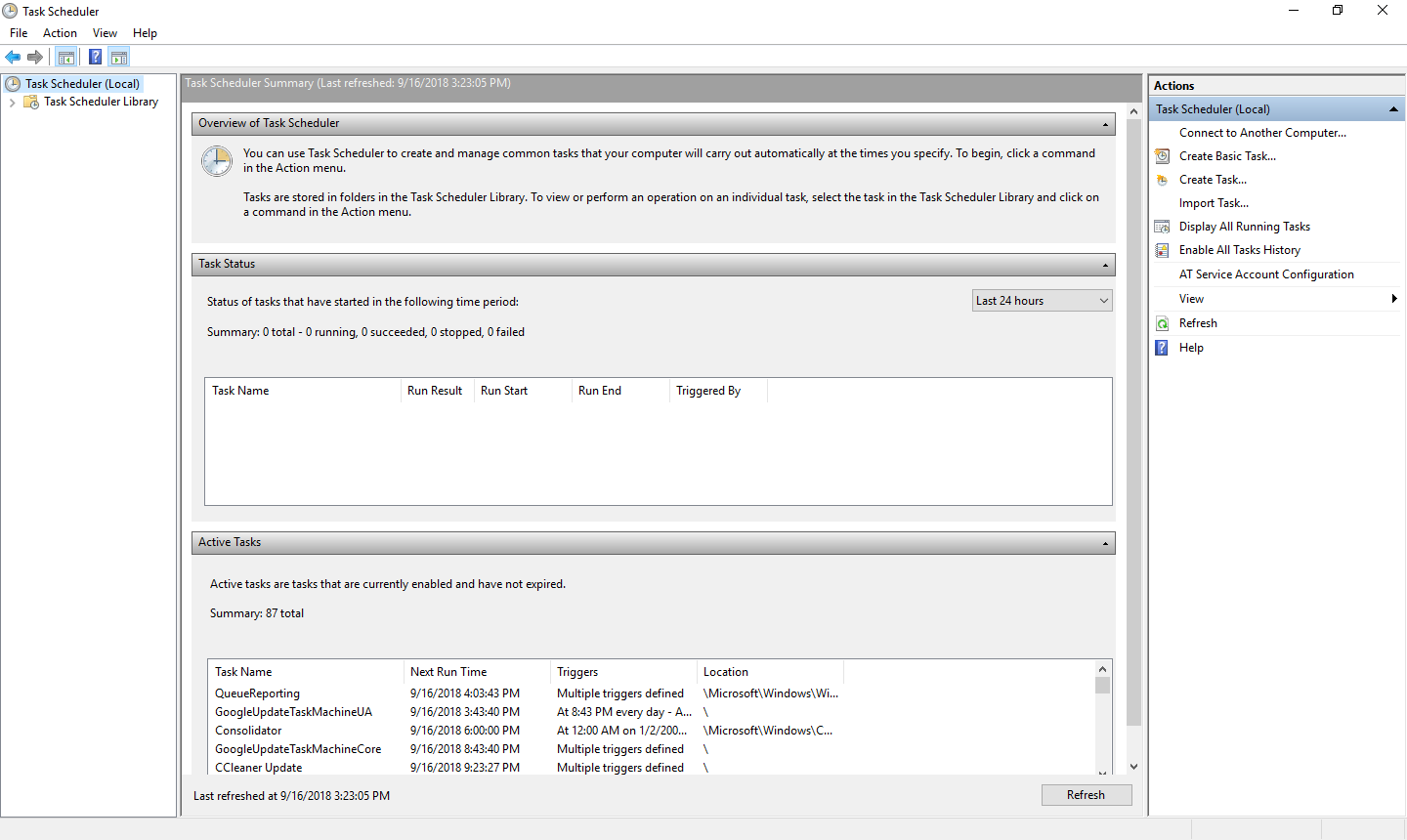
Run DLL error message/background container.dll Data 16/09/2018 Autor stefan honciuc Categorie OS - Windows -5 709 Rezolvare problema (Fix IT) SituatieLa deschiderea windows-ului apare eroarea: Solutie Pasi de urmat Deschide control panel >administrative tool: Deschide Task Scheduler si click pe Task Scheduler Library. Cautati prin lista background container si daca este gasit, click-dreapta>delete, apoi restart. Tip solutiePermanent Voteaza Up Down (13 din 30 persoane apreciaza acest articol) ShareTweetShare Despre Autor stefan honciuc Solutii Asemanatoare How to run Microsoft Defender full virus scan on Windows 11 2 Remediere Eroare: 0xc00000ba 1 How to install Manjaro 0 Raspberry Pi Music jukebox 2 6 Excel UI changes you need to make before starting your next spreadsheet 4 How to remap Copilot Key to launch Search in Windows 11 6 Leave A Comment? × Cancel Reply Save my name, email, and website in this browser for the next time I comment. 8 × = twenty four
Leave A Comment?