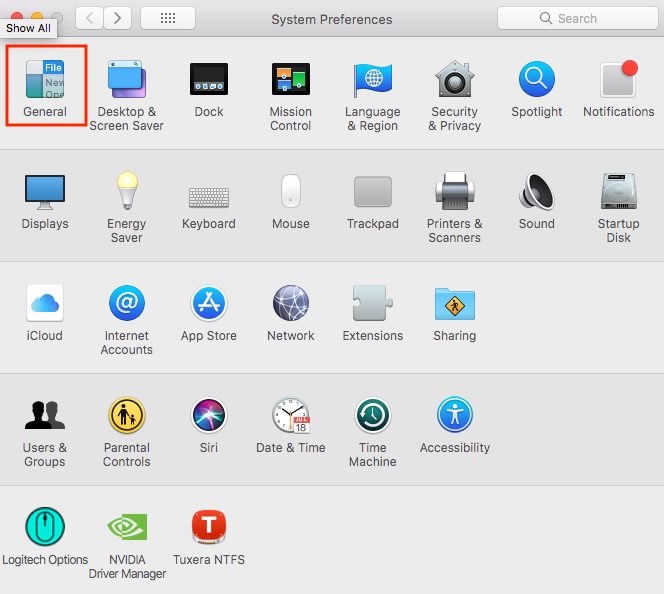
Cum puteti sa activati modul “Dark” in macOS Mojave Data 24/10/2018 Autor Valentin Pifu Categorie Soluții 0 515 Configurare noua (How To) SituatieCum puteti sa activati modul “Dark” in macOS Mojave Solutie Pasi de urmat Deschideti “System Preferences”. Intrati in “General”. Click pe “Dark”. Tip solutiePermanent ShareTweetShare Despre Autor Valentin Pifu Solutii Asemanatoare How to move Taskbar to top or side on Windows 11 2 Reparare eroare:”Trust Relationship Failed” fără scoatere din domeniu și fără restart (PowerShell) 1 You’ve been deleting files the wrong way in Windows 2 Arduino Soil Moisture Sensor 6 Instalare și rulare model AI local (Llama3) pe server Linux folosind Ollama 4 Cum pot retailerii să reducă pierderile și costurile folosind tehnologie simplă 4 Leave A Comment? × Cancel Reply Save my name, email, and website in this browser for the next time I comment. 8 − = zero
Leave A Comment?
