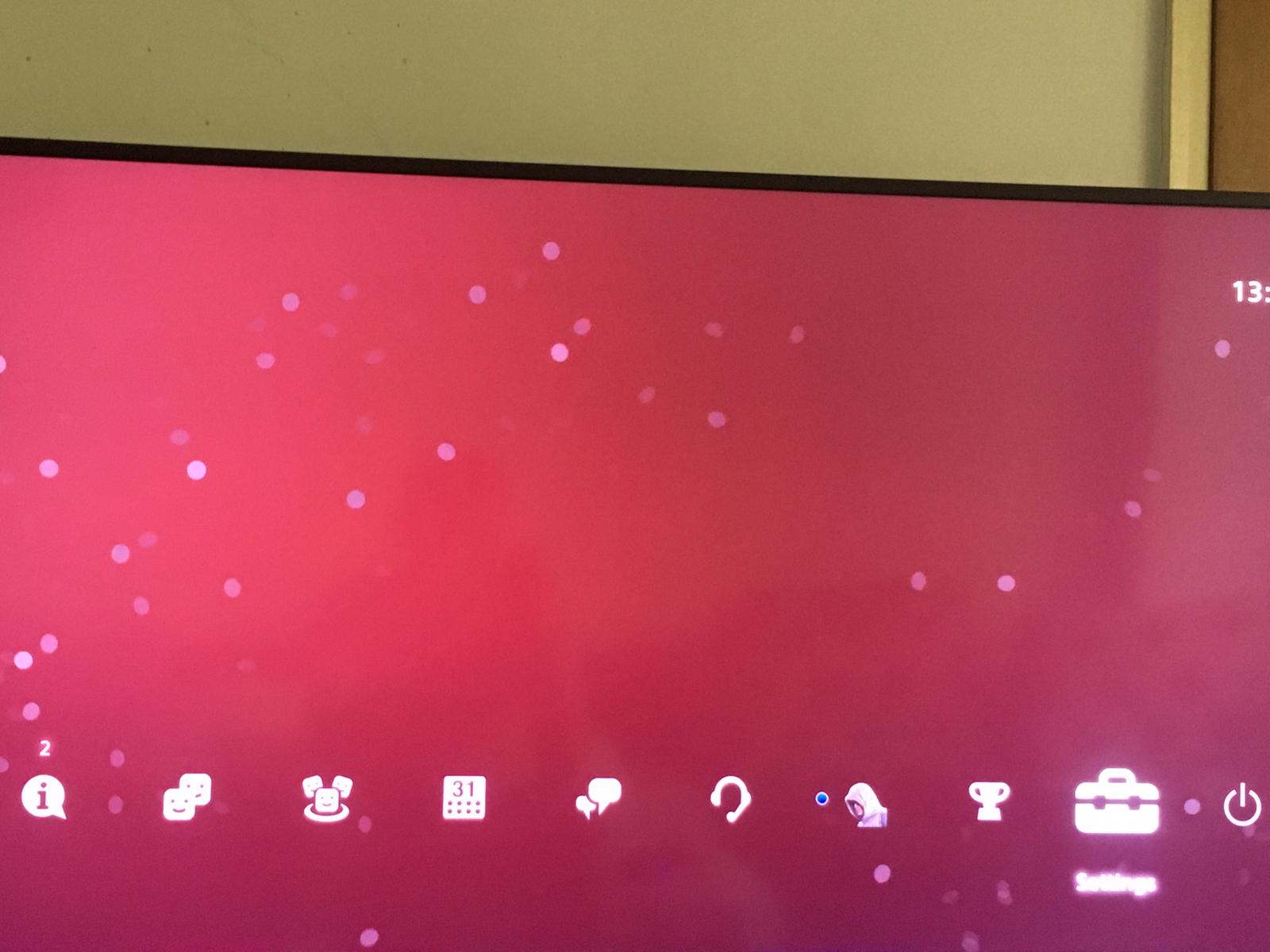
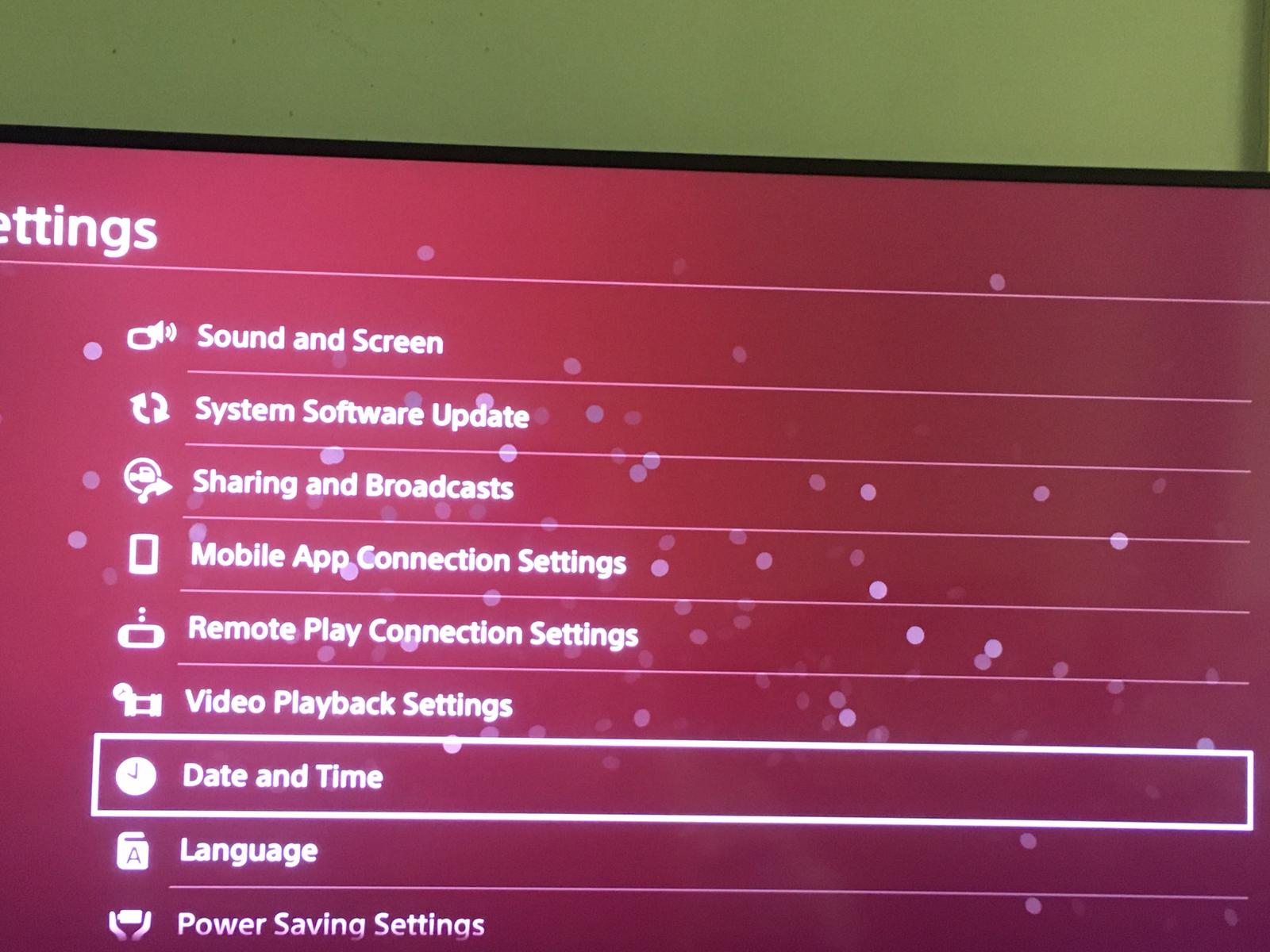
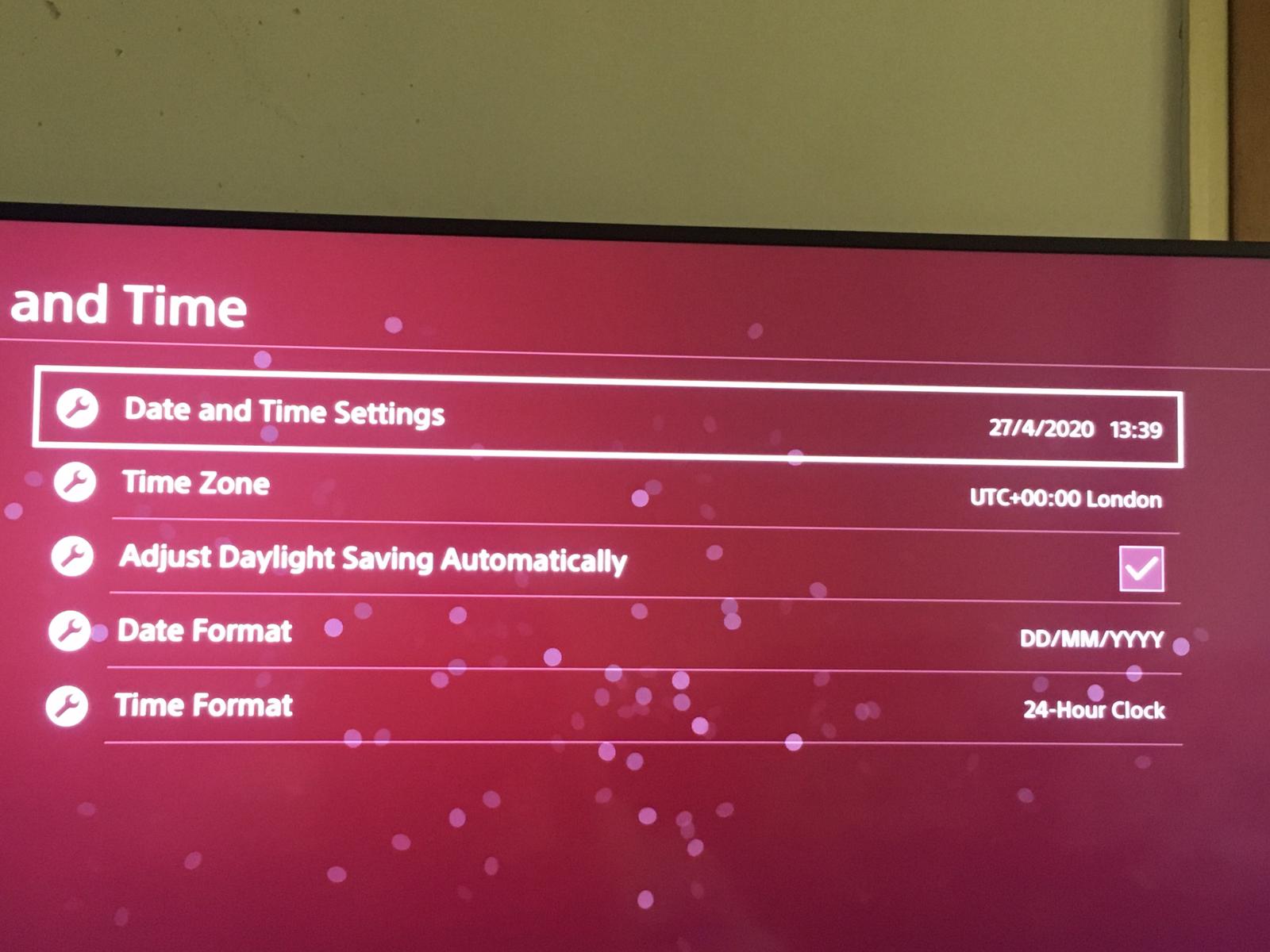
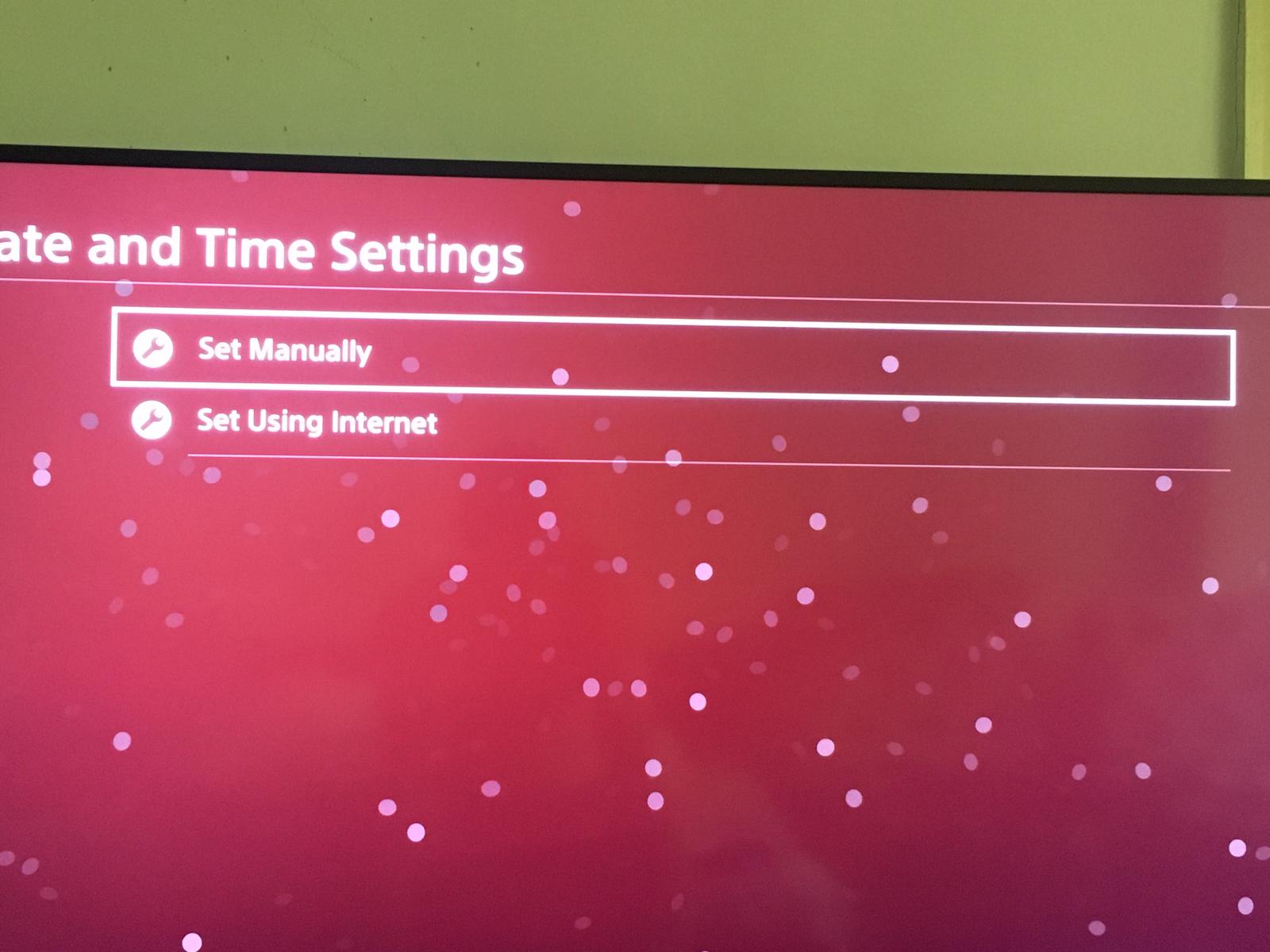
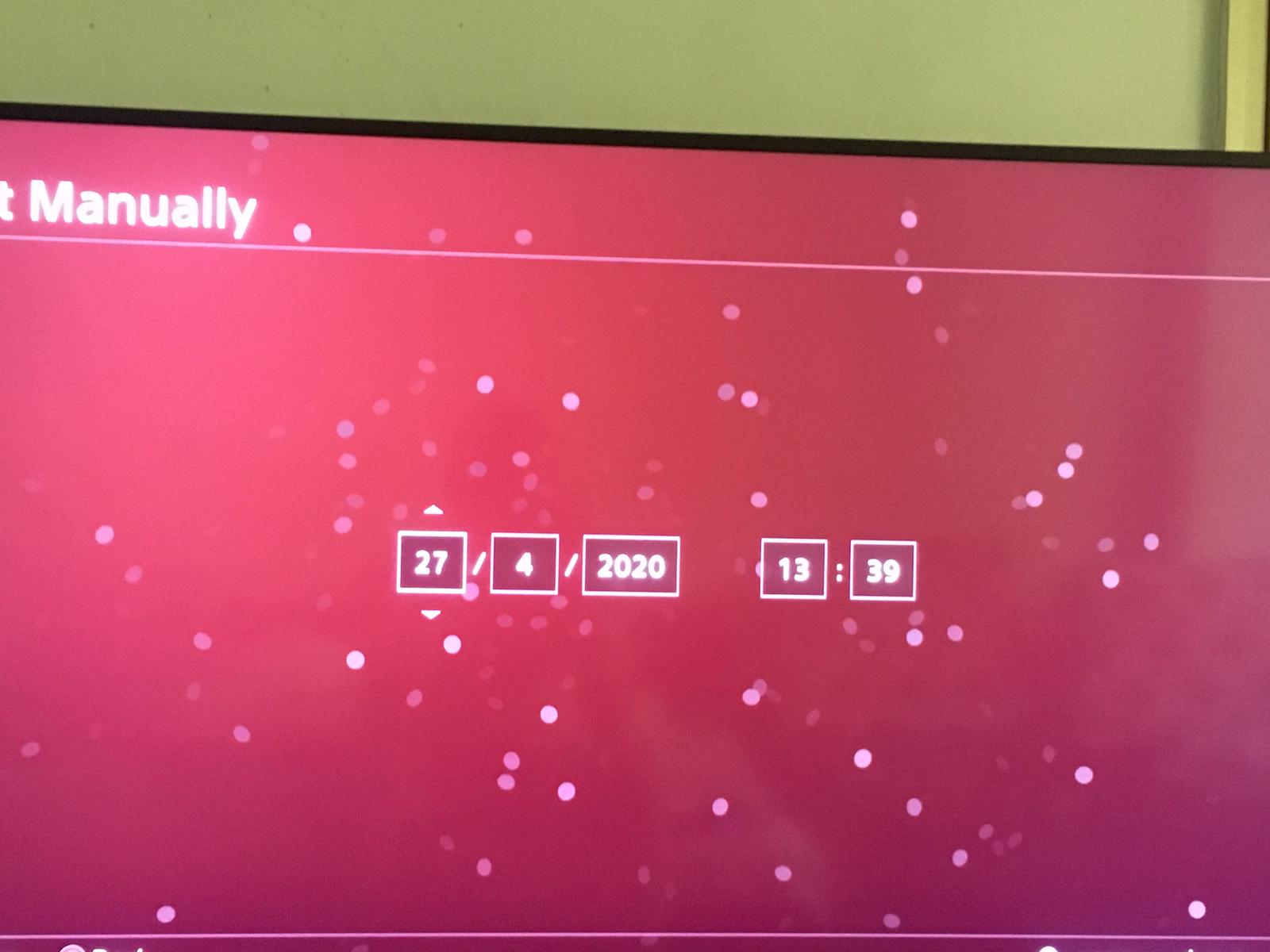
How to change date and time in PS4 Data 27/04/2020 Autor Dragos Popescu Categorie Soluții -3 539 Configurare noua (How To) SituatieHow to change date and time in PS4 Solutie 1.Go to Settings. 2.Click on Date and Time. 3.Click on Date and Time Settings. 4. Click on Set Manually. 5.And the last step, change your Date and Time. Tip solutiePermanent Voteaza Up Down (12 din 27 persoane apreciaza acest articol) ShareTweetShare Despre Autor Dragos Popescu Solutii Asemanatoare How to turn an old Android phone into a media server 2 5 Gmail features you can turn off 2 How to disable BitLocker on Windows 11 using from PowerShell 2 How to Check computer specs from Command Prompt or Powershell -1 How to hide the All apps list in the Start menu on Windows 11 -1 Cum folosești ChatGPT pentru a repara automat erori de Windows -1 Leave A Comment? × Cancel Reply Save my name, email, and website in this browser for the next time I comment. × one = seven
Leave A Comment?
