
Soluții

How to add “add-ins” in Microsoft excell

Couple steps you need to follow:

1.Open any Excell file.

2.Go to the file tab.
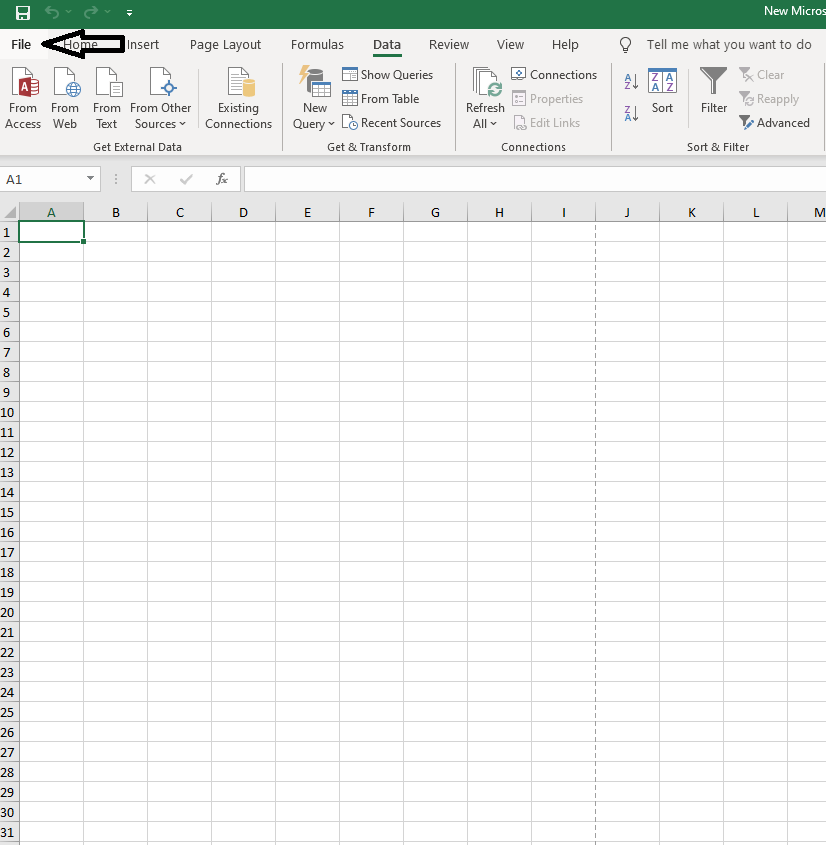
3.Go to the bottom left and click on “options”

4.On the left side of the pannel go to “Add-ins”,and left click on it.
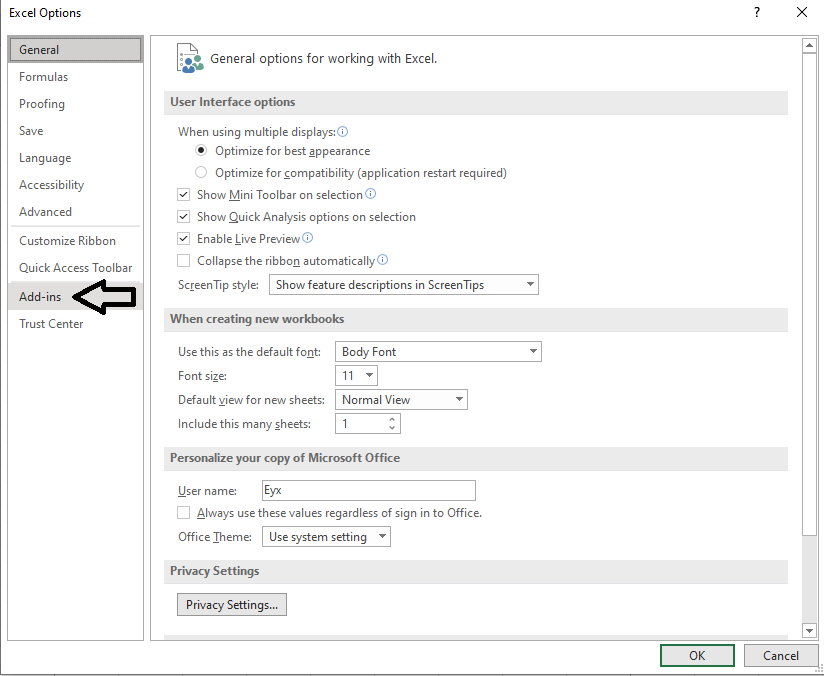
5.Select any add-in that you want to add and click “OK”.
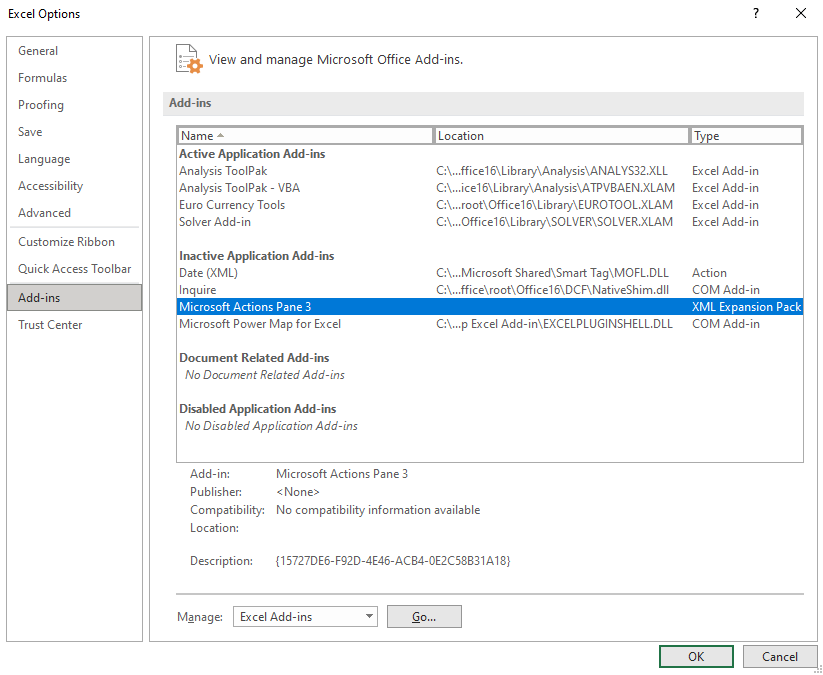
6.As an example,if you chose to add the “Data analysis” tab it will show up in the “Data” tab,top side,on the right as shown below.


[mai mult...]

Authorize and Install FL Studio & Image Line Plug-ins on P.C.

Authorize your Image-Line software

To authorize any Image-Line product, you first need to create an account. If you already have an account just sign in. Once the account is created, you’ll then need to authorize the software. Follow these steps to authorize your product.

  1. Log in to your Image-Line account. If you don’t have one, you can create it here.
  2. On your account home page, click Unlock Products, expand the Register Boxes and Plugins Serials section, then copy and paste the Serial Number you received from your Sweetwater Sales Engineer.
    • Alternatively, you can go to the Enter Serial page, then copy and paste the Serial Number.
  3. Complete the authorization process and follow the on-screen instructions.
  4. Once authorized, continue to Install and unlock FL Studio or Install and unlock Image-Line plug-ins.
[mai mult...]

How to Add Images to Questions in Google Forms

You don’t have to stick with text for your questions in Google Forms; you can base your questions on images. Whether you add a single image as the question or multiple images as possible answers, we’ll explain how to take advantage of this feature.

All question types except File Upload offer an image option for your question. So you might add an image to a Paragraph question and ask respondents to describe it, or add one to a Multiple Choice question and ask respondents for the correct depiction.

[mai mult...]