Eroare la înlocuirea bateriilor interne UPS APC smart srt6000
După intervenția tehnicianului pentru înlocuirea bateriilor interne, UPS-ul rămâne în aceeași eroare, nu recunoaște bateriile noi.
[mai mult...]
Soluții pentru problemele tale IT

După intervenția tehnicianului pentru înlocuirea bateriilor interne, UPS-ul rămâne în aceeași eroare, nu recunoaște bateriile noi.
[mai mult...]Before you can set up your Android with a static IP, you’ll need to find an available IP address on your network. You can do this from any computer that’s connected to your home network.
[mai mult...]If you’re running a typical home network, then your devices receive their IP addresses via the Dynamic Host Configuration Protocol (DHCP). This means they’re assigned an IP address when they connect to the network, and may in fact receive a completely different one the next time.
Whether or not your device will use DHCP or not is a setting unique to each connection. In other words, if you turn off DHCP for your wired connection, all your wireless connections will continue to use DHCP until you do the same.
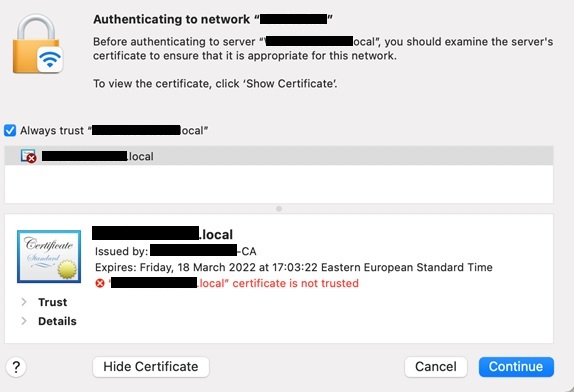
[mai mult...]Dorim sa conectam un calculator din WORKGROUP intr-o retea wi-fi cu autentificare radius. Ca simptom se deconecteaza frecvent si apare mesajul din imagine unde trebuie sa dam mereu click pe butonul “continue”: