
Soluții

Switch Siri AI for ChatGPT on your Mac

In macOS 27 Golden Gate, Siri AI is a lot smarter than before, so it doesn’t always flail and attempt to hand your questions over to ChatGPT. However, if you still prefer OpenAI’s chatbot for certain queries, you can still ask for it explicitly.
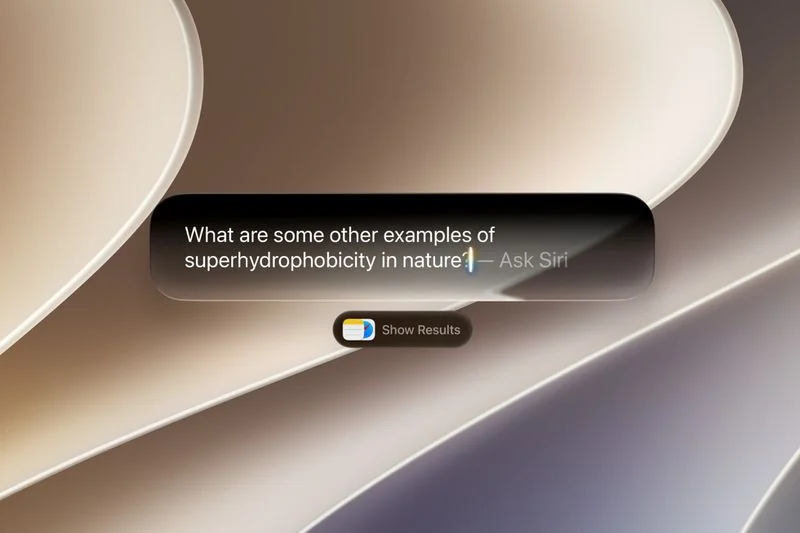
In macOS Tahoe, Siri would suggest passing a request to ChatGPT when it thought the chatbot could help. In macOS 27 though, ChatGPT only answers when you specifically ask it. There’s also no setting that makes ChatGPT your default assistant – as things stand, you need to choose it for each query.

Turn On the ChatGPT Extension

[mai mult...]
Create a Custom Pass in the Wallet App on iPhone

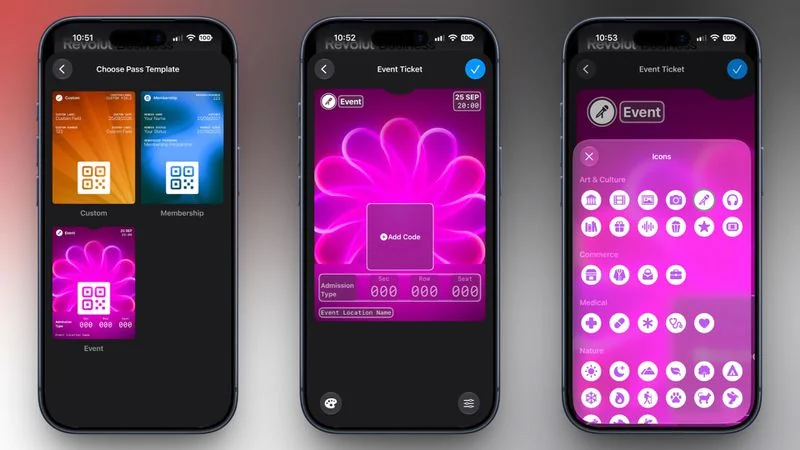
In iOS 27, Apple’s Wallet app lets you create custom passes for things like event tickets, gift cards, loyalty cards, and more.

If you have a ticket for an event and there’s not a digital version available for the Wallet app, you can create one using the physical pass you have. The same goes for other cards, like a membership card, for example.The Wallet app can use ‌Visual Intelligence‌ to scan your card, and it will match it to a template with corresponding fields that you can tweak before adding it to your Wallet.

Alternatively, you can create the pass manually, choose a template (“Membership,” “Event,” or “Custom”) and then adjust the color and other details. All you need to do then is scan the barcode or QR code from your physical pass.

Each template includes relevant information like name, location, or admission type. There are 12 background colors to choose from, or seven custom backgrounds for categories like theater, music, sports, and movies.Fields can be added or removed when creating a custom pass, with options like label, date, membership, contact, coupon code, VIN, insurance, and more, so most physical cards should be able to be stored digitally.

Here’s how you create a pass with ‌Visual Intelligence‌:

[mai mult...]

Email security în SMB

#emailsecurity #spf #dkim #dmarc #sysadmin #askit

Firmă de distribuție, ~60 de angajați, mail pe Microsoft 365, plus un ERP vechi care trimite facturi și notificări prin propriul server SMTP. Domeniul avea de ani de zile un record SPF, adăugat de cineva “ca să fie”. Nimeni nu se mai uitase la el de atunci.

Într-o vineri, contabila primește un mesaj de la “directorul general”: o factură urgentă de plătit, cu un IBAN nou. Adresa expeditorului arăta perfect, exact domeniul firmei. Din fericire, a sunat să verifice. Directorul nu trimisese nimic.

Prima reacție: “dar avem SPF, cum e posibil?”. Răspunsul scurt: SPF singur nu protejează ce vede utilizatorul în câmpul From. Validează doar envelope sender (Return-Path), iar atacatorul poate folosi propriul domeniu acolo și să pună domeniul vostru în From. Fără DMARC, serverul destinatar nu are nicio instrucțiune să respingă mesajul.

[mai mult...]