
Soluții

How to Change the Default Terminal in Ubuntu

Terminal is a crucial part of any Linux system. It allows you to access your Linux systems through a shell. There are several terminal applications (technically called terminal emulators) on Linux.

Most of the desktop environments have their own implementation of the terminal. It may look different and may have different keyboard shortcuts.For example, Guake Terminal is extremely useful for power users and
provides several features you might not get in your distribution’s terminal by default.

You can install other terminals on your system and use it as default that opens up with the usual keyboard shortcut of Ctrl+Alt+T.Now the question comes, how do you change the default terminal in Ubuntu.
It doesn’t follow the standard way of changing default applications in Ubuntu then how to do it?
[mai mult...]

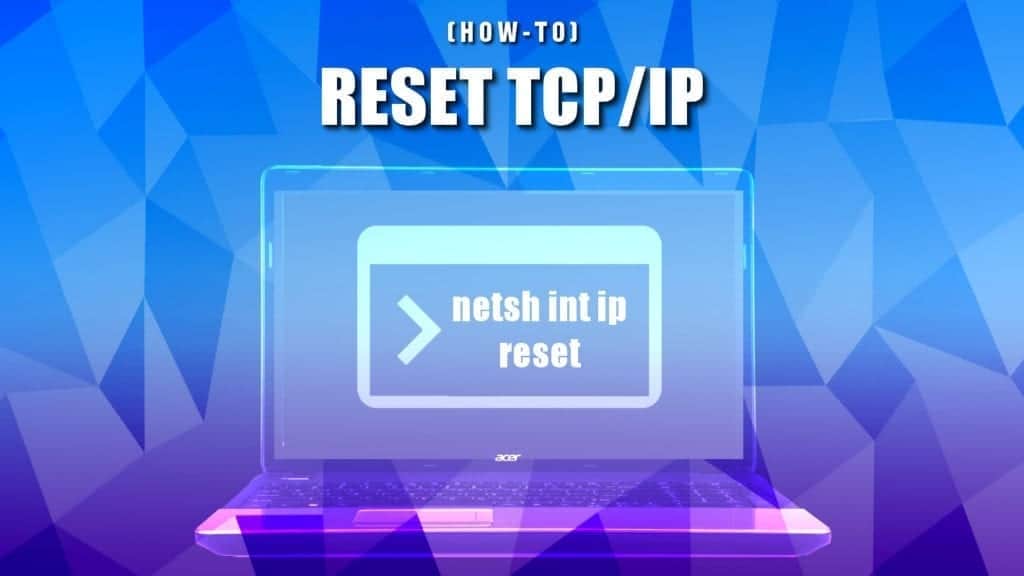
Reset TCP/IP Stack on Windows 10 & Mac

reset tcp/ip settings on windows and mac

TCP/IP overview: why reset?

TCP/IP stands for Transmission Control Protocol/Internet Protocol. The TCP part allows establishing connection between two endpoints and dictates how data is sent and received. It also ensures reliable and in-order delivery of packets. The IP part only deals with packets. In simple words, TCP IP is a set of communication protocols that are used to interconnect network devices on the Internet.

TCP/IP Reset reverts computer’s Internet Protocol settings to default and often solves connection issues. Resetting these settings is a common practice when dealing with “This Site Can’t be Reached” or “Unable to Connect to the Internet”or “Hmm… cannot reach this page” grey pages with error codes DNS_PROBE_FINISHED_NXDOMAIN or INET_E_RESOURCE_NOT_FOUND.

Please use the navigation panel to quickly navigate to the information on how to reset TCP IP specifically on your Windows OS .


[mai mult...]