How to Fix SSL_ERROR_NO_CYPHER_OVERLAP
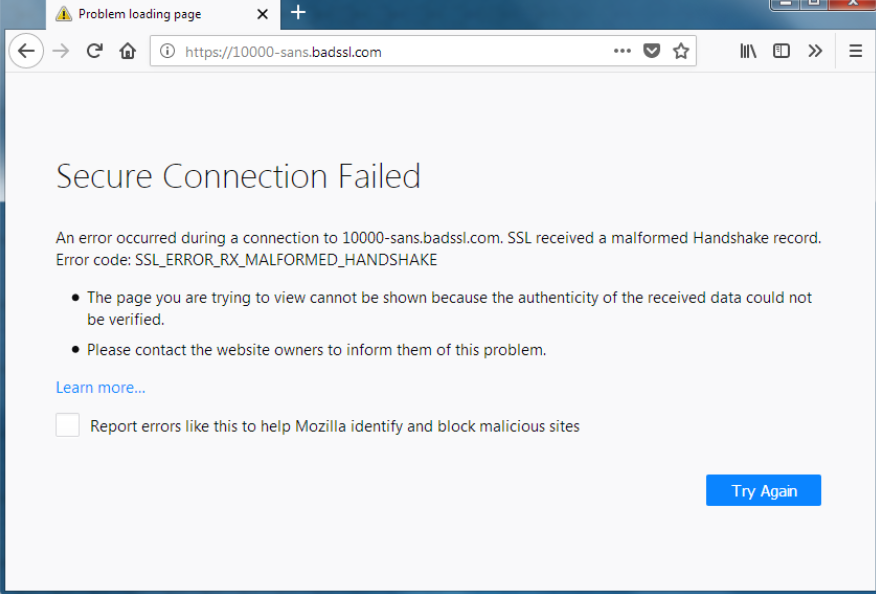
Aside from a website potentially experiencing server-side SSL issues, it’s possible your Firefox settings are causing a miscommunication between the website server and your computer. This is a far likelier case if many different websites are throwing the error code SSL_ERROR_NO_CYPHER_OVERLAP.
You should always keep Firefox up to date anyhow, but an outdated version of Firefox is a potential cause of Firefox error SSL_ERROR_NO_CYPHER_OVERLAP appearing.
If either TLS or SSL3 are disabled or otherwise misconfigured in your Firefox TLS settings, the error code will also commonly spring up. Finally, any website that uses RC4 (Rivest Cipher 4) in its encryption will run into issues with Firefox TLS no matter what. This is because RC4 was prohibited from TLS in 2015.