
How to Install Apple Maps on Windows
Apple Maps has an official web app, available on Windows, Mac, and Linux. Here’s how to install it on your Windows PC for easy access.
[mai mult...]Soluții pentru problemele tale IT
Apple Maps has an official web app, available on Windows, Mac, and Linux. Here’s how to install it on your Windows PC for easy access.
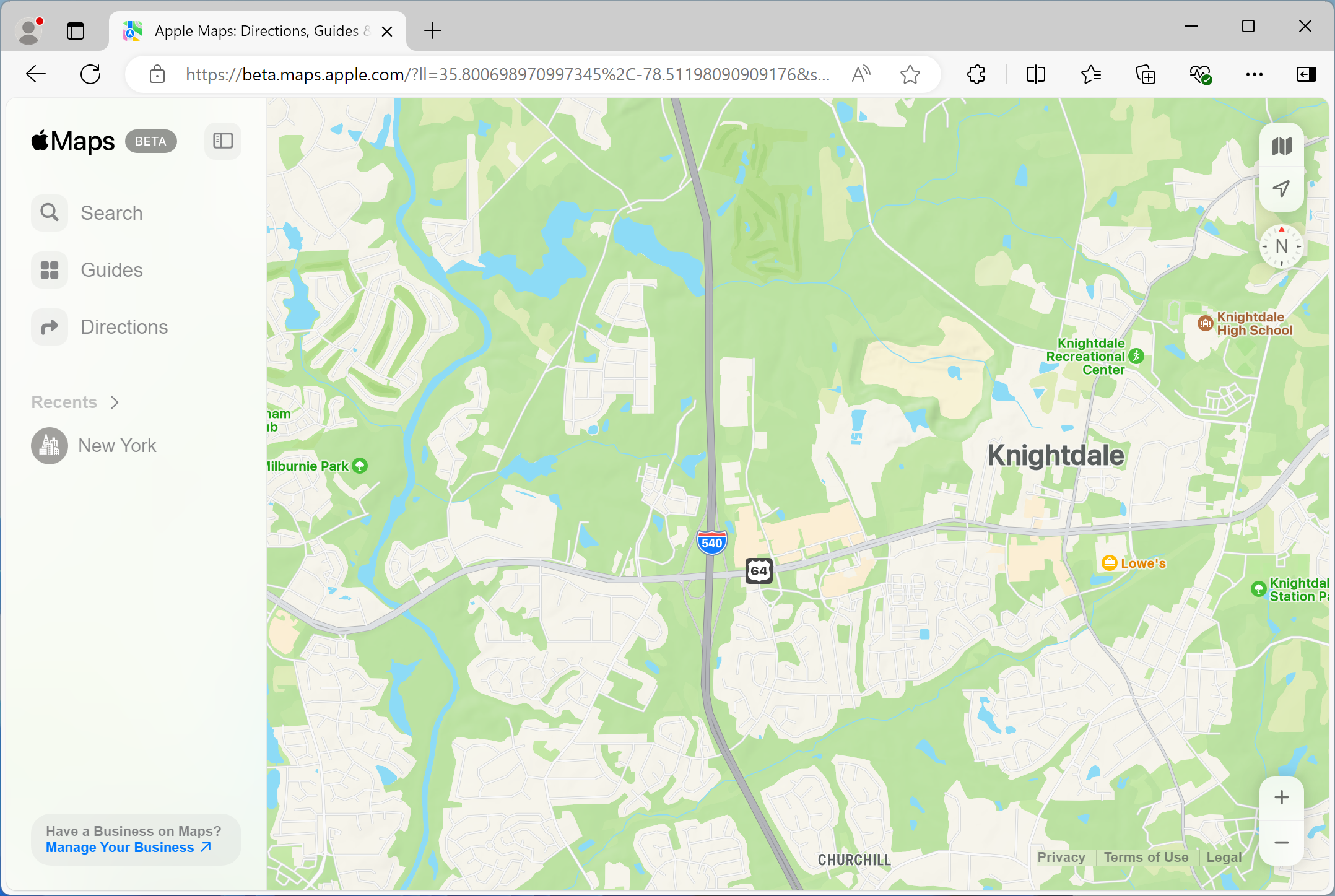
Apple released a public beta of Apple Maps on the web in July 2024, marking the first time the Maps service was available on non-Apple devices. It’s still not the full experience you’d get on an iPhone or Mac, but you can look up locations, check routes, and view location information like opening hours and phone numbers.
How to Install Apple Maps
First, open Microsoft Edge on your Windows PC. You can search for “Edge” in the Start Menu to find it. Next, open the address beta.maps.apple.com in the address bar. That will open the Apple Maps web app.
Instalarea din codul sursă poate fi preferată din următoarele două motive principale:
The Steam Deck can do much more than you’d expect at first glance. It’s not just a gaming handheld, it’s a Linux-based computer with controllers attached. However, it might not be immediately obvious where to find certain apps and programs on Steam Deck that you’re used to using on your phone or PC. For instance, knowing how to access Google Chrome isn’t intuitive, at first.
It turns out, it’s very easy to set up Google Chrome on Valve’s handheld, as long as you know how to do it. Without further ado, here are the step-by-step instructions for how to install and use Google Chrome on Steam Deck.
[mai mult...]If you can’t find the touchpad cursor on the screen, try these troubleshooting steps on Windows 11.
If the cursor is missing on the screen, it’s likely that the touchpad is disabled on your computer. You can quickly enable this feature from the Settings app. To enable the touchpad on Windows 11, use these steps:
[mai mult...]