Soluții
Unlock your PC when an App crashes – No restart
Short how to guide about what you can do to “unfreeze” your PC when your App crashes and the screen in frozen.
1.Press “Ctrl” + “Shift” + “Escape” simultaneously and your Task Manager will pop up.
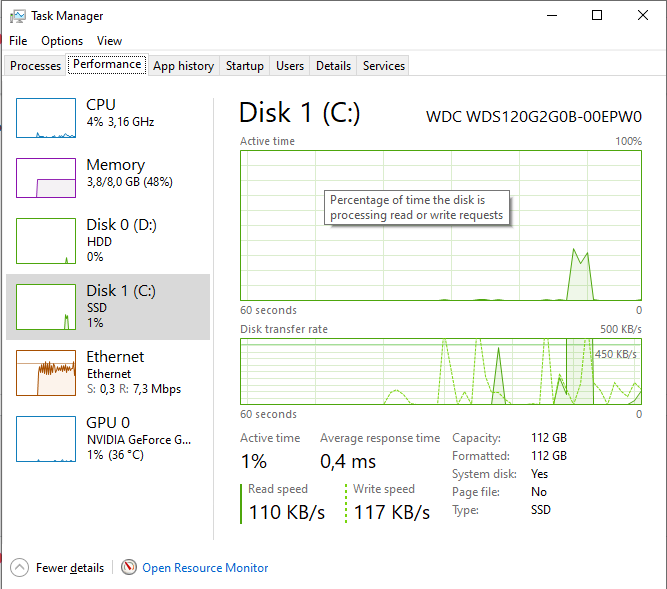
2.Go to the “Options” tab and tick the “Always on top” box as shown below.

This will make Task Manager appear over any frozen app and let you use it.
[mai mult...]How to use the whois Command on Linux
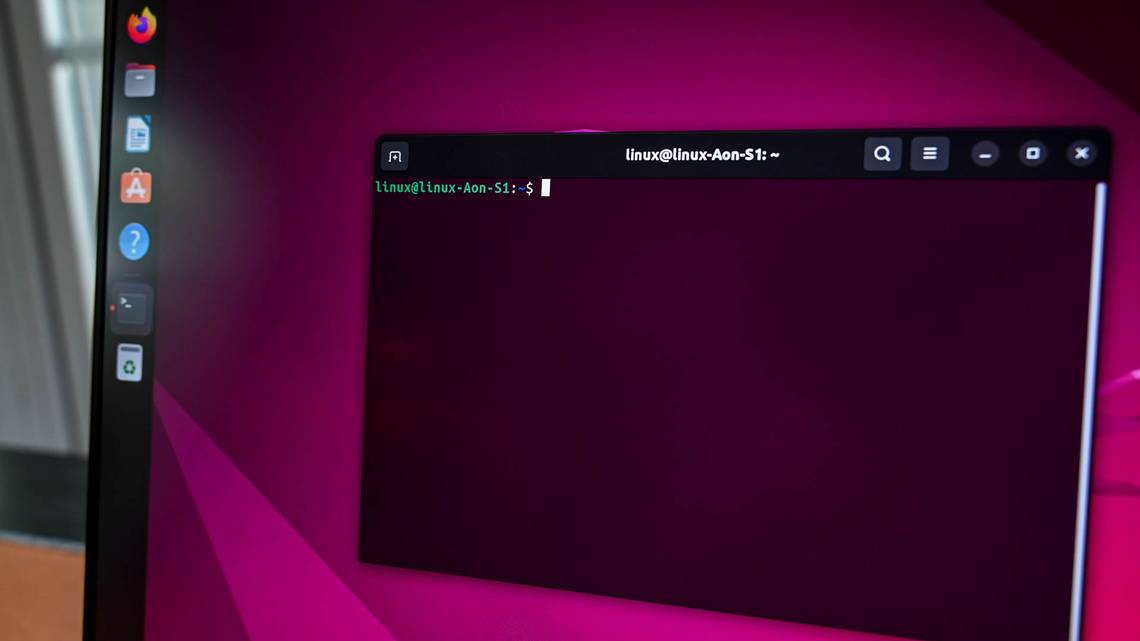
A whois lookup will tell you a lot of information about who owns an internet domain. On Linux, you can run whois lookups from the command line. We’ll walk you through it.
[mai mult...]How to use the ls Command to List Files and Directories on Linux
[mai mult...]How to schedule Text Messages on iPhone
[mai mult...]How to get a Discord or Slack Alert if your Raspberry Pi is too hot