Cum faci deploy la Office 2016 pe Windows Server 2016
In cele ce urmeaza va voi arata cum se poate instala Office 2016 pe Windows Server 2016:
[mai mult...]
Soluții pentru problemele tale IT

In cele ce urmeaza va voi arata cum se poate instala Office 2016 pe Windows Server 2016:
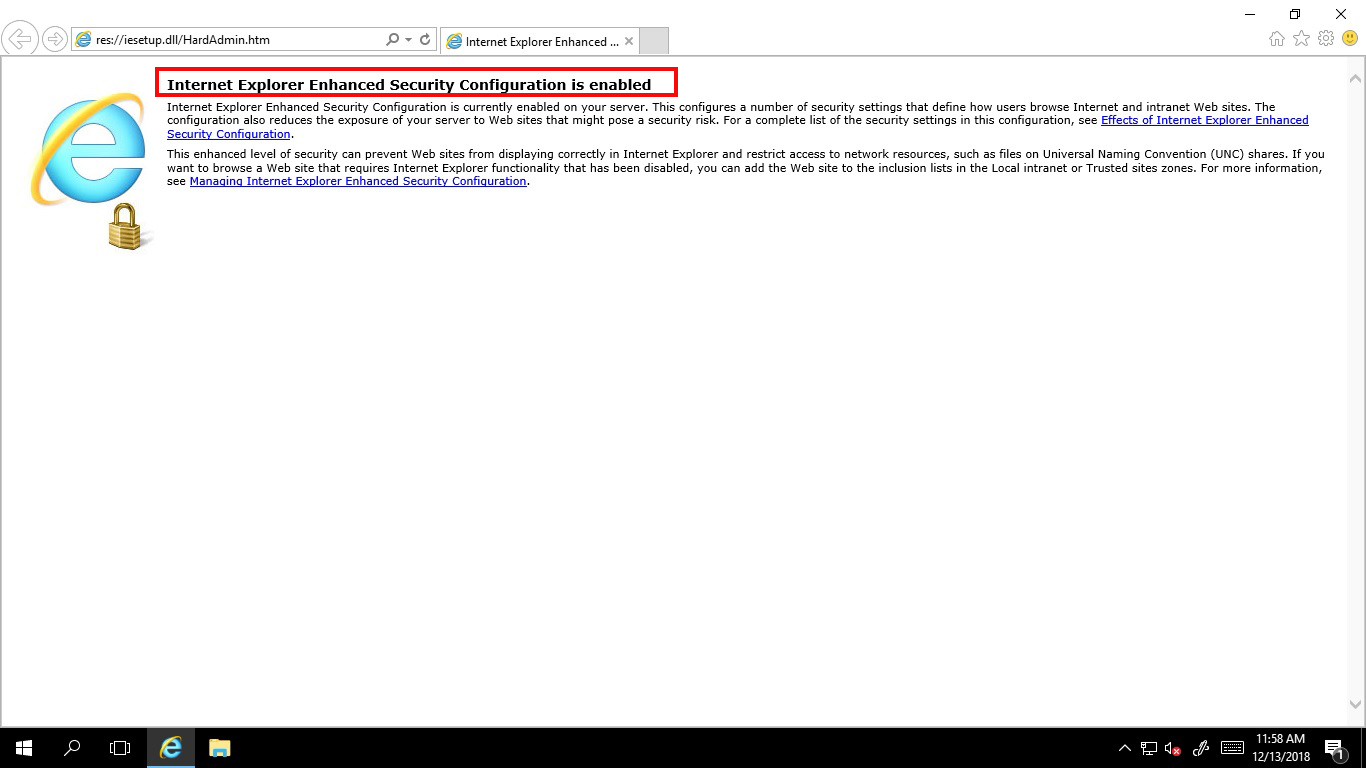
[mai mult...]Daca vrei sa deschizi o pagina web in Internet explorer pe un Windows Server 2016 abia instalat primesti mesajul de mai jos. Pentru a putea deschide pagini web trebuie sa procedezi in felul urmator:
Server-ul este vulnerabil la atacurile poodle pe protocolul ssl 2.0
[mai mult...]Server-ul este vulnerabil la atacuri de tip poodle pe SSL 2.0.
[mai mult...]Dorim sa instalam net framework 4.7.2 si primim eroarea: certificatul este invalid.
[mai mult...]Press Start and type gpmc to start Group Policy Management Console and press Enter.
In the new window, right click either on your domain, or on the OU for which you want to apply the policy to and click on Create a GPO in this domain, as in the following image, and type the name you want for it.
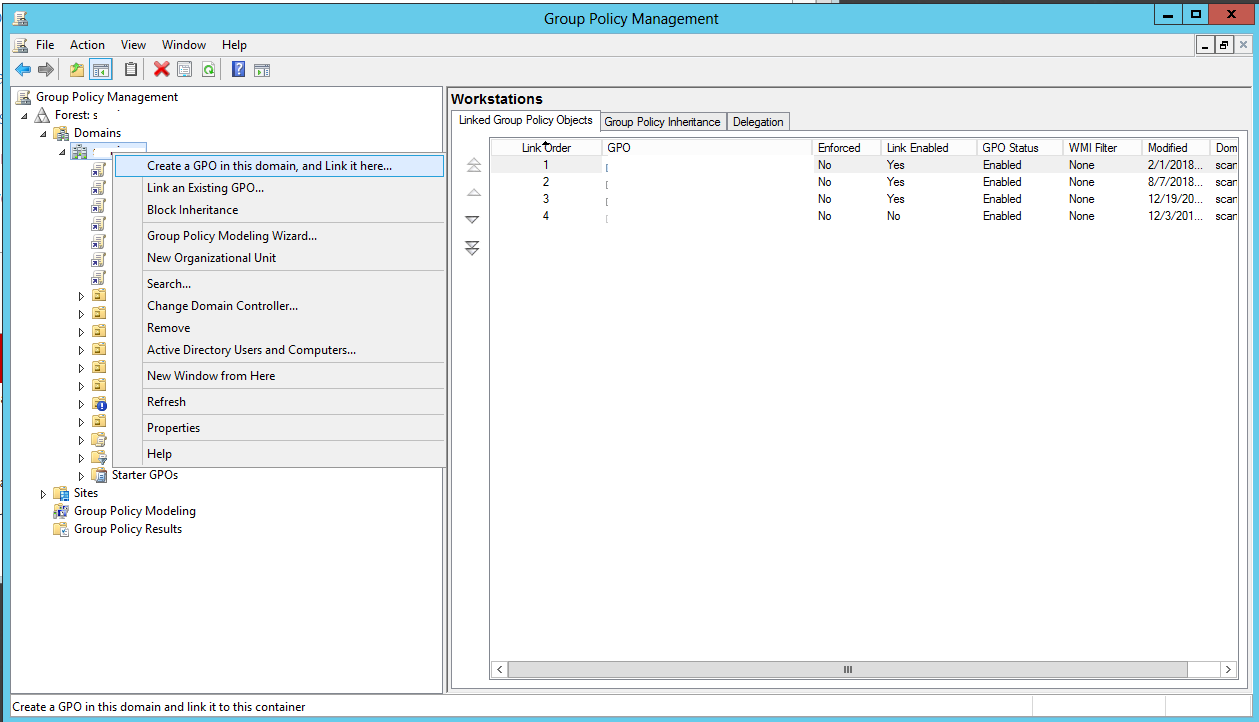
Now, all you need to do is to right click on your newly created GPO,click Edit, and scroll to the following setting:
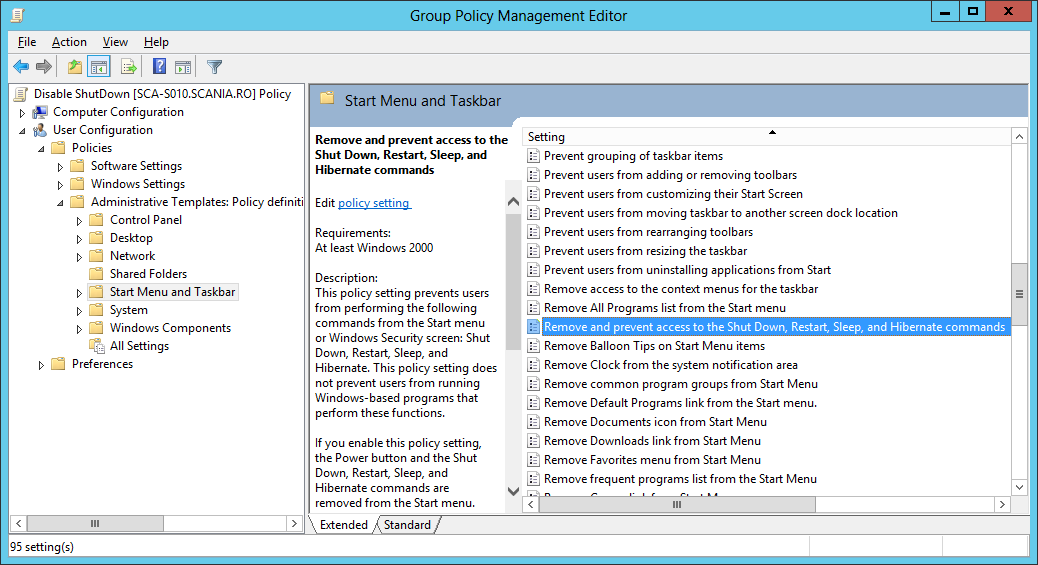
User Configuration>Policies>Administrative Templates: Policy definitions>Start Menu and Taskbar, look for the Remove and prevent access to the Shut Down,Restart,Sleep, and Hibernate commands, double click on it, choose Enable and click on Apply.After applying this GPO, the only way to do any of those operations is by using either 3rd party software or by using scripts/cmd commands.
[mai mult...]