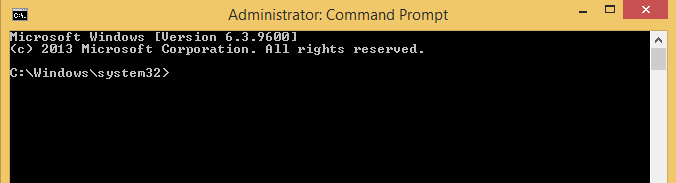
Activeaza remote desktop folosind cmd pt a adauga o cheie in registrii Data 08/06/2016 Autor Radu P Categorie OS - Windows -19 1567 Configurare noua (How To) SituatieSe doreste activarea remote desktop din CMD Solutie Pasi de urmat Se deschide CMD Se ruleaza comanda: REG ADD “HKLMSYSTEMCurrentControlSetControlTerminal Server” /v fDenyTSConnections /t REG_DWORD /d 0 Tip solutiePermanent Etichetare: Activeaza remote desktopActiveaza remote desktop folosind cmd pt a adauga o cheie in registriiaskitaskit.rocheie in registricmdREG ADD Voteaza Up Down (16 din 51 persoane apreciaza acest articol) ShareTweetShare Despre Autor Radu P Solutii Asemanatoare Activarea multi-sesiunilor pentru Remote Desktop pe Windows Server 3 Sistemul de operare optimizat pentru Edge Computing și Self-Healing 1 Bara de instrumente Microsoft Word a fost gri sau nu răspunde 3 Nu s-a putut actualiza reagent.xml pe computerul Windows 3 File Explorer se blochează la montarea ISO în Windows 11 1 Cum scapam de ferestrele enervante cand aprindem calculatorul 1 Leave A Comment? × Cancel Reply Save my name, email, and website in this browser for the next time I comment. two × three =
Leave A Comment?
