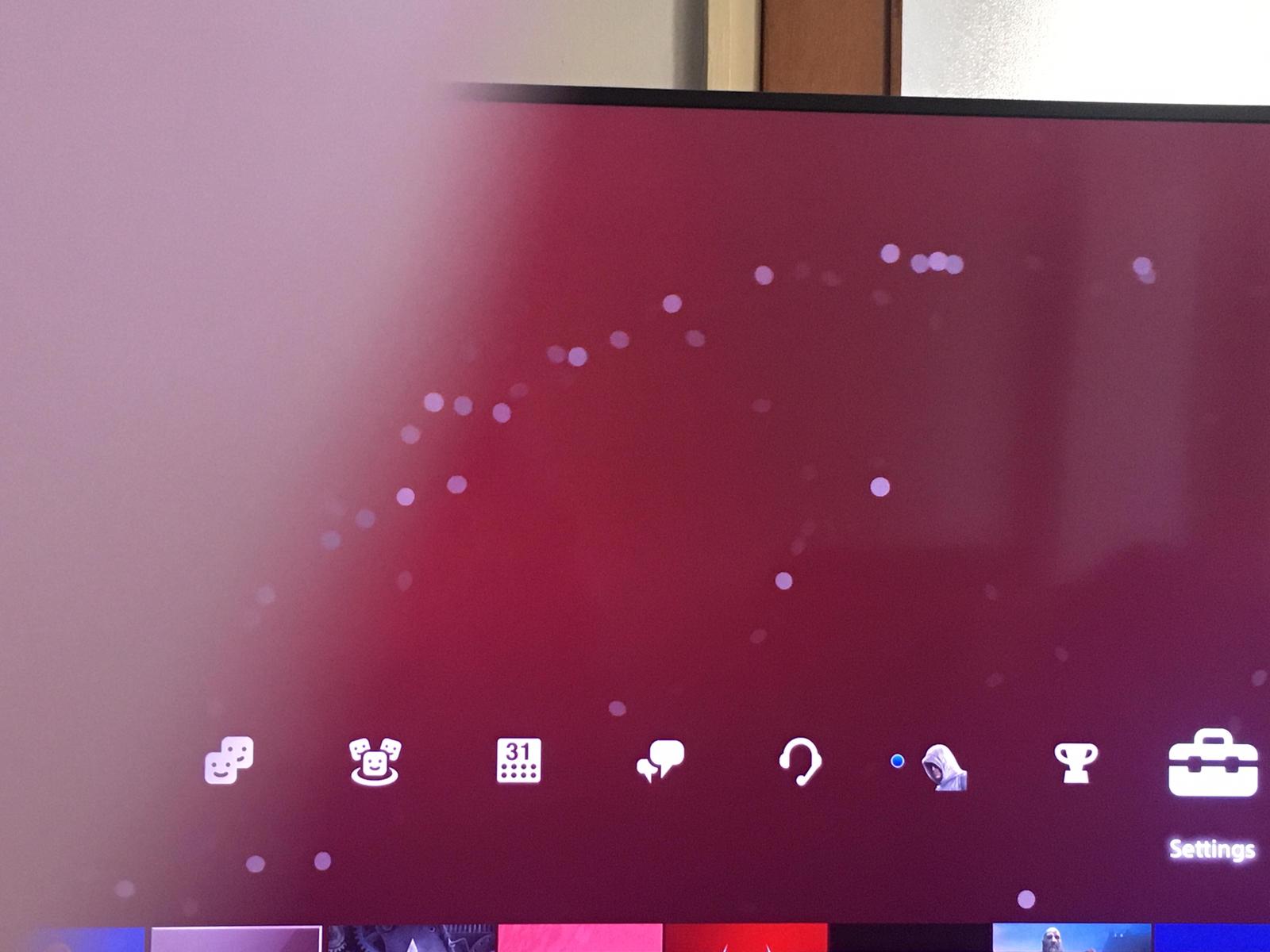
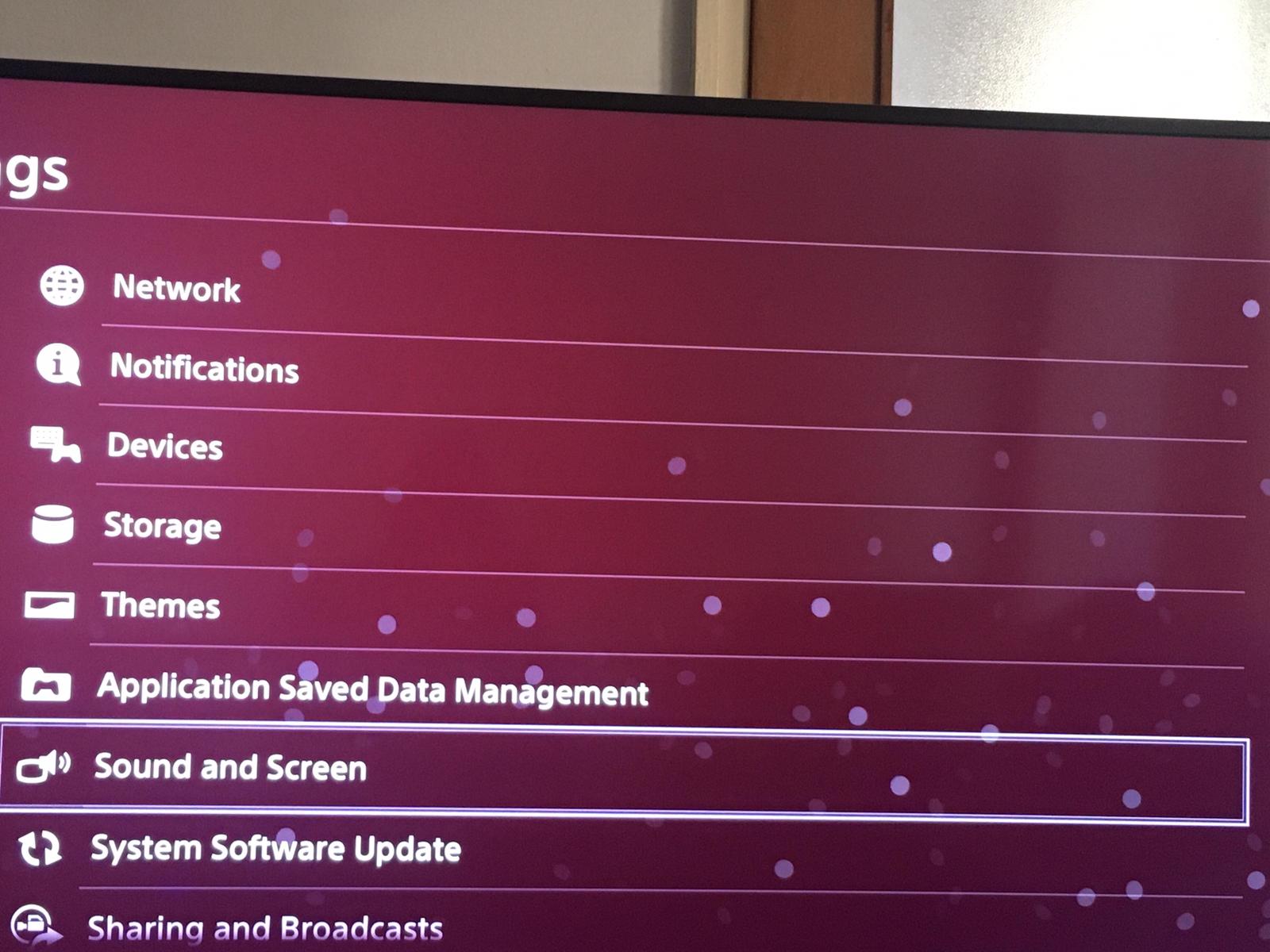
Cum sa activezi ScreenSaver PS4 Data 17/03/2020 Autor digulescu gabriel ionut Categorie Soluții -6 522 Configurare noua (How To) SituatieActivare ScreenSaver PS4 Solutie 1.Mergi la Settings 2.Selecteaza Sound and Screen 3.Selecteaza Start Screensaver 4.Urmeaza instructiunile Tip solutiePermanent Voteaza Up Down (14 din 34 persoane apreciaza acest articol) ShareTweetShare Despre Autor digulescu gabriel ionut Solutii Asemanatoare How to sync your Android phone’s files to a PC for free 3 Use these 7 Linux commands to keep your system tidy and fast 1 How to mass delete emails in Gmail 5 How to bring back classic context menu on Windows 11 4 Cum identifici exact ce aplicație sau proces ascuns oprește calculatorul să intre în modul Sleep 4 Fișierele nu sunt afișate pe hard disk extern în Windows 11 2 Leave A Comment? × Cancel Reply Save my name, email, and website in this browser for the next time I comment. 8 − = 1



Leave A Comment?