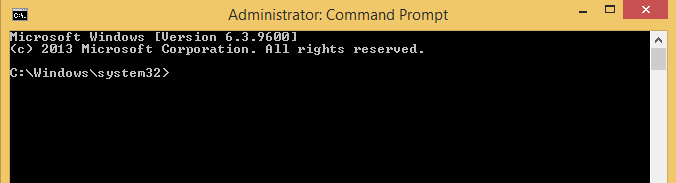
Cum sa inchizi un proces din linie comanda folosind wmic Data 08/06/2016 Autor Radu P Categorie OS - Windows -5 1737 Configurare noua (How To) SituatieSe doreste inchiderea unui proces din linie comanda folosing wmic Solutie Pasi de urmat Se deschide cmd Se ruleaza wmic Se ruleaaza comanda: wmic process where name=”aplicatie.exe” call terminate Tip solutiePermanent Etichetare: askitaskit.rocmdCum inchizi un proces din linie comandaCum sa inchizi un proces din linie comanda folosind wmiclinie comandawmic Voteaza Up Down (49 din 103 persoane apreciaza acest articol) ShareTweetShare Despre Autor Radu P Solutii Asemanatoare Framework Laptop — A new approach to personal computing -2 How to find BitLocker recovery key on Windows 11 -3 Error when downloading large Files from a WebDAV-Mapped SharePoint Library 4 How to manually Install Windows Updates using the Microsoft Update Catalog 2 Updating HP LaserJet Pro 400MFP M425dn Printer Firmware to troubleshoot Scan to Email issues 1 Notificările Snipping Tool nu se afișează în Windows 11 0 Leave A Comment? × Cancel Reply Save my name, email, and website in this browser for the next time I comment. + 8 = seventeen
Leave A Comment?
