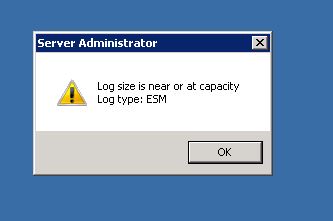
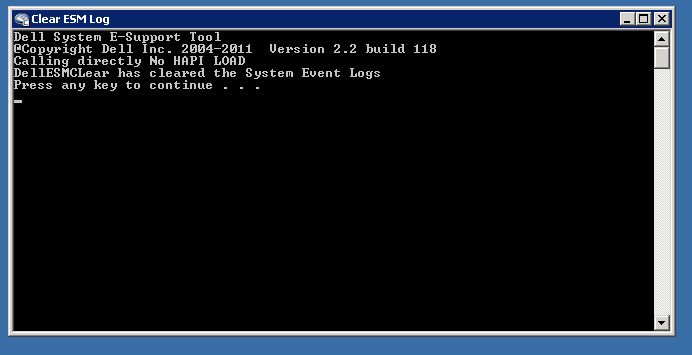
Curatarea logurilor ESM (The Embedded System Management) de pe un server Dell PowerEdge Data 11/03/2017 Autor Andrei Si. Categorie OS - Windows -11 1399 Configurare noua (How To) Situatie Solutie Descarcam si instalam DSET 2.2 alegand doar optiunea “Gather then Clear Dell Hardware Log only” Executam comanda de curatare Tip solutiePermanent Etichetare: askitaskit.roCuratarea logurilor ESMDell PowerEdgeDSET 2.2ESMGather then Clear Dell Hardware Log onlyThe Embedded System Management Voteaza Up Down (25 din 61 persoane apreciaza acest articol) ShareTweetShare Despre Autor Andrei Si. Solutii Asemanatoare How to remap Copilot Key to launch Search in Windows 11 1 How to enable Efficiency Mode on Windows 11 -1 How to disable Efficiency Mode on Windows 11 1 How to fix Intel High Definition DSP – No sound on Windows 11 3 How to boot Windows 11 in Safe Mode using Command Prompt 2 How to backup BitLocker recovery key on Windows 11 2 Leave A Comment? × Cancel Reply Save my name, email, and website in this browser for the next time I comment. seven − 5 =
Leave A Comment?
