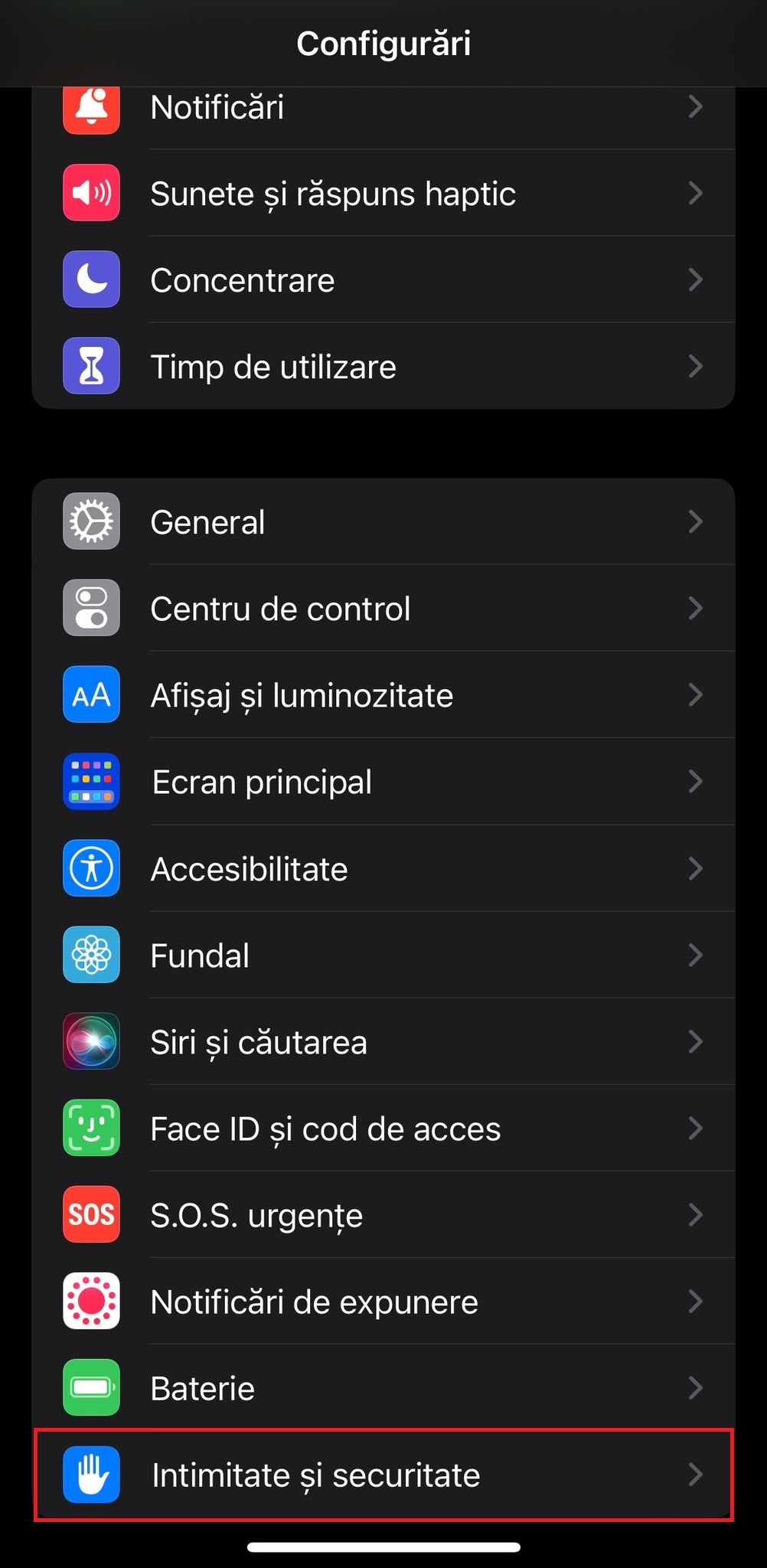
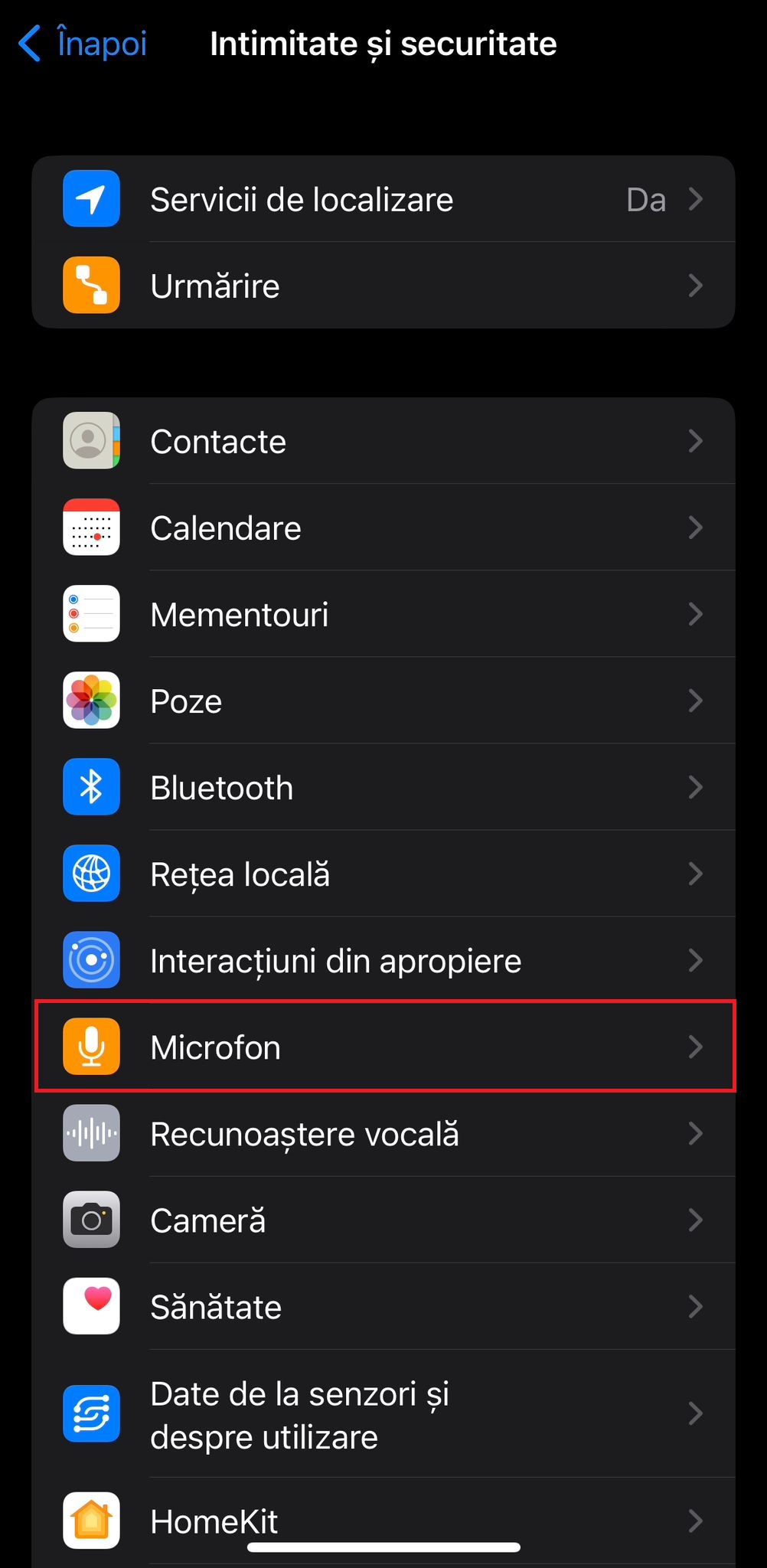
Dezactivare acces microfon BT Pay pe iOS 16.4.1 Data 14/05/2023 Autor catalin nechita Categorie Mobile 6 485 Configurare noua (How To) Situatie Solutie 1.Se acceseaza Configurari 2.Se acceseaza Intimitate si securitate 3.Se acceseaza Microfon 4.Se dezactiveaza accesul prin mutarea cursorului spre stanga pe aplicatia BT Pay. Tip solutiePermanent Voteaza Up Down (31 din 56 persoane apreciaza acest articol) ShareTweetShare Despre Autor catalin nechita Solutii Asemanatoare Remediere probleme acces statie de lucru in domeniu 1 Cum folosim Calendly? 2 Cum asculti Youtube in fundal fara premium 0 Changing these 3 settings instantly makes your Android phone more private 5 Spyware-ul pe înțelesul tuturor: cum îl eviți? 1 Samsung S25 Ultra – overview -1 Leave A Comment? × Cancel Reply Save my name, email, and website in this browser for the next time I comment. two − = 0
Leave A Comment?
