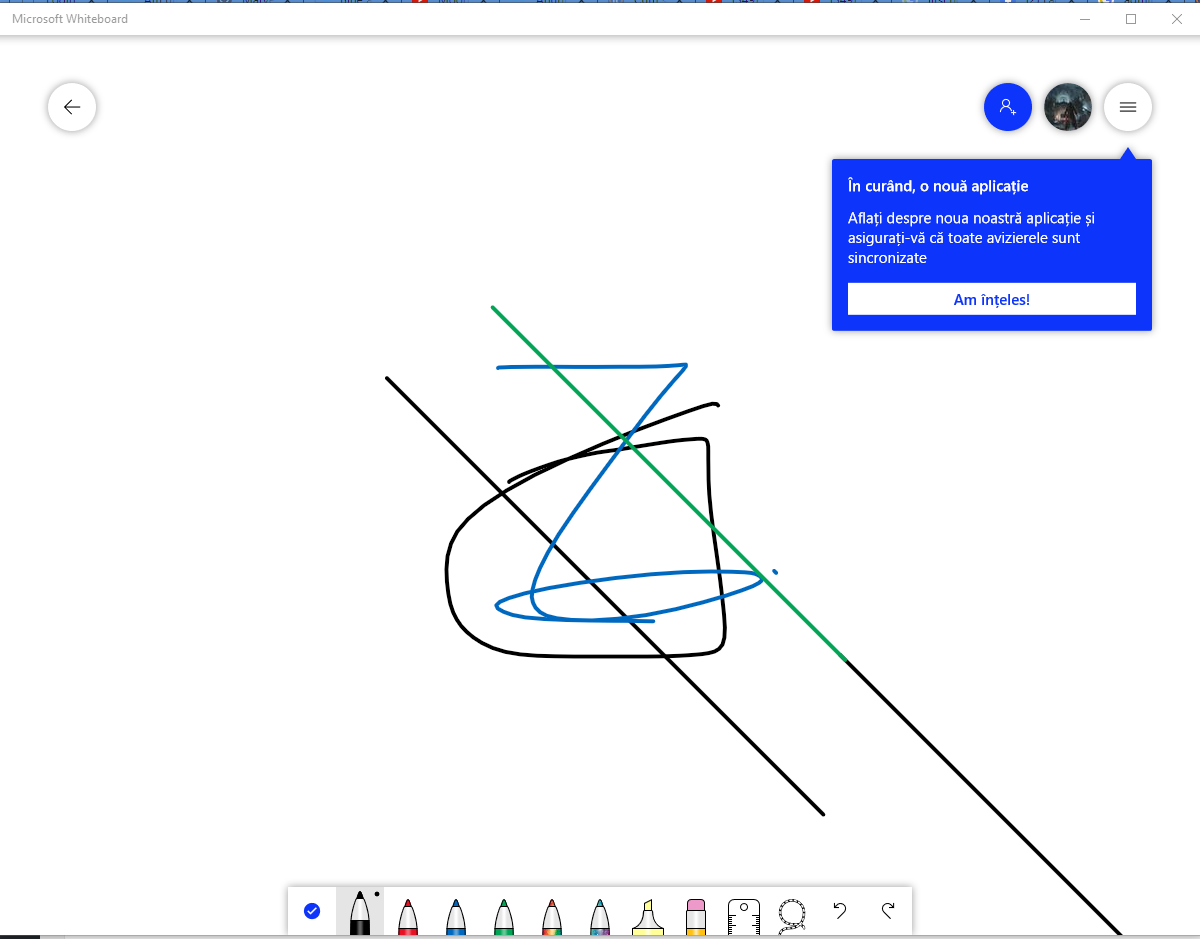
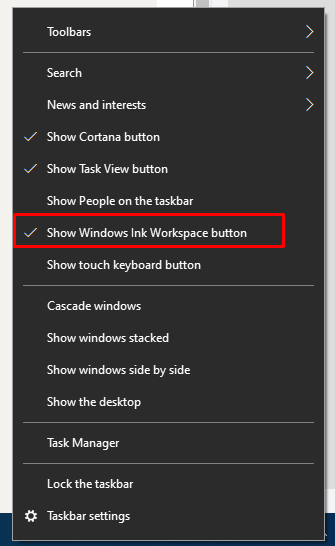
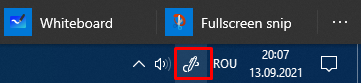
How to activate windows Ink Workspace button Data 13/09/2021 Autor tudorache mihai Categorie OS - Windows, Soluții -2 469 Configurare noua (How To) Situatie Solutie Pasi de urmat Right click on the taskbard and then select Show windows Ink Workspace button. Then we have fullscreen snip that printscreens the entire screen and whiteboard that’s a type of paint for windows. Tip solutiePermanent Voteaza Up Down (19 din 40 persoane apreciaza acest articol) ShareTweetShare Despre Autor tudorache mihai Solutii Asemanatoare How to use System Restore on Windows 10 and Windows 11 0 Cum se instalează Fail2ban pe Rocky Linux 10, 9 și 8? 0 Cum se dezactiveaza SELinux pe Rocky Linux 10, 9 si 8? 5 Cum se instaleaza Remi RPM pe Rocky Linux 10, 9 si 8? 4 Cum rezolvi problema în care calculatorul pornește direct în BIOS 0 Cum rezolvi problema în care Windows nu mai reține poziția iconițelor de pe Desktop 0 Leave A Comment? × Cancel Reply Save my name, email, and website in this browser for the next time I comment. 5 − two =
Leave A Comment?