
Situatie
To enable Smart App Control on Windows 11, follow these steps:
Solutie
1. Open Windows Security
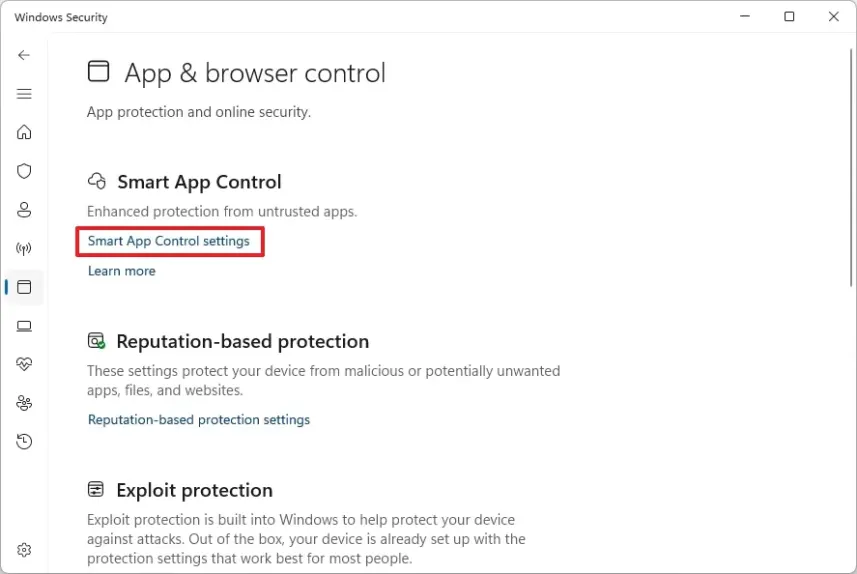
2. Click on App & browse control
3. Click on Smart App Control settings
4. Select the On option
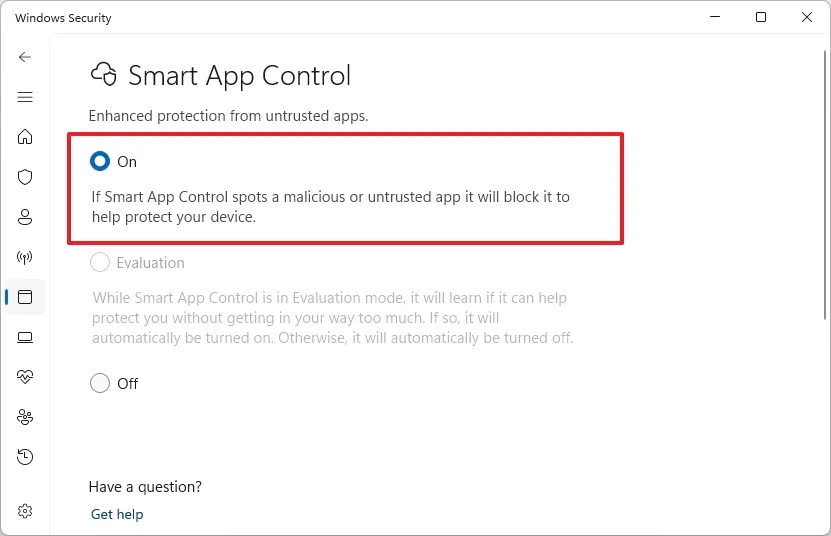
5. After you complete the steps, the feature will turn on to monitor and prevent malicious or untrusted apps from running on your device.
Leave A Comment?