
Situatie
To mitigate the Task Manager bug with the Registry, follow these steps:
Solutie
1. Open Start
2. Search for Command Prompt, right-click the top result to open the command console
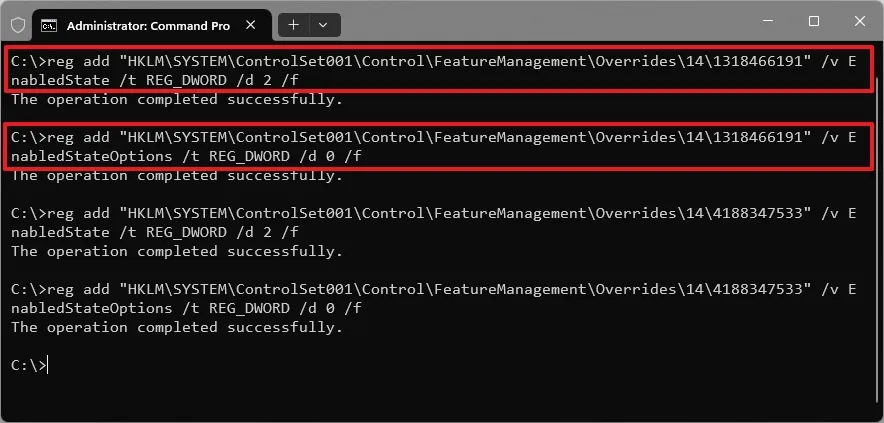
3. Type this command to enable most of the features with the update and press Enter:
reg add “HKLM\SYSTEM\ControlSet001\Control\FeatureManagement\Overrides\14\1318466191” /v EnabledState /t REG_DWORD /d 2 /f
reg add “HKLM\SYSTEM\ControlSet001\Control\FeatureManagement\Overrides\14\1318466191” /v EnabledStateOptions /t REG_DWORD /d 0 /f
4. Type this command to fix apps not grouped with processes and press Enter:
reg add “HKLM\SYSTEM\ControlSet001\Control\FeatureManagement\Overrides\14\4188347533” /v EnabledState /t REG_DWORD /d 2 /f
reg add “HKLM\SYSTEM\ControlSet001\Control\FeatureManagement\Overrides\14\4188347533” /v EnabledStateOptions /t REG_DWORD /d 0 /f
5. Restart the computer.
After you complete the steps, the app should no longer create duplicate processes.
Leave A Comment?