
Situatie
Solutie
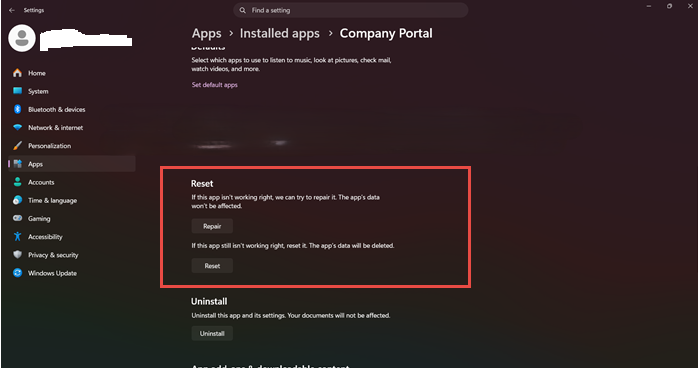
1.Accesam Apps -> Installed Apps – > Company Portal si apasam Reset and Repair pentru reinstalarea aplicatiei
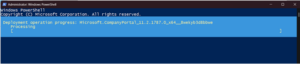
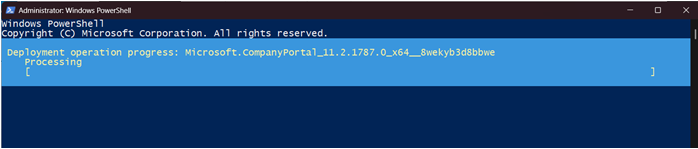
2.Reinstalam aplicatia din Power Shell cu comanda :
Get-AppxPackage -AllUsers *Microsoft.CompanyPortal* | Remove-AppxPackage
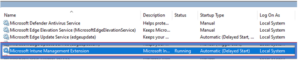
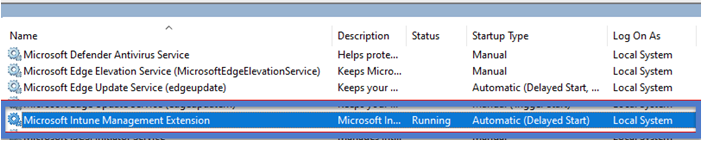
 3.Restartam serviciul Microsoft Intune Management Extension
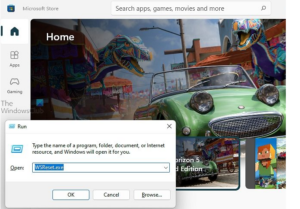
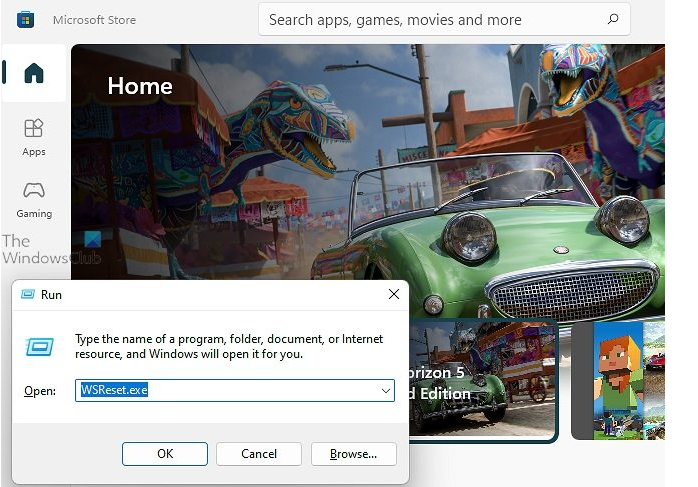
 4.Curatam mememoria cache Microsoft Store.
Tip solutie
PermanentPlan de restaurare in caz de nefunctionare
Se reiau pasii
Leave A Comment?