Situatie
Dezactivare UAC Windows 7.
Solutie
Pasi de urmat
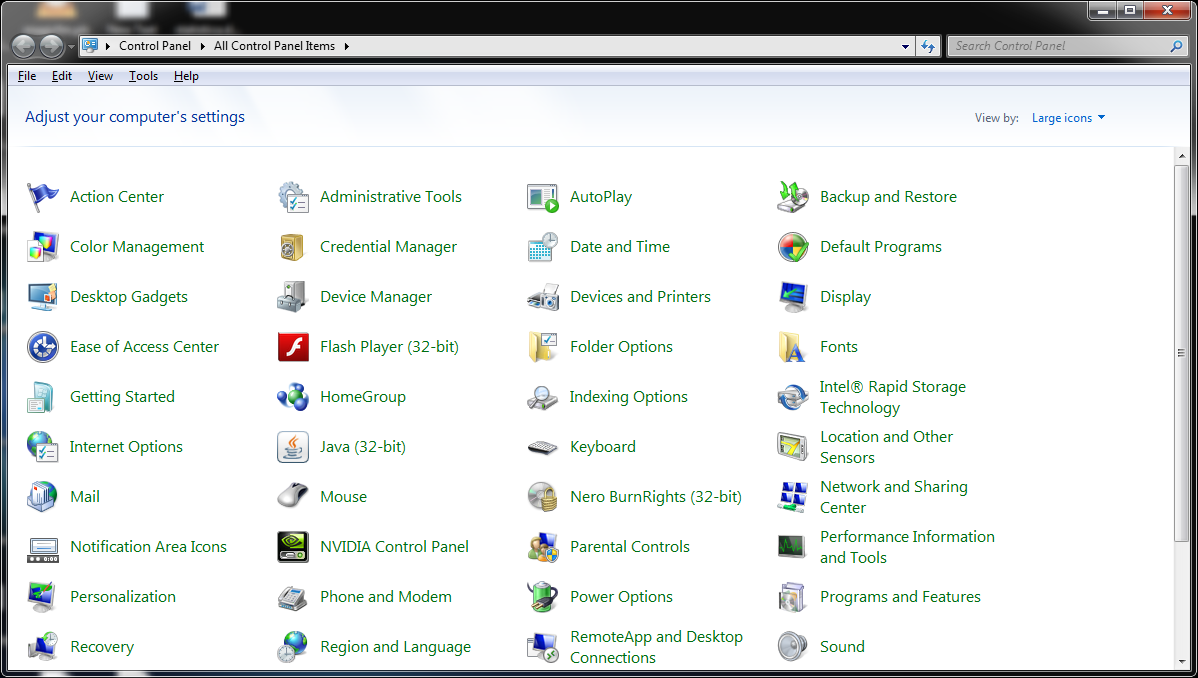
Click pe Start , Control Panel si apoi click pe Action Center.
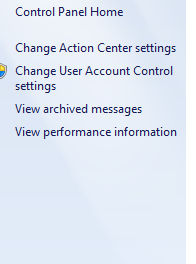
Click pe Change User Account Control Settings.
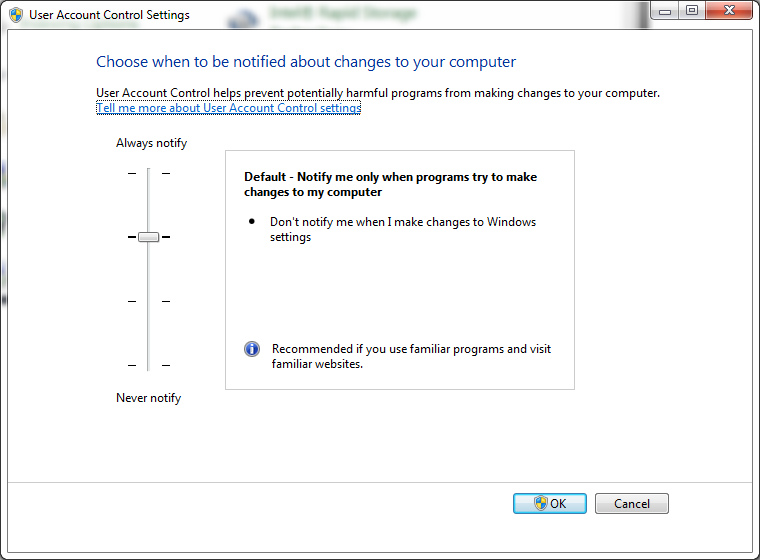
Se alege varianta Never Notify.
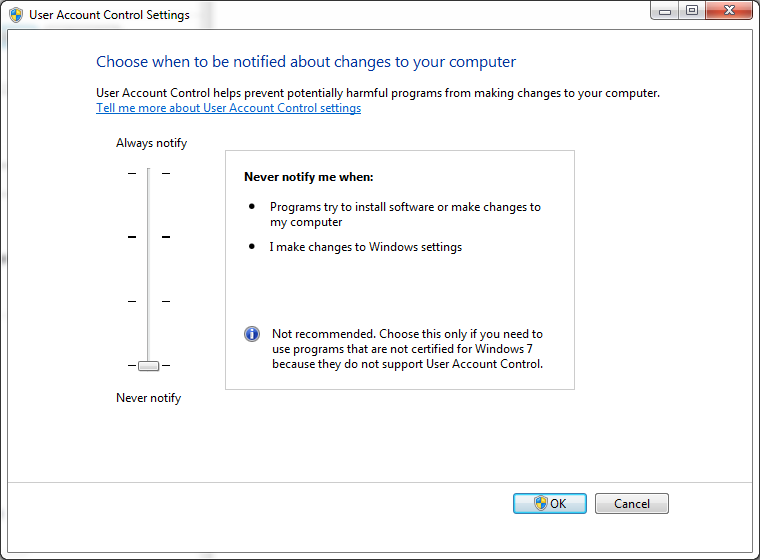
Click pe Ok si Restart Computer.

Soluții pentru problemele tale IT
Dezactivare UAC Windows 7.
Click pe Start , Control Panel si apoi click pe Action Center.
Click pe Change User Account Control Settings.
Se alege varianta Never Notify.
Click pe Ok si Restart Computer.
Leave A Comment?