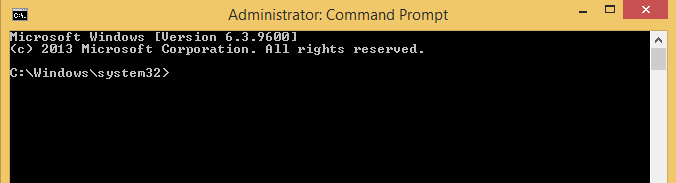
Cum sa activezi remote desktop pe o alta statie remote folosing wmic Data 08/06/2016 Autor Radu P Categorie OS - Windows -11 1576 Configurare noua (How To) SituatieSe doreste activarea remote a remote desktop pe o statie Solutie Pasi de urmat Se deschide command prompt Se ruleaza wmic Se ruleaza comanda: /node:”pcremote” rdtoggle where AllowTSConnections=”0″ call SetAllowTSConnections “1” Tip solutiePermanent Etichetare: askitaskit.rocommand promptCum sa activezi Remote DesktopCum sa activezi remote desktop pe o alta statie remote folosing wmicremotestatiewmic Voteaza Up Down (30 din 73 persoane apreciaza acest articol) ShareTweetShare Despre Autor Radu P Solutii Asemanatoare Shortcut close the current window of Google Chrome 1 Shortcut close the current tab in Google Chrome -1 Shortcut open a new tab and switch to it in Google Chrome 1 Shortcut open a new window in Google Chrome 1 How to install and configure AnduinOS 1 Garuda Linux guide 0 Leave A Comment? × Cancel Reply Save my name, email, and website in this browser for the next time I comment. five × 8 =

Leave A Comment?
