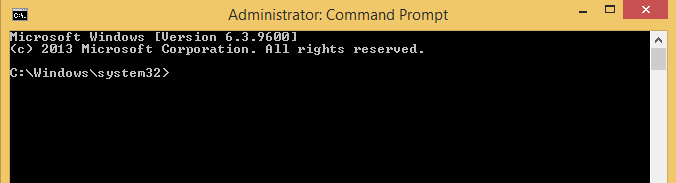
Cum sa activezi remote desktop pe o alta statie remote folosing wmic Data 08/06/2016 Autor Radu P Categorie OS - Windows -9 1603 Configurare noua (How To) SituatieSe doreste activarea remote a remote desktop pe o statie Solutie Pasi de urmat Se deschide command prompt Se ruleaza wmic Se ruleaza comanda: /node:”pcremote” rdtoggle where AllowTSConnections=”0″ call SetAllowTSConnections “1” Tip solutiePermanent Etichetare: askitaskit.rocommand promptCum sa activezi Remote DesktopCum sa activezi remote desktop pe o alta statie remote folosing wmicremotestatiewmic Voteaza Up Down (32 din 75 persoane apreciaza acest articol) ShareTweetShare Despre Autor Radu P Solutii Asemanatoare Shortcut close the current tab in Google Chrome v2 4 Shortcut maximize the current window of Google Chrome 2 Shortcut accesare meniu Settings din Google Chrome 0 Shortcut quit Chrome 3 Activarea multi-sesiunilor pentru Remote Desktop pe Windows Server 0 Sistemul de operare optimizat pentru Edge Computing și Self-Healing -1 Leave A Comment? × Cancel Reply Save my name, email, and website in this browser for the next time I comment. eight + five =

Leave A Comment?
