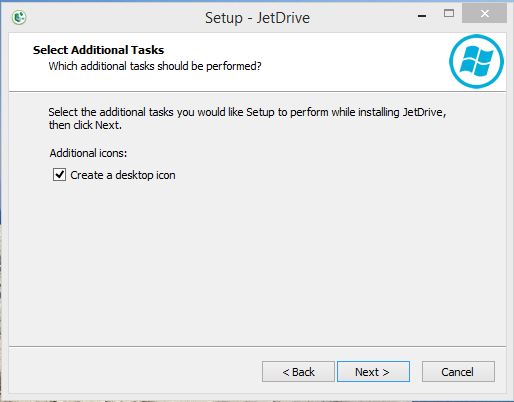
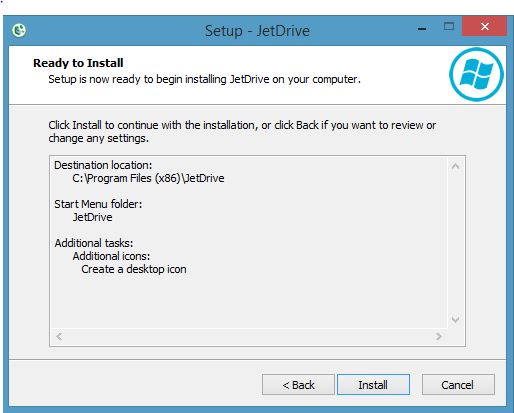
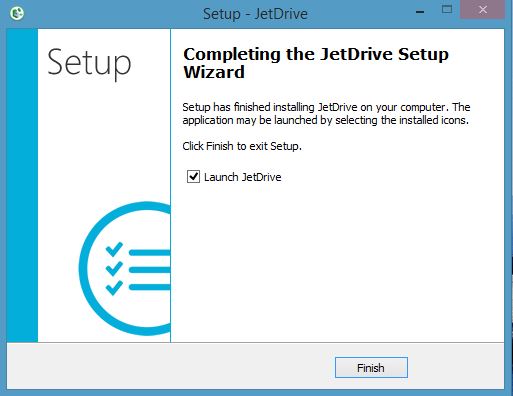
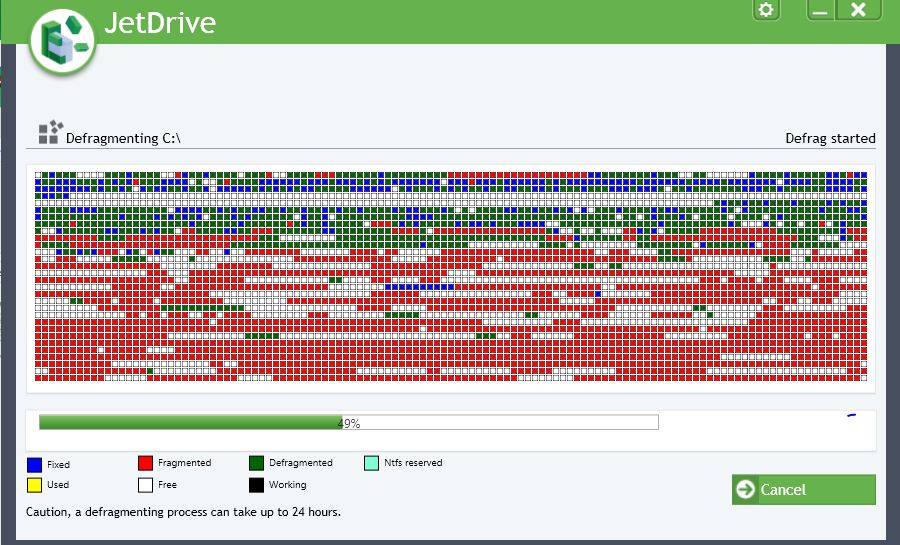
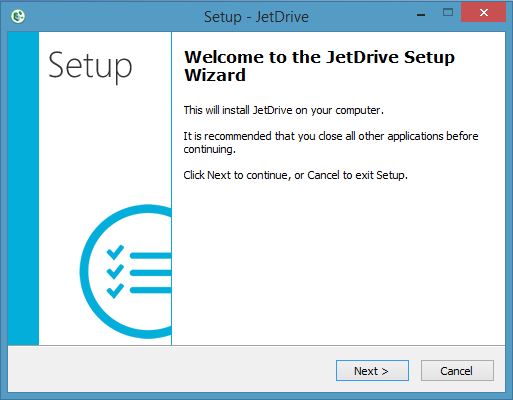
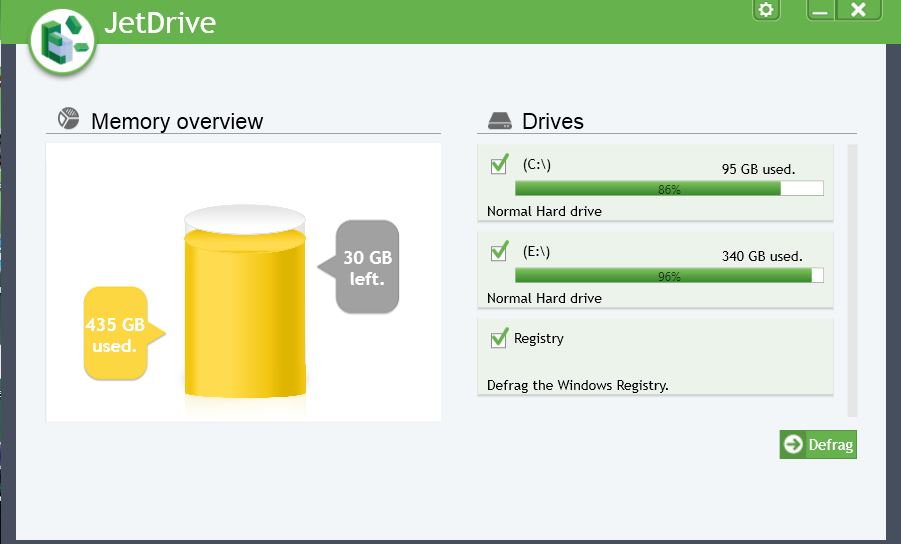
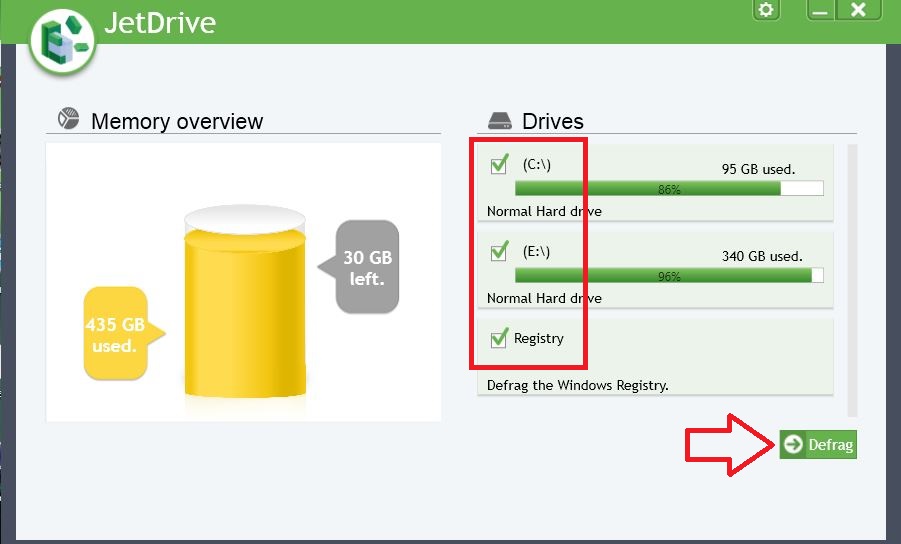
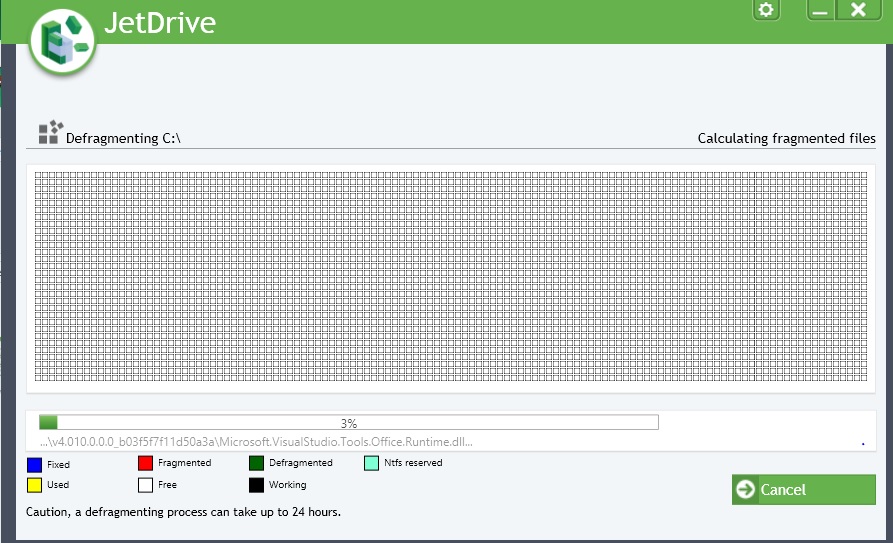
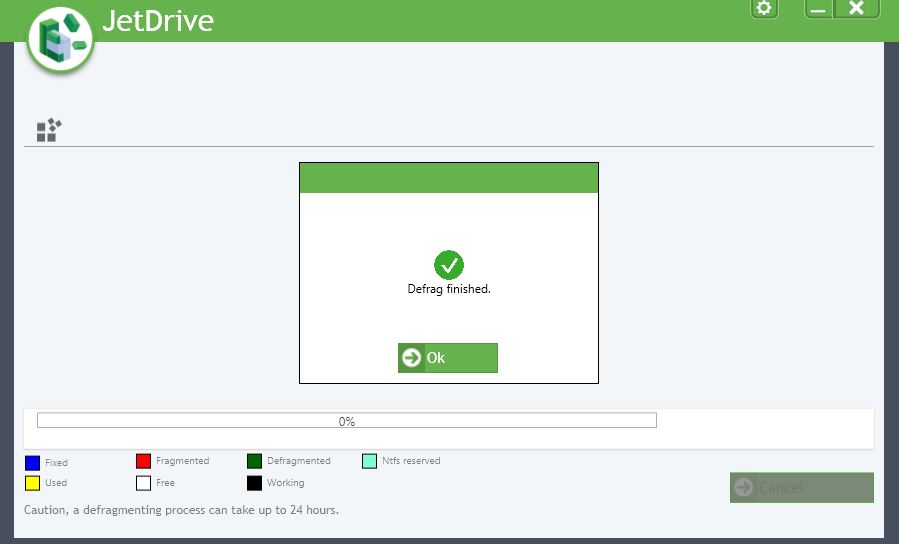
Cum sa acceleram pc-ul nostru Data 07/03/2018 Autor Razvan Fl. Categorie Aplicații, OS - Windows, Stații de lucru -3 1194 Configurare noua (How To) SituatiePentru o mai buna functionare a statiei noastre, o sa folosim JetDrive. Acesta Defragmentează toate partitiile noastre Defragmenteaza fișierele protejate Windows Defragmentează Registrul Cu JetDrive puteți recupera viteza pierdută, iar aplicatiile se vor deschide aproape instantaneu Solutie Pasi de urmat Instalam programul JetDrive Odata pornit acesta afiseaza o prezentarea generala a hard disk-ului nostru Pentru o defragmentare completa o sa bifam toate casutele din imagine, apoi dam click pe butonul de Defrag Operatiunea de defragmentare este pornita Actiunea de defragmentare este finalizata Tip solutiePermanent Etichetare: accelerare pcaskitaskit.roCum sa acceleram pc-ul nostruDefragJetDrivepcwindows Voteaza Up Down (30 din 62 persoane apreciaza acest articol) ShareTweetShare Despre Autor Razvan Fl. Solutii Asemanatoare Windows 11’s predictive text is the hidden typing tool 4 How to quickly fix CSV files in Excel using Power Query -2 Analiza și remedierea Erorii 0x8024200B în Windows Server 2022 1 Analiza și remedierea erorii:„CONFIG INITIALIZATION FAILED” în Windows Server 0 Changing these 3 settings instantly makes your Android phone more private 2 Stop using Rufus to burn ISOs, these 2 tools for Windows and Linux are better 5 Leave A Comment? × Cancel Reply Save my name, email, and website in this browser for the next time I comment. four − = 1
Leave A Comment?