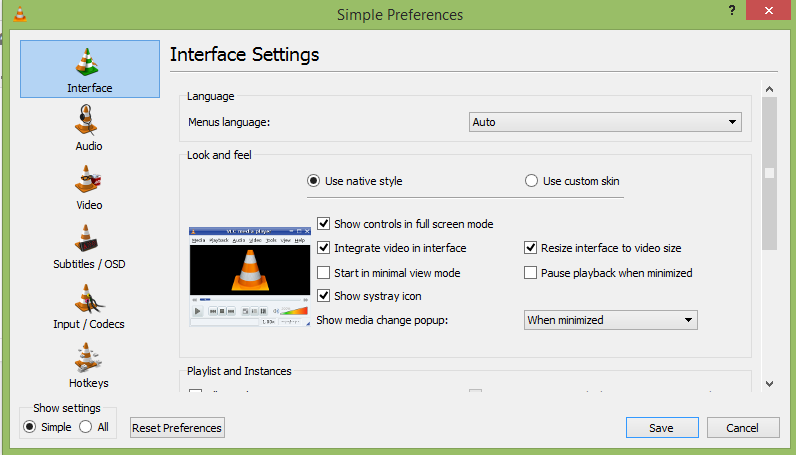
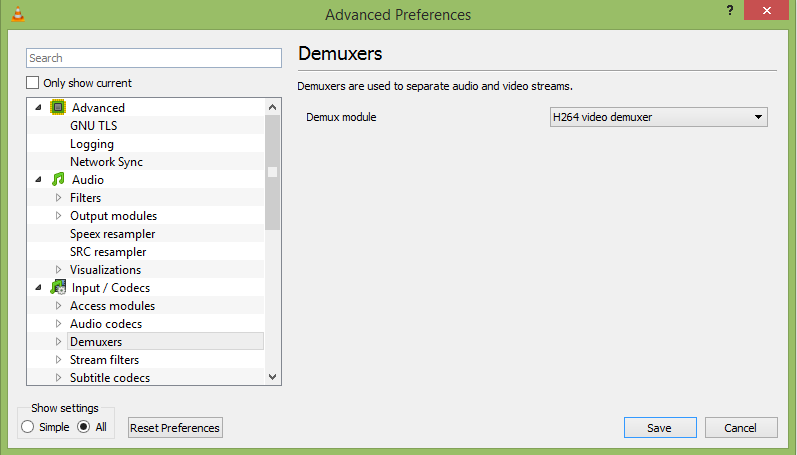
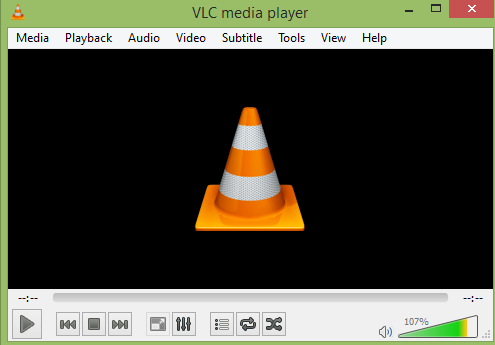
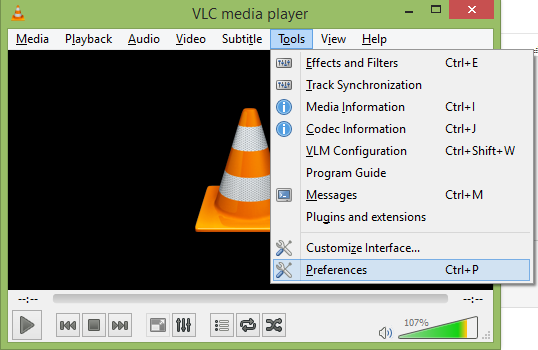
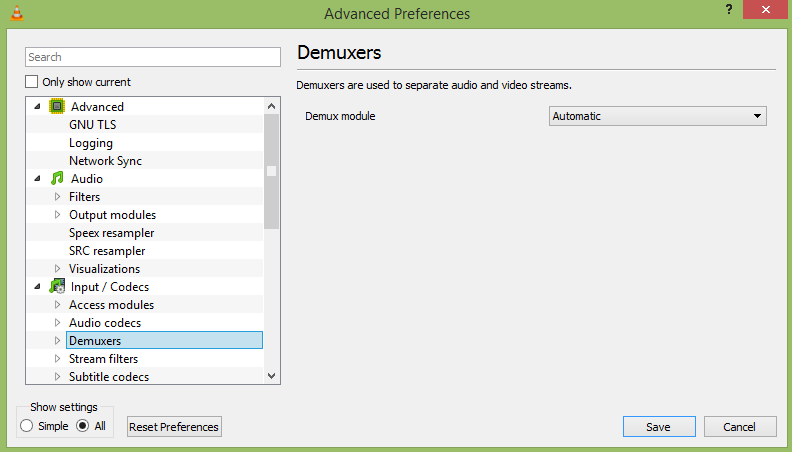
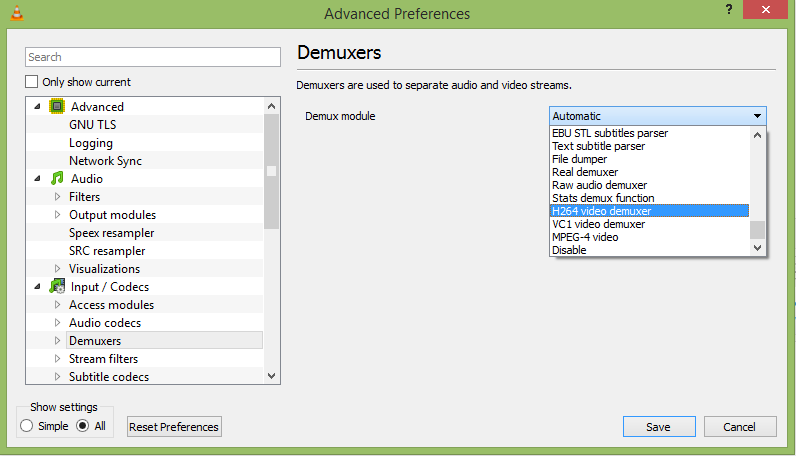
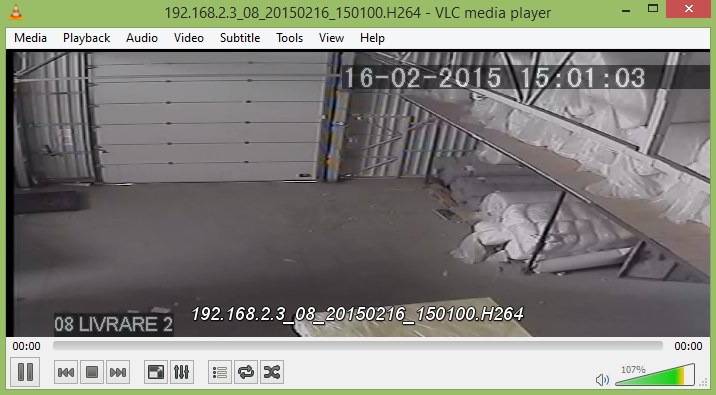
Vizualizeaza continut video cu extensia H264 cu ajutorul aplicatiei VLC Data 12/03/2015 Autor Valentin Bozanchi Categorie OS - Windows, Aplicatii specifice, Stații de lucru 42 12187 Rezolvare problema (Fix IT) SituatieAi descarcat o inregistrare de pe un DVR si nu poti sa vizualizezi fisierul H264? Urmeaza pasii de mai jos: Solutie Pasi de urmat Se deschide playerul VLC Se intra in Menu Tools –> Preferences Se pune bifa pe “All” din “Show settings” Se alege din Menu “Input / Codecs” optiunea “Demuxers” Iar in fereastra “Demux module” alegem extensia “H264 video demuxer” Acum aplicatia VLC poate rula fisiere cu extensia “H264” Tip solutieWorkaround Voteaza Up Down (111 din 180 persoane apreciaza acest articol) ShareTweetShare Despre Autor Valentin Bozanchi Solutii Asemanatoare How to solve “100% Disk Usage” and freezes in Windows by changing PCI express Link state power management 0 5 ways I use randomization in my Home Assistant setup 4 Windows has built-in repair tools that work better than any paid optimizer 3 Your Linux desktop is frozen, but your work isn’t lost 1 Cum remediem erorile: WHEA_UNCORRECTABLE_ERROR, CRITICAL_PROCESS_DIED in Windows Server 4 Delayed mesaj de eroare când încercați să accesați un folder partajat care nu mai există în Windows 1 Leave A Comment? × Cancel Reply Save my name, email, and website in this browser for the next time I comment. − one = five

Leave A Comment?