How to find out your installed Windows product key using AIDA64
In case you have exhausted all the conventional ways to find out your installed Windows product key, follow these steps:
[mai mult...]
Soluții pentru problemele tale IT

In case you have exhausted all the conventional ways to find out your installed Windows product key, follow these steps:
[mai mult...]Deși ar putea exista multe motive pentru care nu puteți imprima, inclusiv probleme de conexiune sau probleme fizice cu imprimanta, este de obicei o problemă cu „spoolerul de imprimare” Windows 10. Dacă întâmpinați această problemă, puteți remedia această problemă a imprimantei resetând spooler-ul de imprimare de pe computer utilizând consola Servicii sau Linia de comandă.

Your account was hacked or the device you were connected on was stolen and you don’t want your google account information too leak or be used for malicious purposes.
[mai mult...]Lets say that Google comes with English as the default language and you want to change it to Spanish,Hindi,Chinese etc based on needs.
[mai mult...]Thanks to Apple’s Sound Recognition feature, the HomePod mini and second-generation HomePod can send you notifications when they recognize smoke or carbon monoxide alarm sounds.
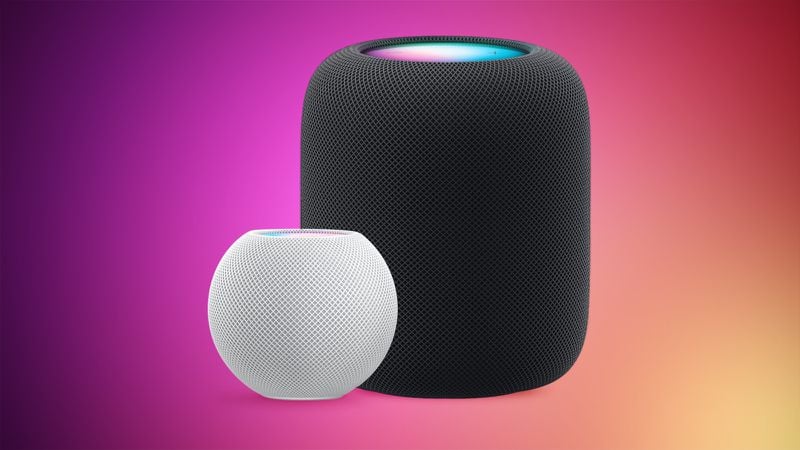
With Sound Recognition, HomePod can detect the sound of a smoke or carbon monoxide alarm in your home, and alert you by sending a notification to your iPhone, iPad or Apple Watch.
It’s a neat addition if you don’t own a smart detector, although Apple warns that the feature should not be relied upon “in circumstances where users may be harmed or injured,” or in “high-risk or emergency situations.” The Sound Recognition feature is accessible in the Home app. If your Home system is connected to a smart camera, it will also display live video of your home, so you can see what’s happening in real time.
Here’s how to enable the feature. Note that Sound Recognition on HomePods requires Apple’s updated Home app architecture that was introduced in iOS 16.4 and iPadOS 16.4.
[mai mult...]If your Photos library won’t open or the Photos app is exhibiting odd behavior on your Mac, the Photos Repair Library tool may fix the issue.
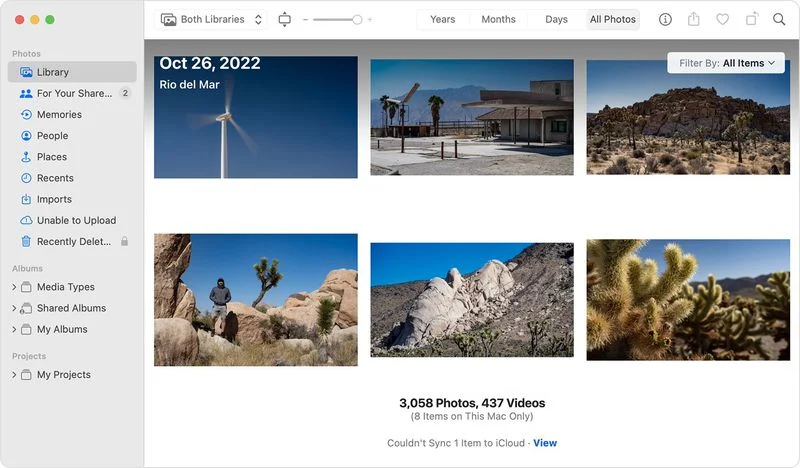
The Repair Library tool is a hidden utility in macOS that analyses your photo library’s database and repairs any inconsistencies it detects. The tool isn’t guaranteed to fix all problems that can arise with photo libraries, but it is worth giving it a go before contacting Apple Support.
Before you use the Photos Repair Library tool, make sure you have a local backup of your photo library, either by using Time Machine or a third-party backup solution, ideally with an external drive. By default, your photo library is stored in the Pictures folder within your home folder.
If you’re repairing a library that’s used with iCloud Photos, iCloud will check the library after the repair process has completed to ensure everything has synced correctly.
[mai mult...]