Soluții

How to Remove Suggestions from Chrome’s New Tab Page
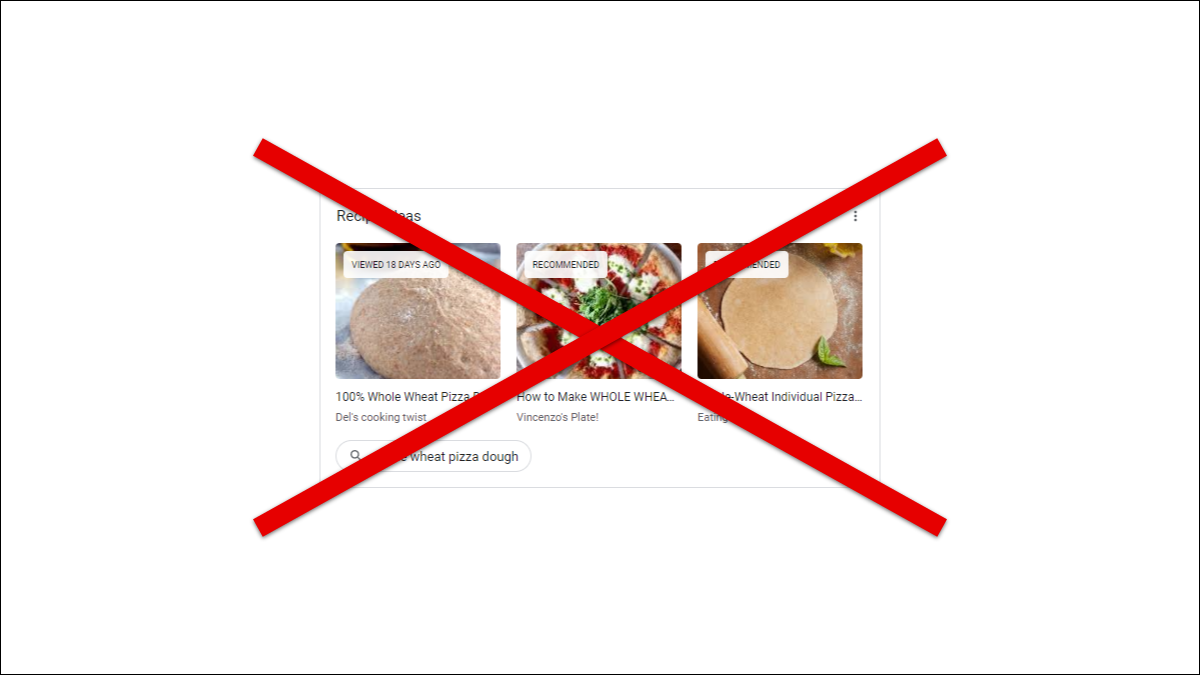
Similar to the Chrome browser for iPhone, iPad, and Android, Google Chrome on the desktop has includes several personalized recommendations on the New Tab page. These can feel intrusive and distracting, so we’ll show you how to turn them off.

The mobile browser’s New Tab page is a lot like the Discover feed. It’s the news and other articles that Google thinks you might be interested in. The desktop version, however, is more about product recommendations and recipe ideas based on your browsing. The good news is Google made it easy to turn off these “suggestions.” You don’t need to mess around with Chrome flags, either.

[mai mult...]
How to Lock Apps to the Screen on Android

Handing your phone to someone can feel like handing over your whole life. There’s usually a lot of personal information they can access. Android’s “App Pinning” feature can help by preventing someone from leaving an app. Here’s how you can lock an app on Android. By “pinning” an app, you are locking it to the screen. Whoever you hand your device to won’t be able to leave the app unless they know the special key combination or a passcode. It’s a neat little trick that all Android users should know.

[mai mult...]

How to create a secure folder in Windows 10

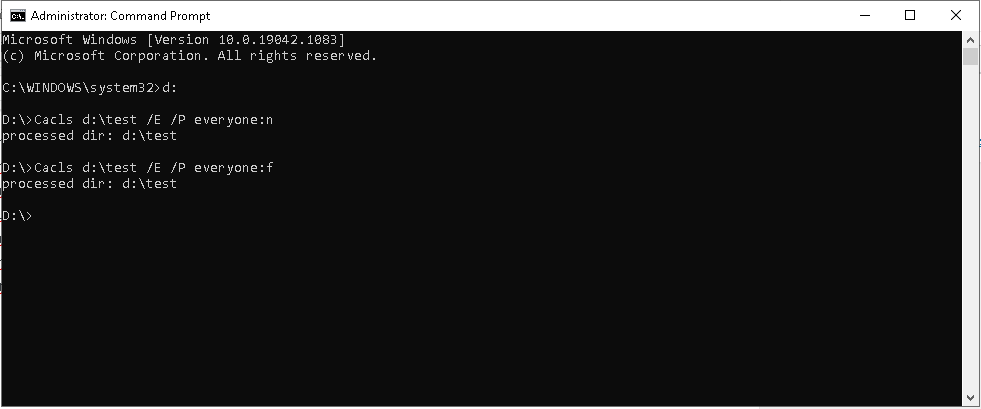
  1. Open the cmd.exe in administrator mode
  2. Search the folder you want to secure : for example our folder will be named “test”
  3. Then type in cmd.exe the following lock command : Cacls “D:\test” /E /P everyone:n ; After that your folder is secured/locked
  4. Then when you want to open/move/delete the “test” folder you will need administrator privillege.
  5. To unlock the folder, type in cmd.exe the following unlock command : Cacls “D:\test” everyone:; After that your folder returns to  the initial form
[mai mult...]