How to Screen Record on a Laptop
This article will explain how to record the screen on a Windows-based laptop or any Mac notebook computer from the last several years.
[mai mult...]
Soluții pentru problemele tale IT

This article will explain how to record the screen on a Windows-based laptop or any Mac notebook computer from the last several years.
[mai mult...]This article describes the three best ways to disable the Windows key in Windows 10. There are other methods, but these work for everyone and provide varying levels of control no matter your experience level.
[mai mult...]Whenever Windows suffers a Blue Screen of Death (BSOD) error, it generates a crash file or memory dump file containing a lot of information, like the process threads active before the crash, running programs and apps, active drivers, kernel information, and event timestamps.
Windows keeps a maximum of one memory dump file (generally at C:\Windows\MEMORY.DMP), which it overwrites every time your system blue-screens. This file can be up to 800MB in size, and it contains a lot of details that might be useful for a programmer or developer who needs to debug the crash.
There are also smaller minidump files, which are memory dump files that contain fewer details. You can generally find these files in C:\Windows\Minidump. Unless you plan on sharing these files with someone or using them yourself to help troubleshoot a system crash or other problem, you can safely delete them to free up space.
[mai mult...]Atunci când dorim să facem o înregistrare a ecranului desktop, dar nu avem instalat un soft specializat în acest sens, putem efectua acest lucru cu ajutorul programului disponibil gratuit, VLC Media Player.
[mai mult...]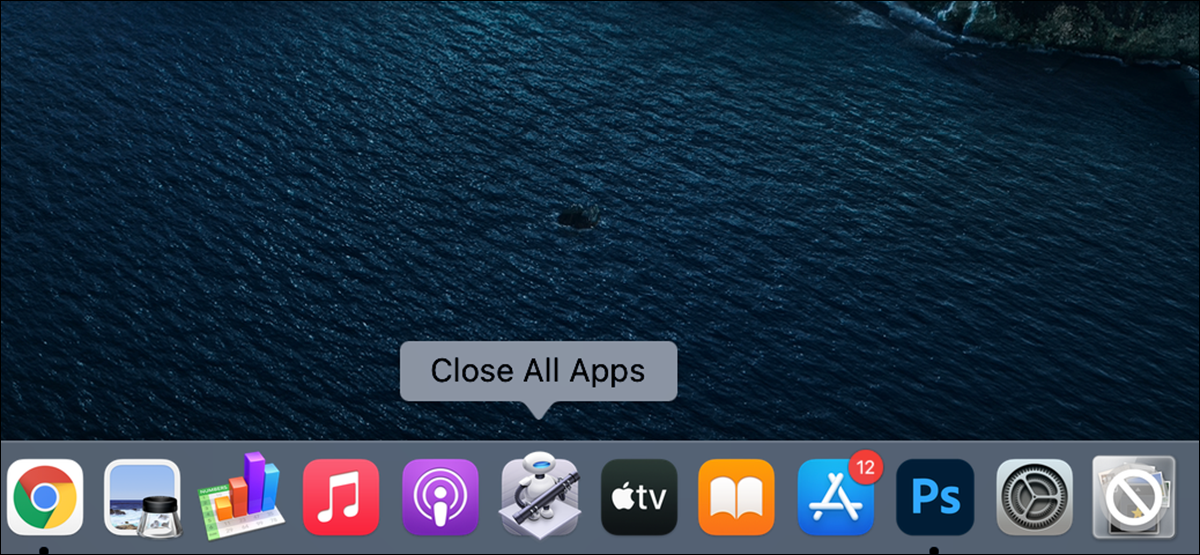
Do you find it too tedious to close each open app individually on your Mac? With Automator on Mac, you can make an app that closes all your running apps with a single click.
[mai mult...]If you want to share your OneNote notes with someone who doesn’t have OneNote, or if you want to prevent accidental editing of your notes, convert them to a PDF file.
[mai mult...]