How to reset the Screenshots counter on Windows 10
Microsoft improved the screenshot taking functionality of Windows in Windows 10 significantly. The operating system comes with plenty of options to take screenshots, and one of the easiest options is to use the keys Windows+Print for that.
A new screenshot is saved to the default Screenshots directory on the system whenever you use the keyboard shortcut. You can open File Explorer manually and select Pictures in the sidebar to open it, or load %userprofile%\Pictures\Screenshots directly instead anywhere provided that an address bar is available.
Windows assigns file names to screenshots automatically. Each file name begins with Screenshot but since file names need to be unique, a counter is added to the file name. Windows increases the counter by 1 each time you take a new screenshot on the system. The index is incremented by 1 automatically so that you end up with names like Screenshot (1).png, Screenshot (2).png and so on.
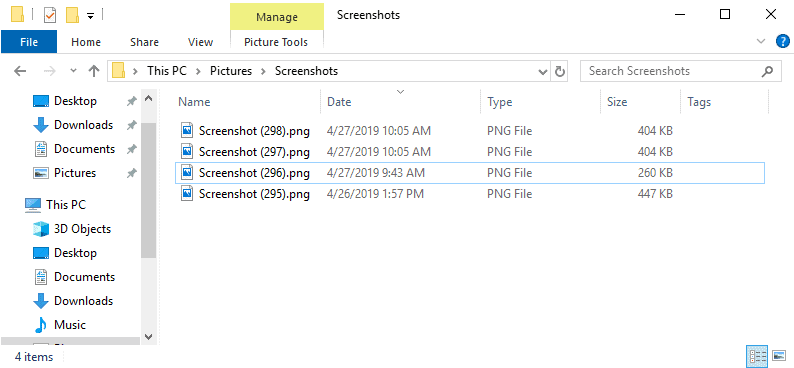
The counter is not reset, even if you delete files in the Screenshot directory or move all files to another location. Windows remembers the last used number and will increment it by 1 automatically.
[mai mult...]