Cum instalăm Docs+ pe Windows 10/11
Dorim să instalăm aplicația Docs+ direct pe laptop pentru acces mai rapid cu ajutorul microsoft store.
[mai mult...]
Soluții pentru problemele tale IT

Dorim să instalăm aplicația Docs+ direct pe laptop pentru acces mai rapid cu ajutorul microsoft store.
[mai mult...]Dorim să instalăm aplicația DOCX Editor PLUS direct pe laptop pentru acces mai rapid cu ajutorul microsoft store.
[mai mult...]Dorim să instalăm aplicația XLSX Editor PLUS direct pe laptop pentru acces mai rapid cu ajutorul microsoft store.
[mai mult...]If your default browser homepage and search engine keep mysteriously changing to Yahoo!, your computer is probably infected with a browser hijacker. While resetting the browser might seem to fix the problem, here’s how to do the job properly.
A browser hijacker is probably one of the least aggressive and destructive types of malware, but that doesn’t mean you should allow it to exist on your computer. These things make unauthorized changes to your browser settings so that advertising or a similar page that’s beneficial to the malware distributor is shown instead of the one you chose.
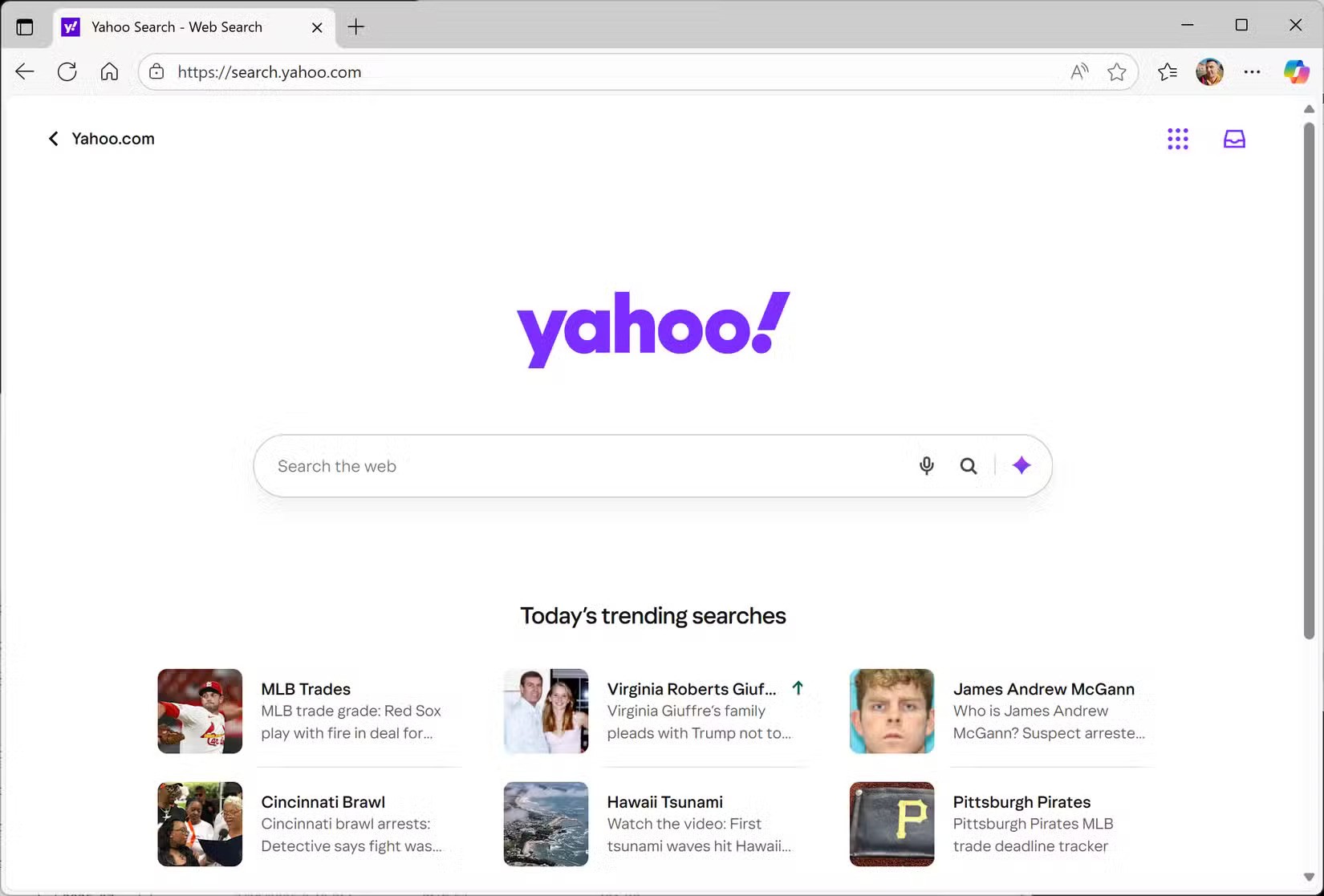
Because the people who spread this type of virus are somehow benefiting from the change of your search engine or homepage, it’s unlikely that a hijacker will cause your computer to crash or become inoperable. It can, however, cause performance problems, and can also be a sign that your computer is infected with other malware.
In this case, the virus is probably the “search.yahoo.com redirect” virus. It will redirect you to the Yahoo homepage via an intermediate website as soon as you launch your browser. And if you click on any of the links on the Yahoo homepage, any revenue from those clicks will be paid to the intermediary website owner.
[mai mult...]If you regularly share your iPhone’s data connection with your laptop or iPad, or let family members piggyback on your device’s data, you’ll be glad to learn that Apple recently made it a lot easier to keep tabs on who’s burning through your monthly allowance.
In a welcome change with the release of iOS 26.4, Apple has moved Personal Hotspot data usage info out of its previous hiding spot and put it in a much more convenient location.
Before the latest update, Personal Hotspot’s per-device breakdown was secreted away inside cellular settings, where it was easy to miss. Now it sits right inside the Personal Hotspot menu, making it way more practical for anyone on a capped data plan who’s keen to keep an eye on usage.
[mai mult...]