
Situatie
Solutie
Pasi de urmat
Deschidem browserul nostru Microsoft Edge
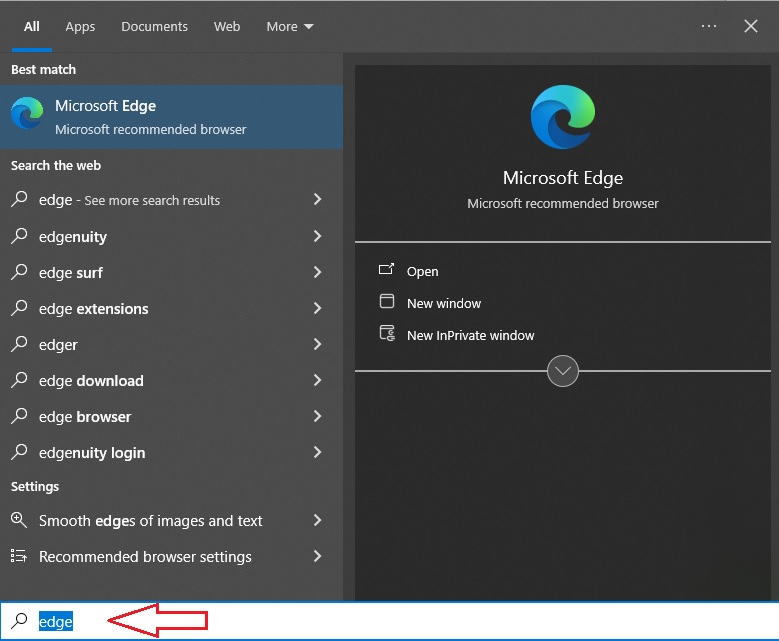
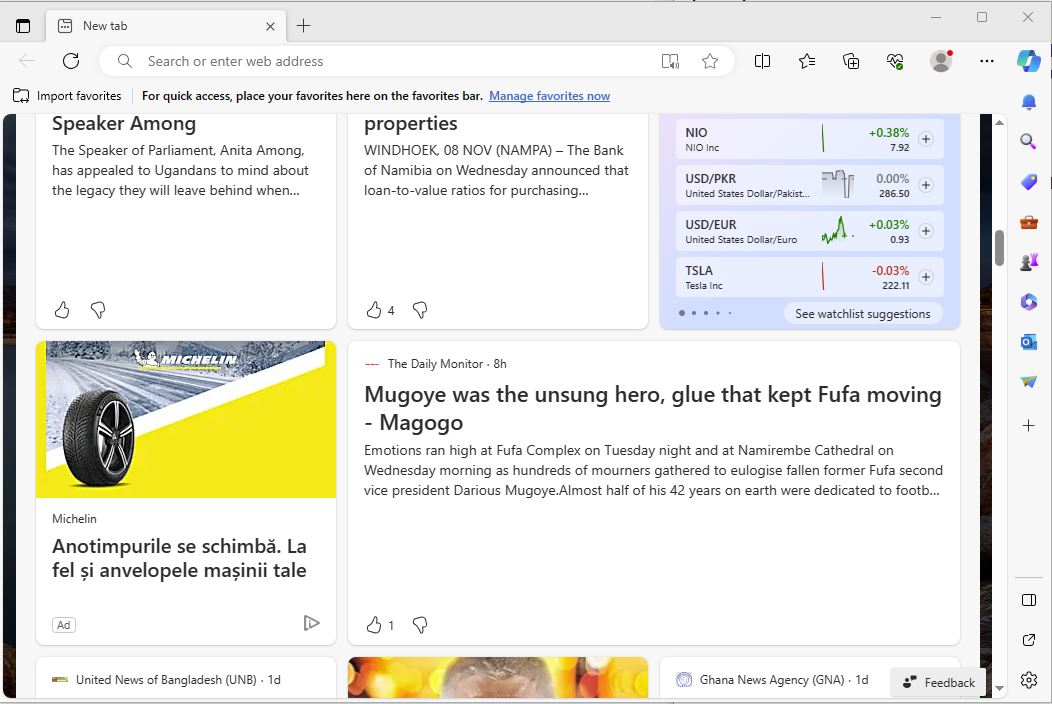
In urmatorul pas trebuie sa dam click pe cele trei puncte din dreapta browserul nostru Edge

Apoi trebuie sa selectam settings>Default browser


La Internet Explorer compatibility click pe Allow sites to be reloaded in Internet Explorer mode (IE mode) si selectam Allow, apoi dam click pe restart.


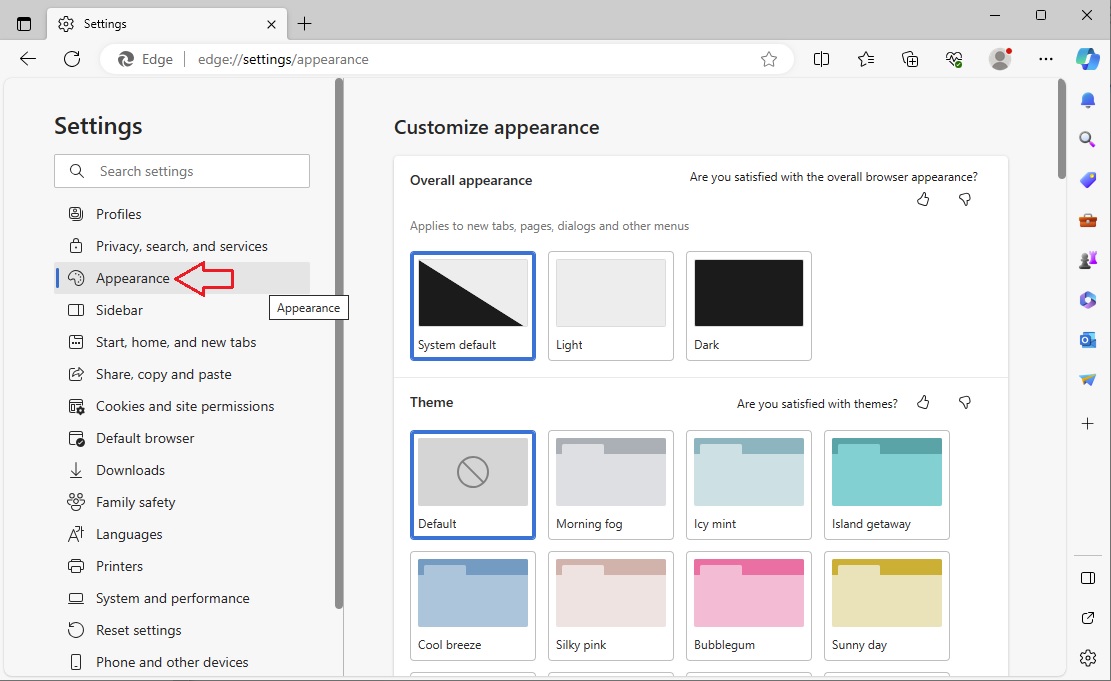
Revenim la meniul cu trei puncte si selectam settings. Apoi selectam Appearance
Trebuie sa cautam: Internet Explorer mode (IE mode) button si sa il activam
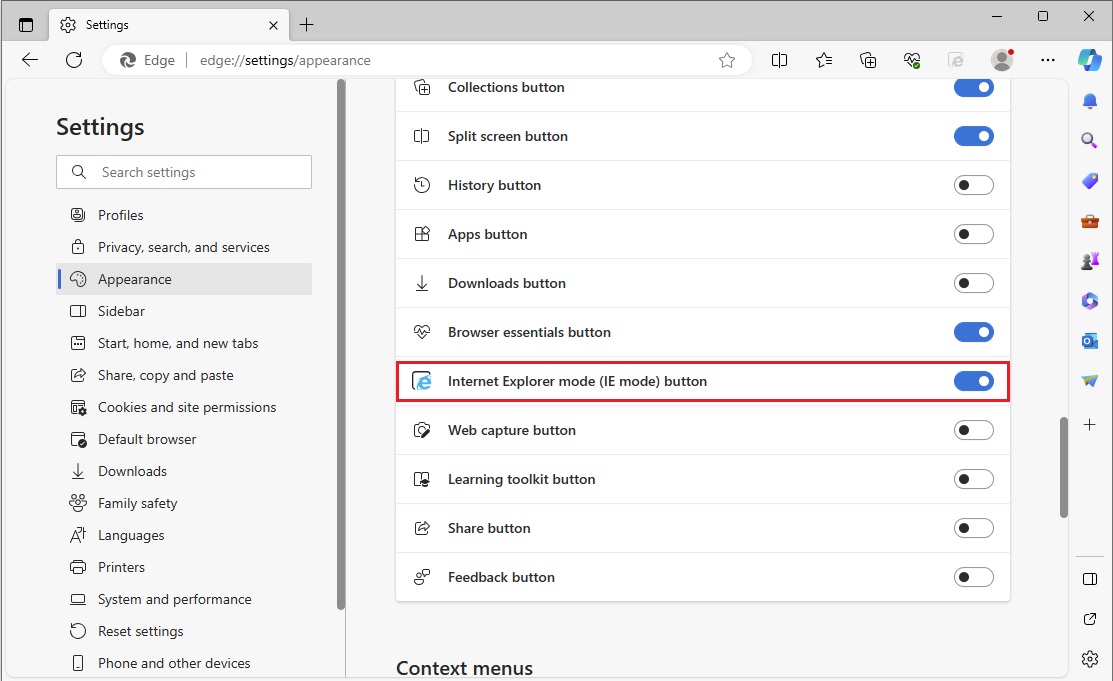
Facem click pe butonul mod IE pentru a încărca o pagină web în modul Internet Explorer.
