
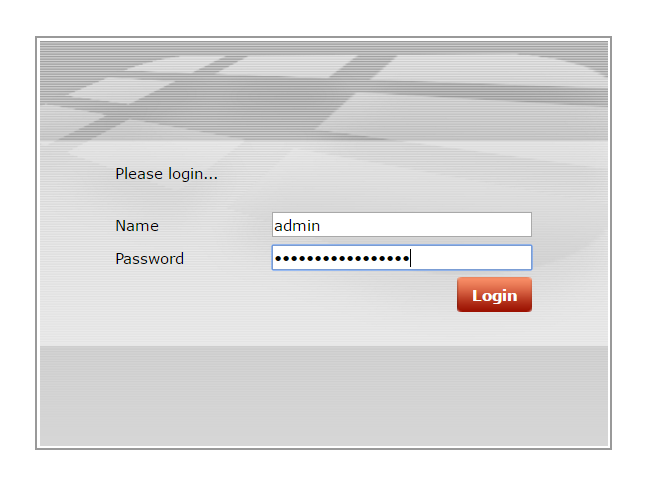
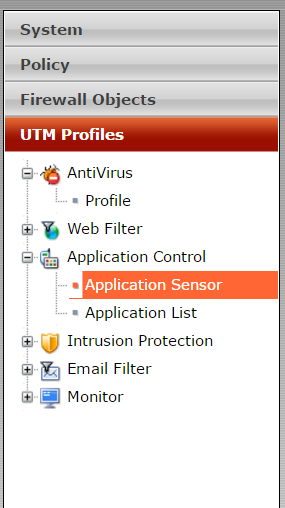
Cum blochezi aplicatiile Cloud pe Fortigate Data 09/12/2016 Autor Adrian Tu. Categorie Router/Firewall, Networking, Aplicații -13 1213 Configurare noua (How To) SituatieAi in retea un Fortigate si doreste sa blochezi aplicatii ca : Dropbox, GoogleDrive, OneDrive, etc. Solutie Pasi de urmat Te loghezi cu utilizatorul de admin pe Fortigate: Alegi UTM Profiles -> Application Control – > Application Sensor Din dreapta sus alegi profilul block_applications Creezi un nou filtru, alegi ce aplicatii doresti sa blochezi si pui bifa pe Block. Apoi salvezi. Tip solutiePermanent Etichetare: aplicatii Cloudaskitaskit.roblockCum blochezi aplicatiile Cloud pe FortigateDropboxFortigateGoogleDriveonedrive Voteaza Up Down (21 din 55 persoane apreciaza acest articol) ShareTweetShare Despre Autor Adrian Tu. Solutii Asemanatoare Cum rezolvam problema timpului din Windows cand apar decalaje de ora 4 Cum ascunzi programele instalate din lista de dezinstalare in Windows 2 4 Excel tools you won’t find on the ribbon 4 How to use claude to build automations in Excel 6 Task Manager won’t tell you what’s eating your RAM, but this free app will 4 Cum construiești un site WordPress gratuit 3 Leave A Comment? × Cancel Reply Save my name, email, and website in this browser for the next time I comment. × six = 30
Leave A Comment?