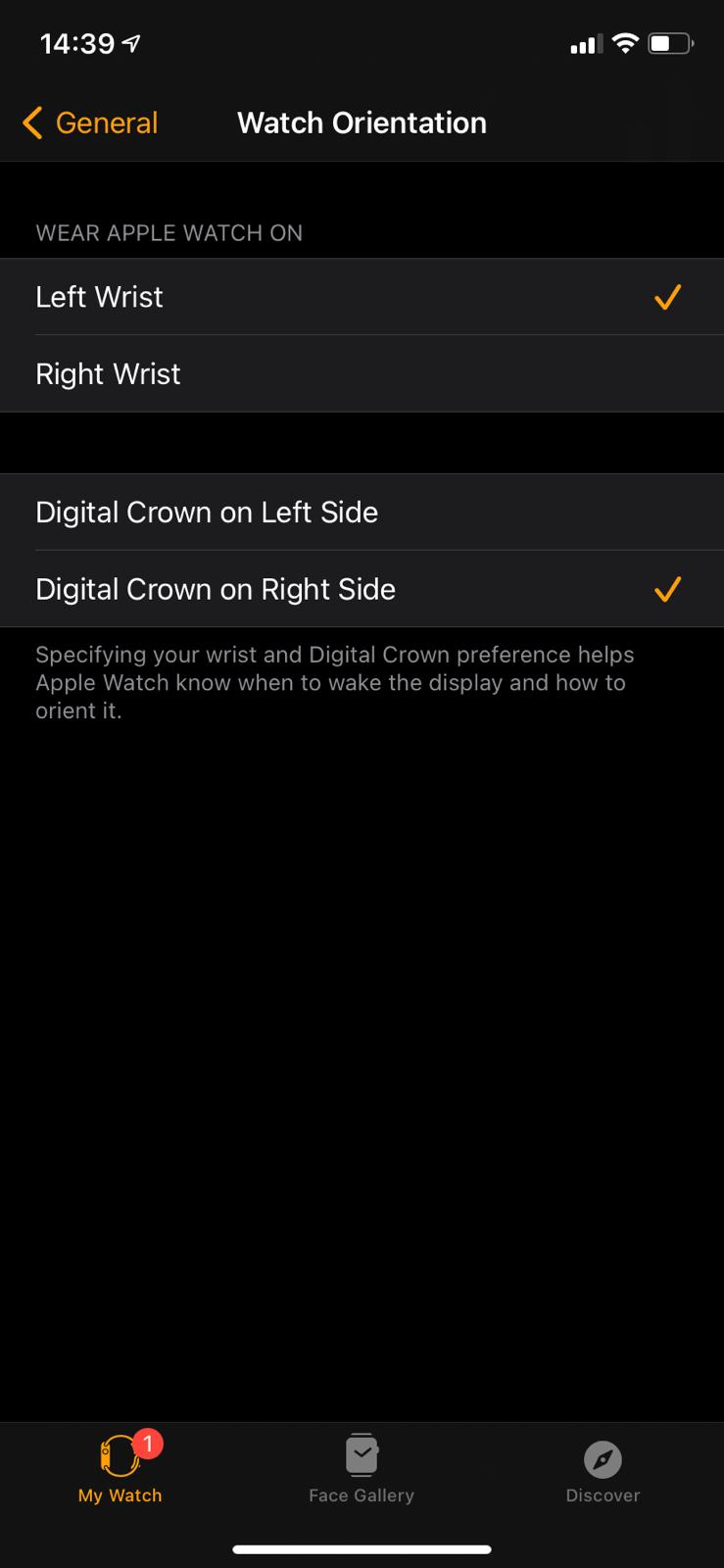
Cum modifici orientarea AppleWatch-ului tau Data 18/05/2021 Autor vlad damian Categorie Mobile, Soluții 4 536 Configurare noua (How To) Situatie Solutie Apasam pe aplicatia Watch de pe desktop Aici selectam General Intram pe Watch Orientation In functie de mana pe care dorim sa fie ceasul, putem seta aici: stanga sau dreapta. Tip solutiePermanent Etichetare: applewatch Voteaza Up Down (25 din 46 persoane apreciaza acest articol) ShareTweetShare Despre Autor vlad damian Solutii Asemanatoare Stop using Rufus to burn ISOs, these 2 tools for Windows and Linux are better 2 How to setup CodeGPT + WSL and Ollama 5 Tuxedo OS install guide 3 Spyware-ul pe înțelesul tuturor: cum îl eviți? 3 Bypass Siri AI waitlist on macOS 27 Golden Gate Beta 5 How to enable hidden CPU performance boost mode on Windows 11 3 Leave A Comment? × Cancel Reply Save my name, email, and website in this browser for the next time I comment. 1 × five =
Leave A Comment?
