
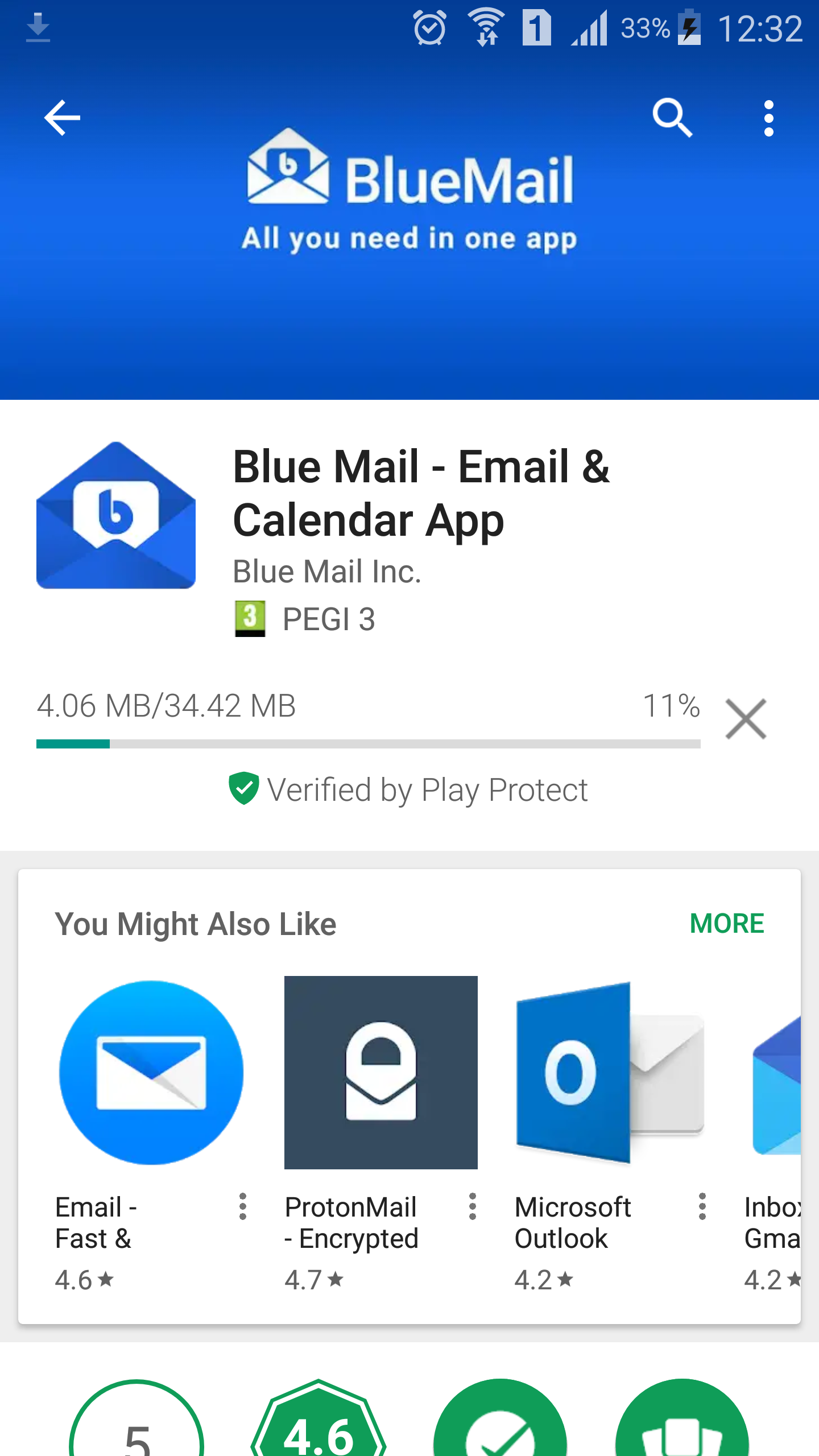
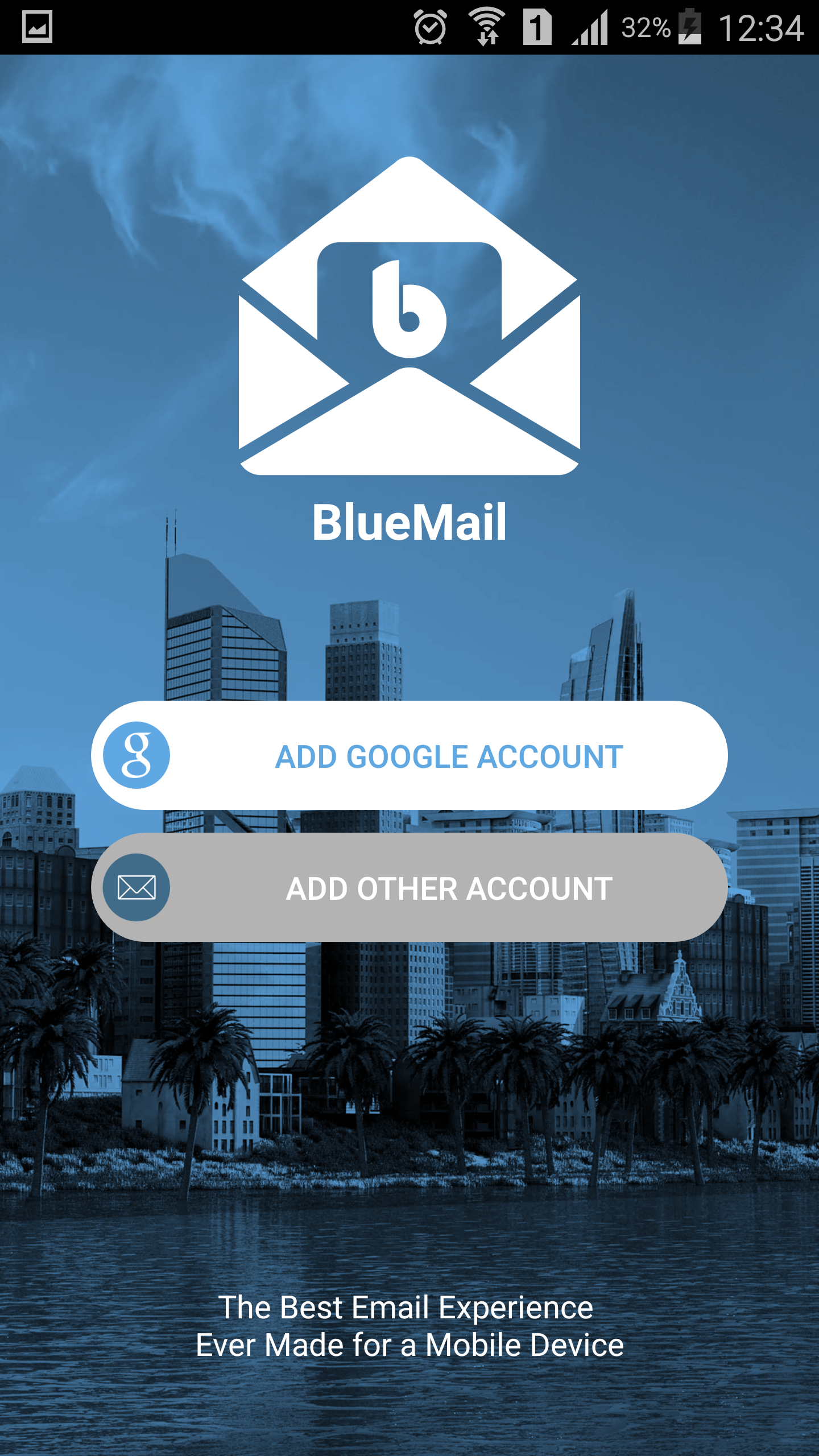
Cum sa configurezi exhange pe BlueMail Data 13/03/2018 Autor Robert Paraschiv Categorie E-mail -2 1465 Configurare noua (How To) SituatieInstalare Exchange pe BlueMail, o solutie alternativa de e-mail pentru dispozitivele mobile Solutie Pasi de urmat Se dowloadeaza si instaleaza aplicatia de pe PlayStore Se selecteaza tipul de mail dorit, in cazul de fata ADD OTHER ACCOUNT -> EXCHANGE Se introduce domeniuusername si parola pentru a termina configurarea si a va loga pe email. Tip solutiePermanent Etichetare: askitaskit.roBlueMailCum configurezi exhangeCum sa configurezi exhange pe BlueMailexchangePlayStore Voteaza Up Down (28 din 58 persoane apreciaza acest articol) ShareTweetShare Despre Autor Robert Paraschiv Solutii Asemanatoare Remedierea erorii 500 (Internal Server Error) în Dropbox 9 Gestionarea funcției Meeting Insights și a conținutului sugerat 0 Cum se instalează PHP 5.6 și 7.0 – 8.4 cu PHP-FPM și modul FastCGI pentru ISPConfig 3.2 cu apt pe Debian 11 până la 12 7 5 Gmail features you can turn off -3 5 Outlook tools that save me time every single day 1 6 ways to speed up email management in Outlook 13 Leave A Comment? × Cancel Reply Save my name, email, and website in this browser for the next time I comment. 8 − = six
Leave A Comment?