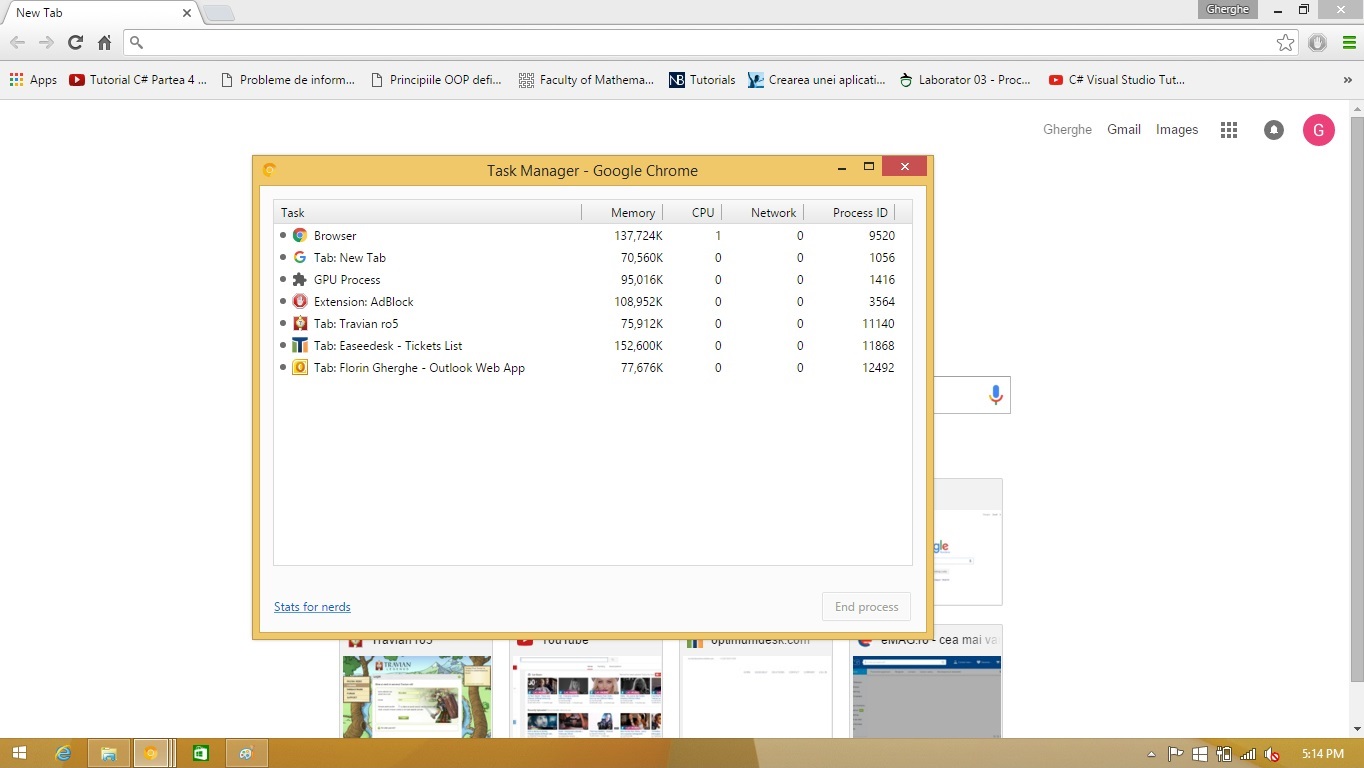
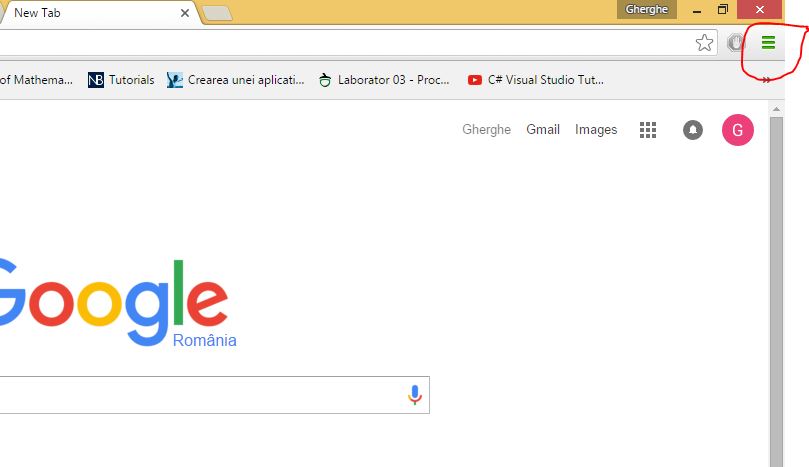
Cum sa deschizi task managerul pentru Google Chrome Data 11/12/2015 Autor Florin Ghe Categorie Configurare browser, Aplicatii specifice, Stații de lucru 2 953 Configurare noua (How To) SituatieAtunci cand o pagina se blocheaza si nu o mai poti inchide. Solutie Pasi de urmat Click pe Customize and Control Google Chrome Click pe More Tools Click pe Task Manager Sau se apasa combinatia de taste Shift+ESC. Tip solutieWorkaround Voteaza Up Down (27 din 51 persoane apreciaza acest articol) ShareTweetShare Despre Autor Florin Ghe Solutii Asemanatoare How to fix Windows Update Error 0x800f0922 on Windows 11 via System Repair Commands 2 How to fix Windows Update Error 0x800f0922 on Windows 11 via Registry Editor Settings 1 How to fix Windows Update Error 0x800f0922 on Windows 11 via Windows Firewall Settings -1 How to Fix Windows Update Error 0x800f0922 on Windows 11 via Windows features settings 0 7 Windows 11 features that are silently violating your privacy 1 How to use the FIND function in Microsoft Excel 1 Leave A Comment? × Cancel Reply Save my name, email, and website in this browser for the next time I comment. − six = two

Leave A Comment?