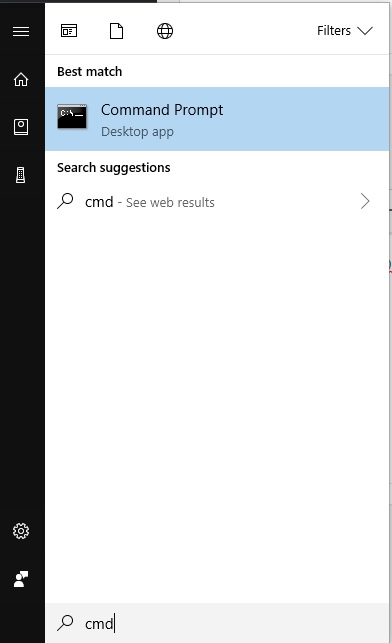
Cum sa vedem share-urile mapate pe statia respectiva din cmd Data 08/11/2018 Autor Raul Petre Categorie OS - Windows, Stații de lucru -3 804 Configurare noua (How To) SituatieDaca dorim sa vedem ce mapari de retea avem create pe statia respectiva si calea completa din cmd. Solutie Pasi de urmat Deschidem un terminal CMD Folosim comanda “net use”. Ne va afisa litera asignata partiei si calea. Tip solutiePermanent Voteaza Up Down (22 din 47 persoane apreciaza acest articol) ShareTweetShare Despre Autor Raul Petre Solutii Asemanatoare Stop using Rufus to burn ISOs, these 2 tools for Windows and Linux are better 5 Tuxedo OS install guide 1 Spyware-ul pe înțelesul tuturor: cum îl eviți? 3 How to enable hidden CPU performance boost mode on Windows 11 3 Cum remediem: you can’t Sign in with this account error In Windows 11 3 Remediere: ASSIGN_DRIVE_LETTERS_FAILED 0 Leave A Comment? × Cancel Reply Save my name, email, and website in this browser for the next time I comment. four − = 3
Leave A Comment?
